How to Connect OpenClaw to YouTube: The Reliable MCP Setup Guide
How to Connect YouTube to OpenClaw: The Ultimate Guide (2025)
Do you want to give your OpenClaw agent "eyes" and "ears"?
Imagine if your local AI agent could watch YouTube videos for you.
It could summarize hour-long podcasts while you sleep. It could extract code from Python tutorials and run it. It could even monitor your competitors' channels for new uploads and tell you exactly what strategy they are pivoting to.
It sounds amazing, right?
But if you have tried to build this yourself, you probably hit a wall.
You write a simple Python script to scrape a transcript. It works for the first two videos. Then, suddenly, it stops.
You get a 429 Too Many Requests error. Or worse, a RequestBlocked error.
YouTube has banned your IP address.
Now you are stuck managing rotating proxies, headless browsers, and captchas. You are spending more time fixing your scraper than building your agent.
I have good news. There is a much better way.
In this post, I’m going to show you how to connect YouTube to OpenClaw (formerly ClawdBot) reliably. We will use a dedicated Agent Skill powered by TranscriptAPI.
The best part? It takes one single command to set up.
By the end of this guide, your agent won't just be text-based. It will have access to the largest video library on earth.
Let’s dive in.
Why Your Local Scraper Always Fails
Before we fix the problem, you need to understand why it happens.
Most developers use open-source libraries like youtube-transcript-api or yt-dlp. These are incredible tools. I love them. They are great for small, one-off tasks on your laptop.
But when you use them with an autonomous agent like OpenClaw, you run into trouble.
Here is the technical reality.
OpenClaw runs locally on your machine. That means all the requests come from your home or office IP address.
YouTube hates bots. They have sophisticated systems to detect non-human behavior. They look at:
Request Headers: Is this a real browser?
IP Reputation: Has this IP requested 50 transcripts in the last minute?
TLS Fingerprints: Does the SSL handshake look like Chrome, or like a Python script?
When your agent tries to fetch five or ten transcripts in a row to "research a topic," YouTube flags your IP. They block the request to protect their servers.
To get around this, you would need to buy "residential proxies." You would need to manage IP rotation logic. You would need to solve captchas.
These cost money. They require complex configuration.
You don't want to become a proxy engineer. You just want your agent to work.
This is exactly why figuring out how to connect YouTube to OpenClaw properly is the most important step in your agent's development.
The Solution: Use a "Skill" That Handles the Heavy Lifting
The smartest way to solve this is to use a pre-built Skill.
In the OpenClaw ecosystem, a Skill is like a plugin. It gives your agent new capabilities instantly. It connects the "brain" of your LLM (Large Language Model) to the "hands" of external tools.
We are going to use the youtube-full skill.
This skill connects your agent to TranscriptAPI, a service that acts as an infrastructure layer between your agent and YouTube.
It handles:
Proxy rotation
Captcha solving
Format parsing
Metadata extraction
You simply ask your agent for a video, and the API handles the messy work of getting the text from YouTube. It returns clean, structured JSON data that your agent can easily read.
It turns a complex engineering problem into a simple function call.
Here is how to set it up in less than 2 minutes.
Step 1: Install the YouTube Skill
Forget about editing JSON config files. Forget about "Porter" or complex OAuth flows.
OpenClaw has made this incredibly simple.
Open your terminal (or wherever you run OpenClaw) and paste this command:
npx clawhub@latest install youtube-full
That’s it.
This command does three things:
It downloads the
youtube-fullskill from the official repository (ZeroPointRepo/youtube-skills).It installs the necessary dependencies.
It registers the tools with your OpenClaw agent configuration.
This skill includes everything you need:
Transcripts: Get the text from any video.
Search: Find videos without leaving the chat.
Channel Data: See what a creator is posting.
Playlists: Grab entire collections of videos at once.
Step 2: Let the Agent Handle Authentication
You might be wondering, "Don't I need an API key?"
Yes, you do. But you don't need to leave your terminal to get one. You don't need to open a browser, fill out a form, and copy-paste a key.
The youtube-full skill has a built-in onboarding flow.
Here is what happens the first time you run it:
Start your agent. Run OpenClaw as you normally would.
Trigger the skill. Ask the agent to do something simple, like: "Get the transcript for this video."
Automated Setup. The agent will detect you don't have a key yet. It will prompt you right in the chat.
Register. It will ask for your email address to register you for a free account.
Note: You get 100 free credits to start. No credit card is required.
Verify. You will receive a 6-digit verification code (OTP) in your email.
Input Code. Tell the agent the code.
Boom.
The agent verifies you with the server, retrieves your unique API key, and saves it to your openclaw.json or moltbot.json configuration file automatically.
You are now ready to go. You never have to touch a config file.
Step 3: Start Using Your "Superpowered" Agent
Now that you know how to connect YouTube to OpenClaw, let's look at what you can actually do with it.
Most people think, "I'll just summarize videos." That is boring. Your agent can do so much more.
Here are four powerful workflows you can try right now.
Now that you're set up, try building a video-to-code agent with OpenClaw — extract code from any YouTube tutorial automatically.
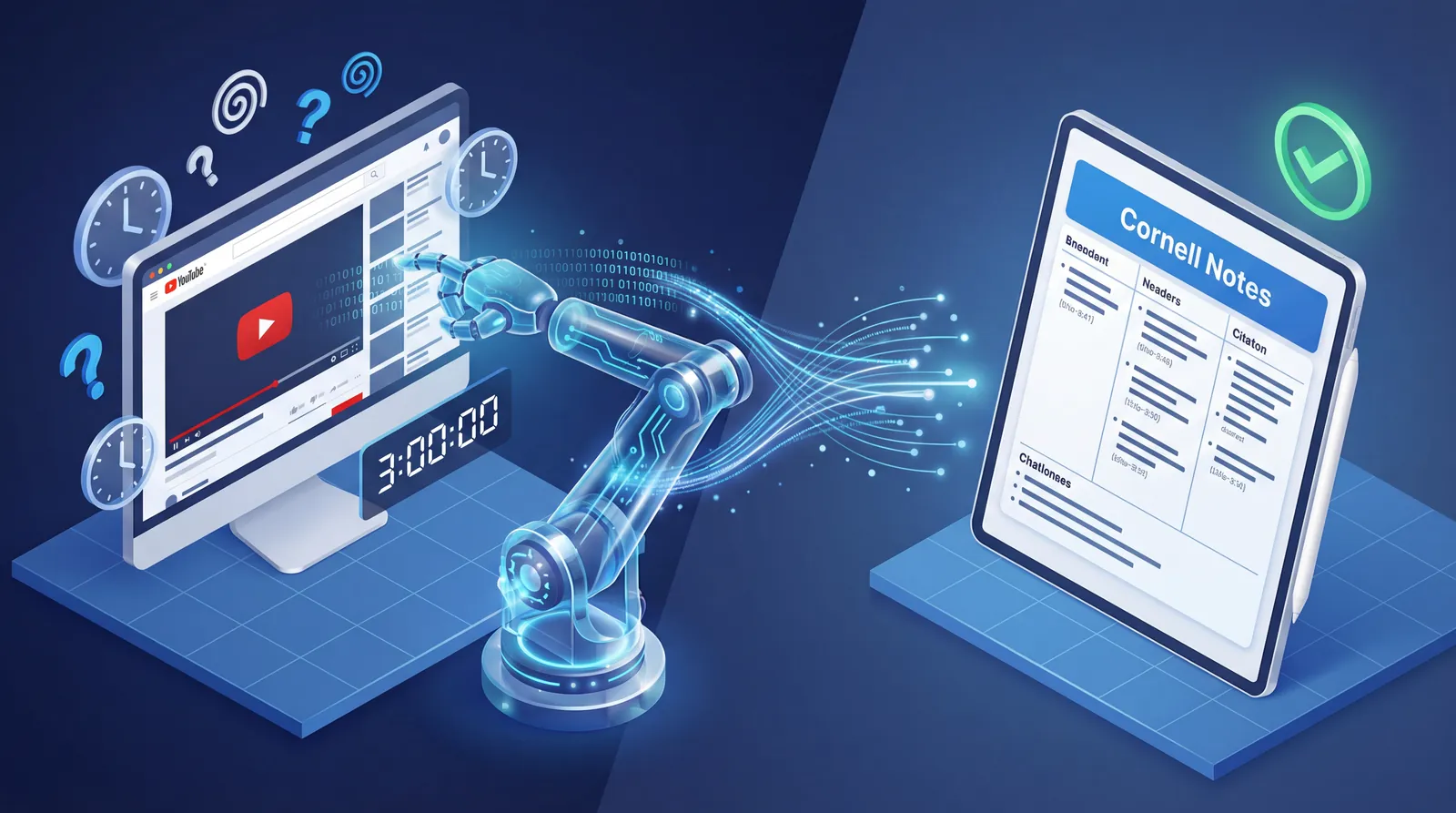
Or build an AI study buddy that turns 3-hour lecture videos into structured Cornell Notes.
Workflow 1: The "Competitor Spy"
Do you have a YouTube channel? Or do you run a business?
You need to know what your competitors are doing. But watching their videos takes hours.
With the youtube-full skill, your agent can audit an entire channel in seconds.
Try this prompt:
"Check the @TED channel. What are the last 5 videos they uploaded? If any are about AI or technology, get the transcript and summarize their key argument."
What happens behind the scenes:
The agent calls
get_channel_latest. (This is actually a free endpoint with TranscriptAPI!).It filters the list for "AI" or "technology".
It calls
get_transcriptfor the matching videos.It reads the text and writes a summary for you.
You just saved 2 hours of work in 30 seconds.
Workflow 2: The "Learning Accelerator"
Stop watching 2-hour university lectures.
If you are a developer, you know the pain. You find a great tutorial on "Rust Programming," but it's 4 hours long. You only need to know how memory safety works.
Try this prompt:
"Here is a playlist of a Rust programming course: [Insert Link]. Find the video that talks about 'Borrow Checker'. Extract the transcript and explain the concept to me like I'm 5."
What happens:
The agent calls
get_playlist_videos.It scans the titles for "Borrow Checker".
It fetches that specific transcript.
It teaches you the concept.
Workflow 3: The "Content Repurposer"
Content creators, listen up.
You can turn one video into a week's worth of content.
Try this prompt:
"Get the transcript for this video: [Insert Link]. Based on the content, write a Twitter thread, a LinkedIn post, and a short blog post intro."
The agent pulls the raw text, understands the context, and reformats it for every platform.
Workflow 4: The "Fact Checker"
Do you want to verify a claim?
Try this prompt:
"Search YouTube for 'Climate Change 2024'. Find the top 3 most viewed videos. Compare their arguments. Do they agree on the main causes?"
The agent uses the search_youtube tool to find the videos, then pulls the data, and performs a comparative analysis.
Technical Deep Dive: How It Works Under the Hood
For the developers reading this, let's peek under the hood.
When you run npx clawhub@latest install youtube-full, you are installing a specialized toolset.
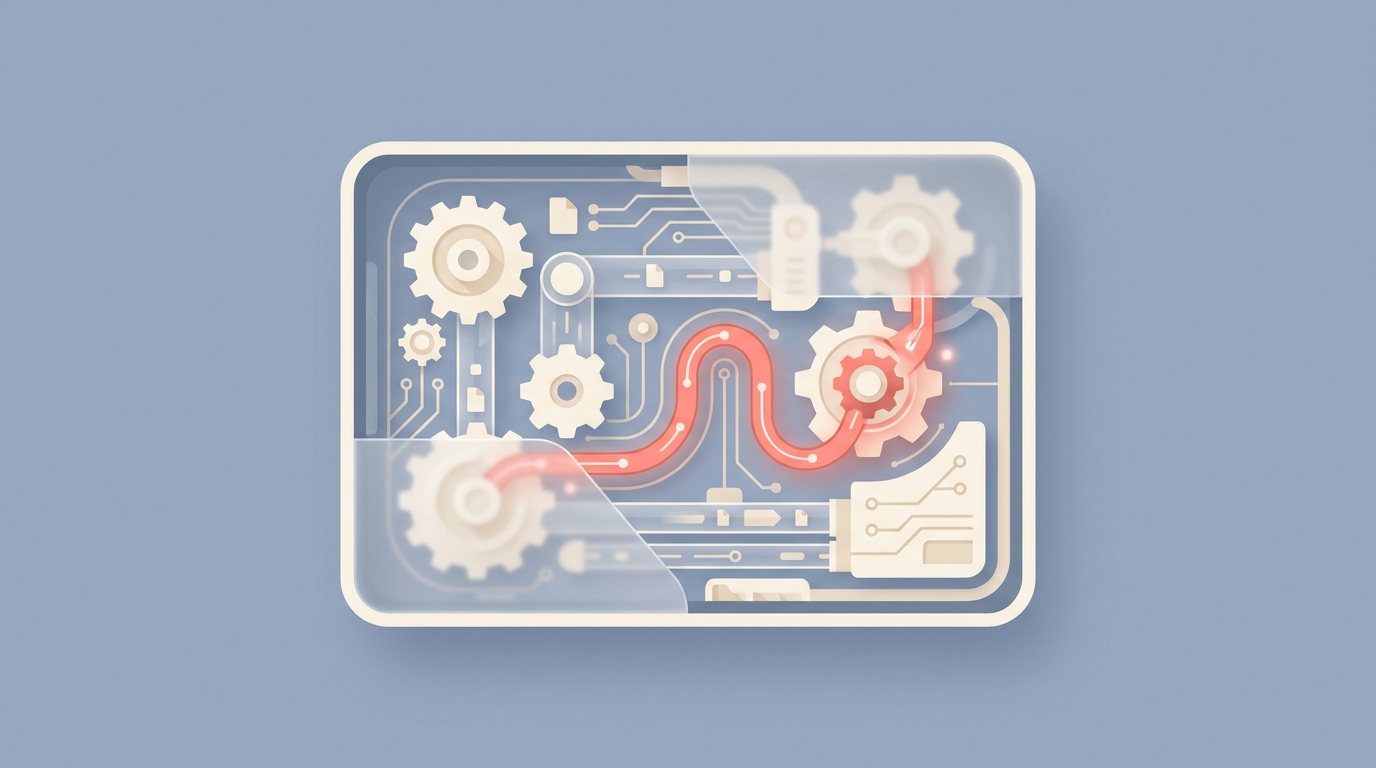
OpenClaw uses a "Tool Use" architecture. When you ask a question, the LLM determines if it needs external data.
If you ask, "What is the capital of France?", the LLM answers from its training data.
If you ask, "What did MKBHD say about the new iPhone?", the LLM knows it doesn't know. It looks at its toolkit. It sees youtube-full.
It constructs a JSON payload:
{
  "tool": "search_youtube",
  "query": "MKBHD new iPhone review",
  "limit": 1
}
It sends this to the TranscriptAPI backend.
The backend processes the request using enterprise-grade proxies. It bypasses the "Sign in to confirm you're not a bot" screens. It bypasses the "429 Too Many Requests" blocks.
It returns a clean JSON response:
{
  "video_id": "xyz123",
  "title": "iPhone 16 Review",
  "transcript": [
    {"text": "So, the new camera button is interesting...", "start": 12.5}
  ]
}
Your agent reads this JSON and generates the final answer.
This separation of concerns is critical. Your agent handles the intelligence. TranscriptAPI handles the access.
Why This is Better Than DIY
You might be thinking, "Can't I just stick to my free script? Why should I use a service?"
You can. I used to do that too.
But you will pay for it with your time.
1. Reliability
Your local script relies on YouTube's HTML structure remaining exactly the same. YouTube changes their code constantly.
When they change a div class or update their player logic, your script breaks. You have to spend your Saturday morning debugging regex patterns.
TranscriptAPI monitors these changes 24/7. When YouTube updates, they update. You don't have to touch a thing.
2. Safety
I cannot stress this enough: IP Bans are real.
If you run a scraper from your home internet, and Google flags you, it doesn't just block your scraper. It can trigger captchas on your Google Search. It can affect your Gmail access.
Using a third-party API acts as a firewall. Your IP never touches YouTube's servers.
3. Speed and Scale
If you want to analyze a playlist with 100 videos, a local script has to go slow. It has to "sleep" between requests to look human. Processing that playlist might take an hour.
With the youtube-full skill, you can fire off requests rapidly. The API handles the load balancing. You can ingest a whole course in minutes.
Frequently Asked Questions (FAQ)
Q: Is the youtube-full skill free?
A: The skill itself is open-source and free to install. The service (TranscriptAPI) offers a free tier with 100 credits. This is enough for about 100 video transcripts. After that, it is a paid service (starting at $5/month), but it is very affordable compared to buying proxies.
Q: Does this work on Windows?
A: Yes! OpenClaw and the npx command work on Windows, macOS, and Linux. The setup process is identical.
Q: Can I use this with other agents?
A: Yes. While this guide focuses on how to connect YouTube to OpenClaw, the same underlying skill works with Claude Code, Cursor, and Windsurf. The installation command npx skills add ZeroPointRepo/youtube-skills works for those environments.
Q: What if I only want transcripts, not search?
A: You can install a lighter version of the skill. Instead of youtube-full, you can install just transcript. However, I recommend youtube-full because it gives your agent the most flexibility.
Q: Where is my API key stored?
A: It is stored locally on your machine in your agent's configuration file. It is never sent to the LLM provider (like OpenAI or Anthropic) except as part of the tool execution log, and it is never shared with other users.
Conclusion
Building a local AI agent is one of the most exciting projects you can take on.
But an agent without data is just a fancy chatbot.
To build a truly autonomous agent—one that can research, learn, and monitor the world for you—you need to give it access to the world's information.
YouTube is a massive part of that world.
Don't let infrastructure headaches slow you down. Don't waste time managing proxies.
By learning how to connect YouTube to OpenClaw using the youtube-full skill, you solve the data ingestion problem instantly.
You simply run:
npx clawhub@latest install youtube-full
And just like that, your agent has instant, ban-free ears.
Go give your agent the upgrade it deserves.
Want to supercharge your agent further? Check out the 5 best OpenClaw skills every developer needs in 2026.
Frequently Asked Questions
- Why does my local YouTube scraper fail when it runs inside OpenClaw?
- OpenClaw runs on your own machine, so every request leaves from your home or office IP. YouTube detects non-human patterns — burst requests, browser-mismatched TLS fingerprints, script-like headers — and blocks the IP, especially when the agent fetches five to ten transcripts in a row to research a topic. Managing rotating proxies to dodge this is expensive and turns you into a proxy engineer instead of an agent builder, which is why most people connect a managed YouTube transcript API instead.
- What is a Skill in OpenClaw, and how do I install the TranscriptAPI one?
- A Skill is a plugin that extends OpenClaw's abilities. The TranscriptAPI skill installs with a single mcporter command — no code to write — and connects over the Model Context Protocol (MCP). Once installed, the agent can fetch YouTube transcripts, search YouTube, list channel videos, and pull playlist data, calling each the same way it calls any other tool.
- What can OpenClaw do with YouTube once the TranscriptAPI skill is installed?
- The agent can fetch the full transcript of any public YouTube video, search YouTube by keyword and get structured results, list every video from a channel, and watch channels for new uploads. With those capabilities it can do things like summarize a long podcast overnight or track how a competitor channel is shifting its strategy — all without IP blocks or scraper maintenance, because TranscriptAPI handles extraction on its own infrastructure.