How to Build a Video-to-Code Agent with OpenClaw
Do you hate watching 20-minute tutorials just to find three lines of code?
I do.
You know the feeling. You are stuck on a bug. You search Google. You find a YouTube video that promises the exact solution.
The video is 25 minutes long. The intro is five minutes. The creator spends another five minutes asking you to "smash that like button."
Somewhere in the middle, they type the code you need. But you can’t copy-paste it. You have to pause the video, squint at the screen, and type it out manually.
It is a waste of time.
What if I told you there is a better way?
What if you could build a digital employee, a local AI agent, that watches the video for you?
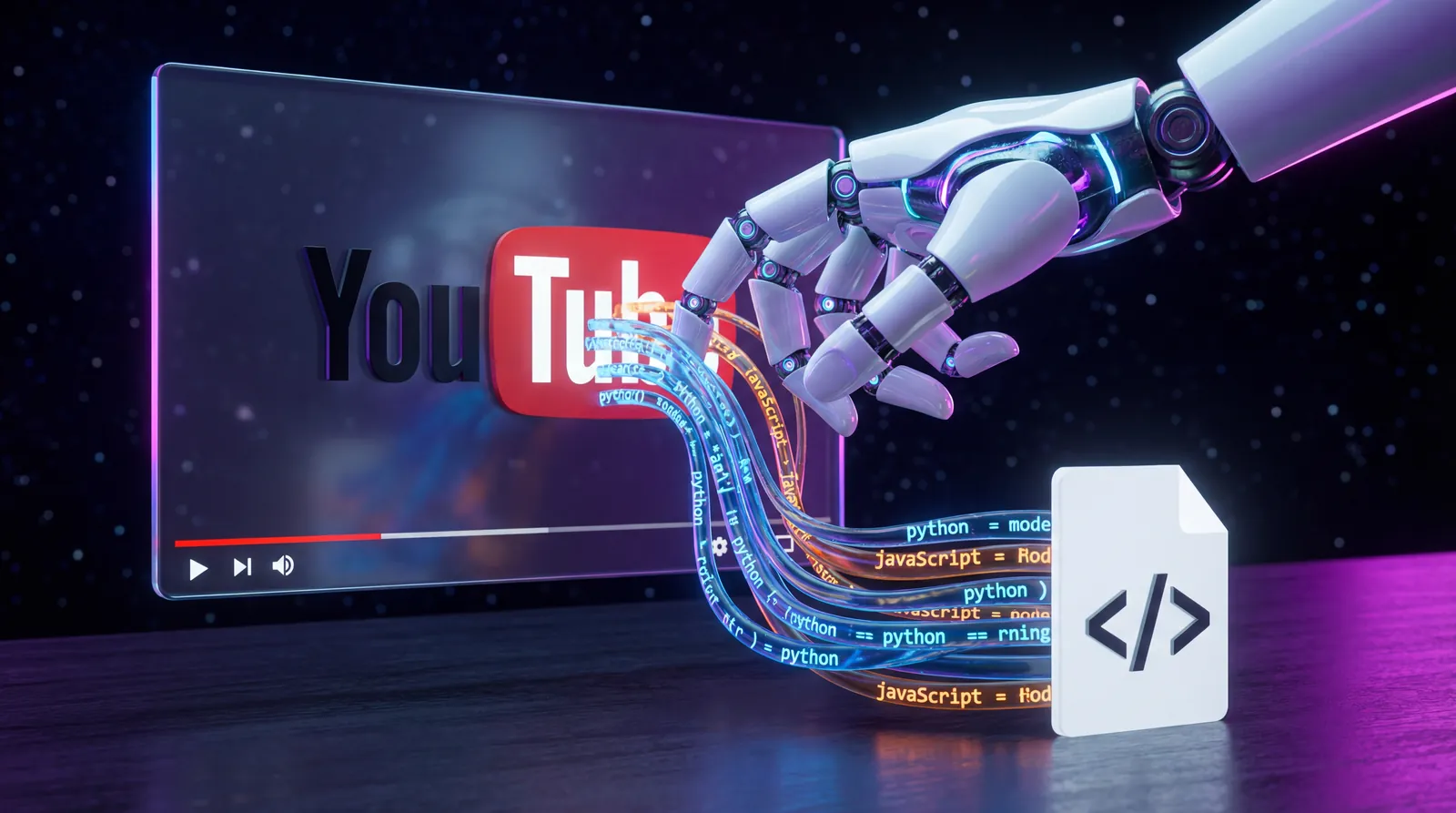
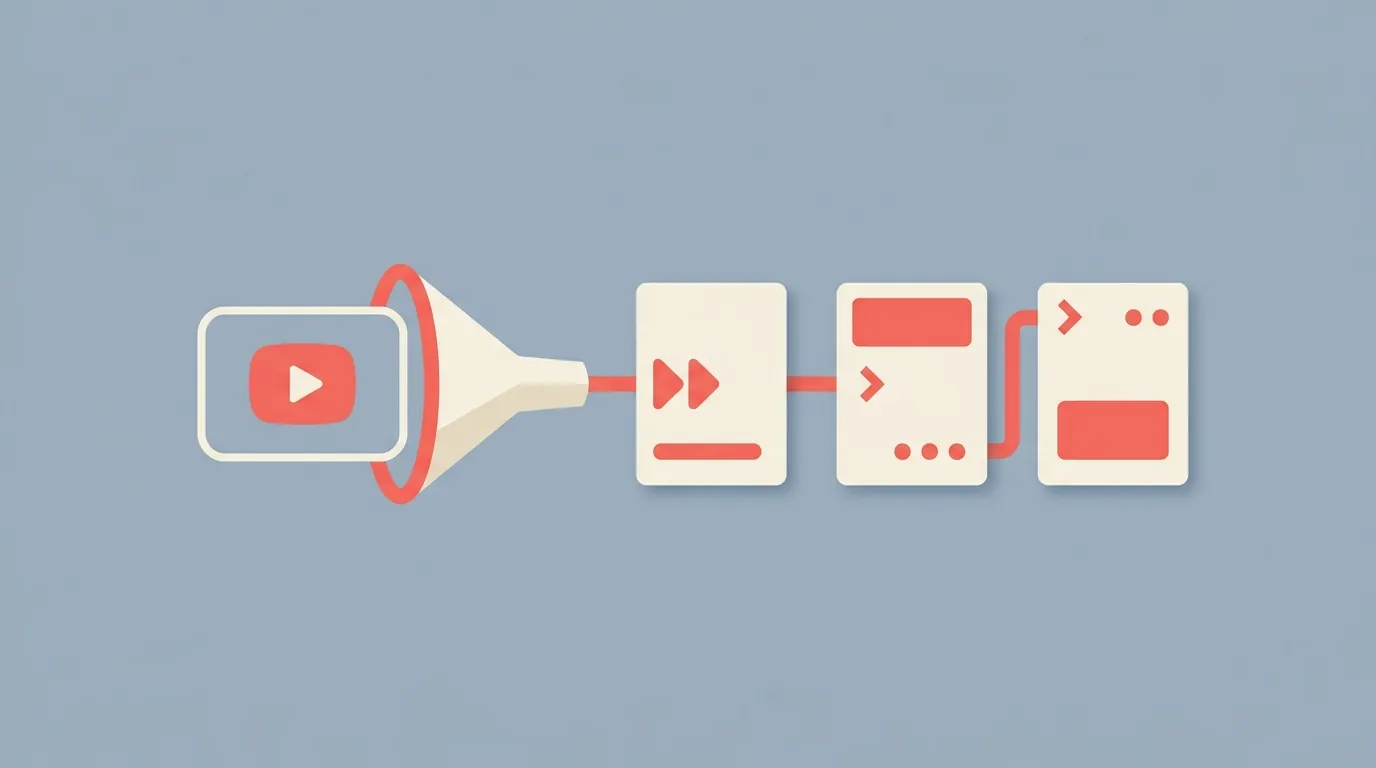
Imagine an agent that scans the video, finds the code, extracts it, and saves it to a file on your computer. All in seconds.
You don't have to imagine it. You can build it today.
In this guide, I’m going to show you exactly how to build a "Video-to-Code" Agent using Clawdbot (now known as Moltbot) and TranscriptAPI.
We are going to cover:
Why manual video tutorials are killing your productivity.
The rise of "Local AI Agents" like Clawdbot.
Why scraping YouTube scripts fails 90% of the time (and how to fix it).
A step-by-step guide to building the agent using the Model Context Protocol (MCP).
Ready to save hours of your life? Let’s dive in.
The Problem: Video is a Black Box for Developers
YouTube is the world's biggest library of coding knowledge.
There are millions of hours of tutorials on Python, React, Rust, and System Design. It is an incredible resource.
But for developers, video has a major flaw. It is unstructured data.
Search engines can find the video, but they can't effectively search the content inside the video. And you certainly cannot run a git clone on a YouTube URL.
This friction creates what I call "Tutorial Hell." You spend more time scrubbing through timelines than you do writing code.
The "Copy-Paste" Gap
To get code from a video, you usually have to:
Watch at 2x speed.
Spot the code block.
Pause the video.
Switch to your IDE.
Type it out.
Debug the typos you made because the video resolution was low.
This breaks your flow state.
We need a bridge. We need a tool that turns the "Black Box" of video into structured, executable text.
This is where AI agents come in.
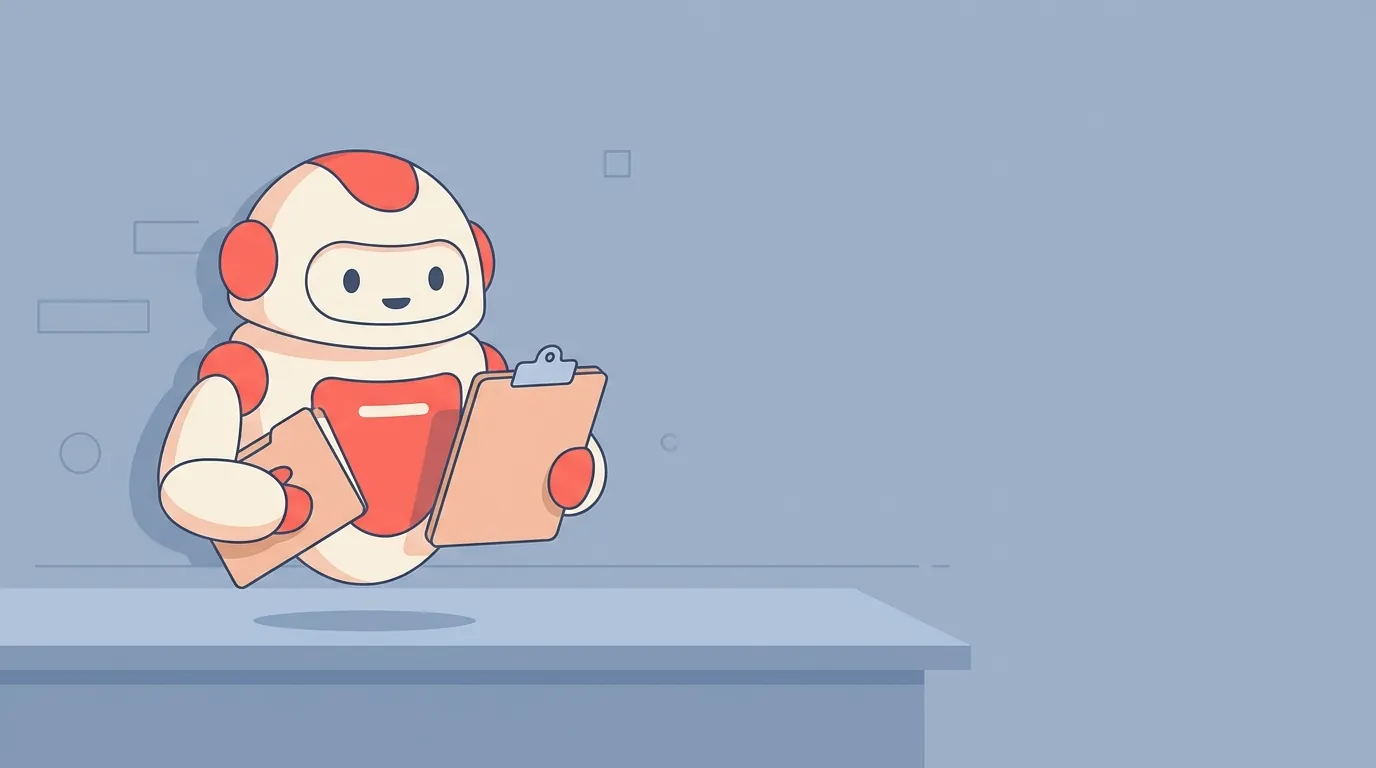
Introducing OpenClaw (MoltBot/ClawdBot): Your Local Digital Employee
If you haven't heard of Clawdbot (recently rebranded to OpenClaw), pay attention. This is the future of how we work with computers.
Most AI tools, like ChatGPT, live in your browser. They are chatbots. You talk to them, they talk back.
OpenClaw is different. It is an Agent.
It runs locally on your machine (like a Mac Mini or your laptop). It has "hands." It can:
Read and write files on your hard drive.
Run terminal commands.
Use browser tools.
Send messages to your Slack or Telegram.
It is like hiring a junior developer who lives inside your computer and works 24/7.
But even the smartest agent is useless if it is blind.
If you want your Clawdbot to write code from a video, it needs to "see" the video. It needs the transcript.
And that leads us to the biggest technical hurdle.
Why Your "Home-Brewed" Scraper Will Fail
When developers first try to solve this problem, they usually do the obvious thing.
They write a Python script.
They grab a library like youtube-transcript-api or pytube. They tell their Clawdbot agent: "Run this script to fetch the subtitles."
It works great for the first video. Maybe the second.
Then, boom.
Error 429: Too Many Requests.
Or worse: RequestBlocked.
YouTube has banned your IP address.
The "Cat and Mouse" Game
YouTube does not like bots. They have sophisticated systems to detect automated scraping.
If you run a scraper from your home IP address, you look like a bot. YouTube blocks you.
To get around this, you would need:
Rotating Proxies: Buying access to thousands of IP addresses.
Headless Browsers: Running invisible Chrome instances to trick YouTube into thinking you are a human.
Captcha Solvers: Paying services to click on pictures of traffic lights.
Do you want to spend your weekend debugging proxy rotation scripts?
I didn’t think so. You want to build a coding agent, not an infrastructure company.
This is why we don't scrape. We use APIs.
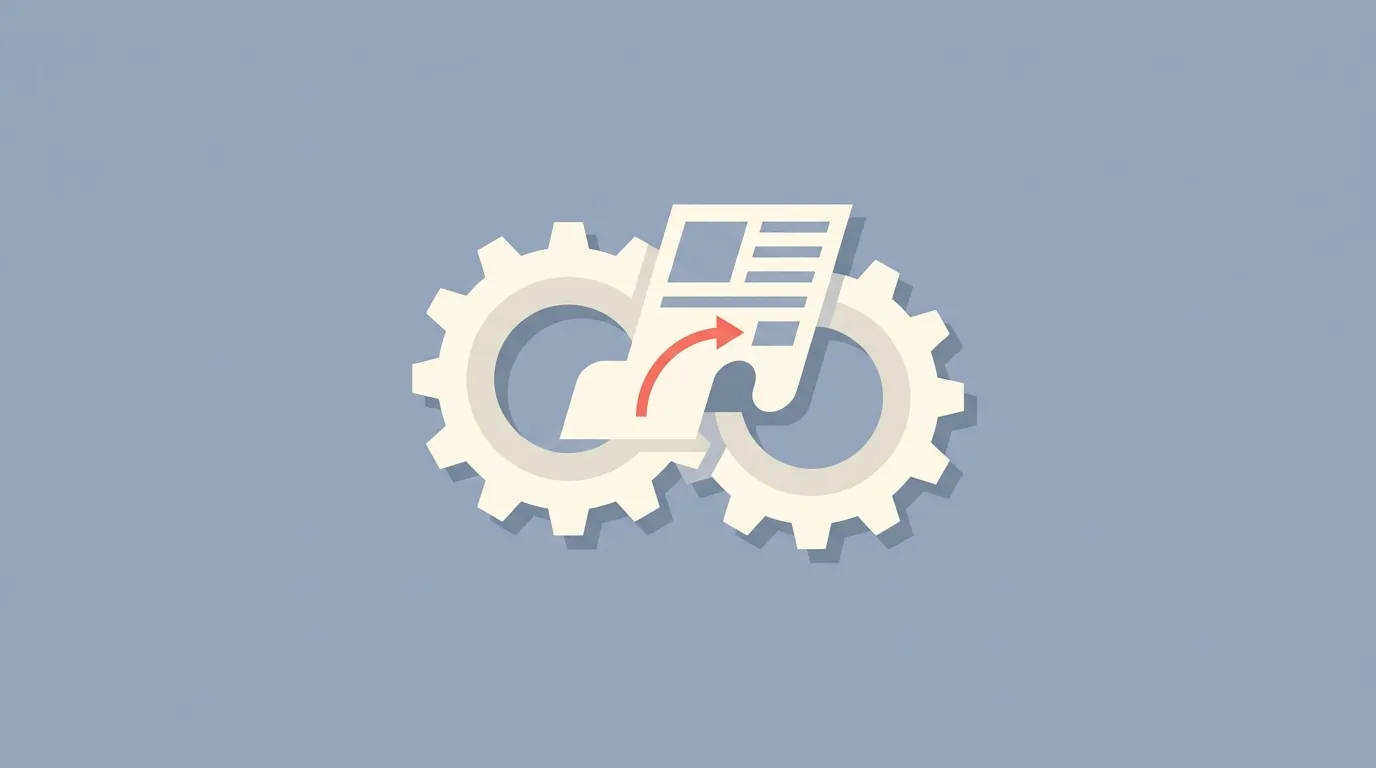
The Solution: TranscriptAPI + MCP
To build a reliable OpenClaw coding agent, we need a reliable data pipeline.
We are going to use TranscriptAPI.
TranscriptAPI is a service that handles all the messy work for you. It rotates the proxies. It handles the Captchas. It deals with YouTube's layout changes.
You just send it a URL, and it sends back clean, structured data.
But here is the "secret sauce" that makes this tutorial possible: The Model Context Protocol (MCP).
What is MCP?
Think of MCP as a USB-C port for AI.
Before MCP, if you wanted to connect OpenClaw to a new tool, you had to write custom integration code. It was messy and hard to maintain.
MCP is a standard. It allows an AI agent (like Clawdbot/OpenClaw) to connect to any tool (like TranscriptAPI) instantly.
You don't need to write a wrapper. You just plug the MCP server URL into your agent, and your agent instantly "learns" how to use the tool.
It is plug-and-play for AI.
Step-by-Step Guide: Building Your Video-to-Code Agent
Enough theory. Let’s build this thing.
By the end of this section, you will be able to send a YouTube link to your Clawdbot and get a code file back.
Step 1: Get Your TranscriptAPI Key
First, you need access to the data.
Go to TranscriptAPI.com.
Sign up for an account.
Go to the dashboard and copy your API Key.
They offer a free tier with 100 credits, which is plenty for testing this workflow.
Need detailed setup instructions? See our complete OpenClaw YouTube MCP setup guide.
Step 2: Install the mcporter Skill in OpenClaw
Clawdbot needs a way to "speak" MCP. To do this, we use a community skill called mcporter.
This skill acts as a client. It manages the connections to MCP servers.
If you have Clawdbot installed, open your terminal and run:
npx clawhub@latest install @steipete/mcporter
Once installed, restart your Clawdbot gateway so it loads the new skill.
Step 3: Configure the Connection
Now we need to tell mcporter where to find TranscriptAPI.
You will need to edit the mcporter.json configuration file. This is usually located in your Clawdbot config folder (e.g., ~/.clawdbot/config/mcporter.json).
If the file doesn't exist, create it.
Paste in this configuration:
JSON
{
  "mcpServers": {
    "transcriptapi": {
      "baseUrl": "https://transcriptapi.com/mcp",
      "description": "YouTube Transcript Extraction",
      "headers": {
        "Authorization": "Bearer YOUR_API_KEY_HERE"
      },
      "tools": [
        { "name": "get_youtube_transcript" }
      ],
      "enabled": true
    }
  }
}
Replace YOUR_API_KEY_HERE with the key you got in Step 1.
Save the file and restart Clawdbot again.
Step 4: Verify the Tool
Let's make sure your agent can see the new tool.
Open your chat with OpenClaw (Telegram, Discord, or Terminal) and ask:
"What tools do you have available via mcporter?"
Your agent should list transcriptapi and the get_youtube_transcript tool.
If it sees it, you are ready to code.
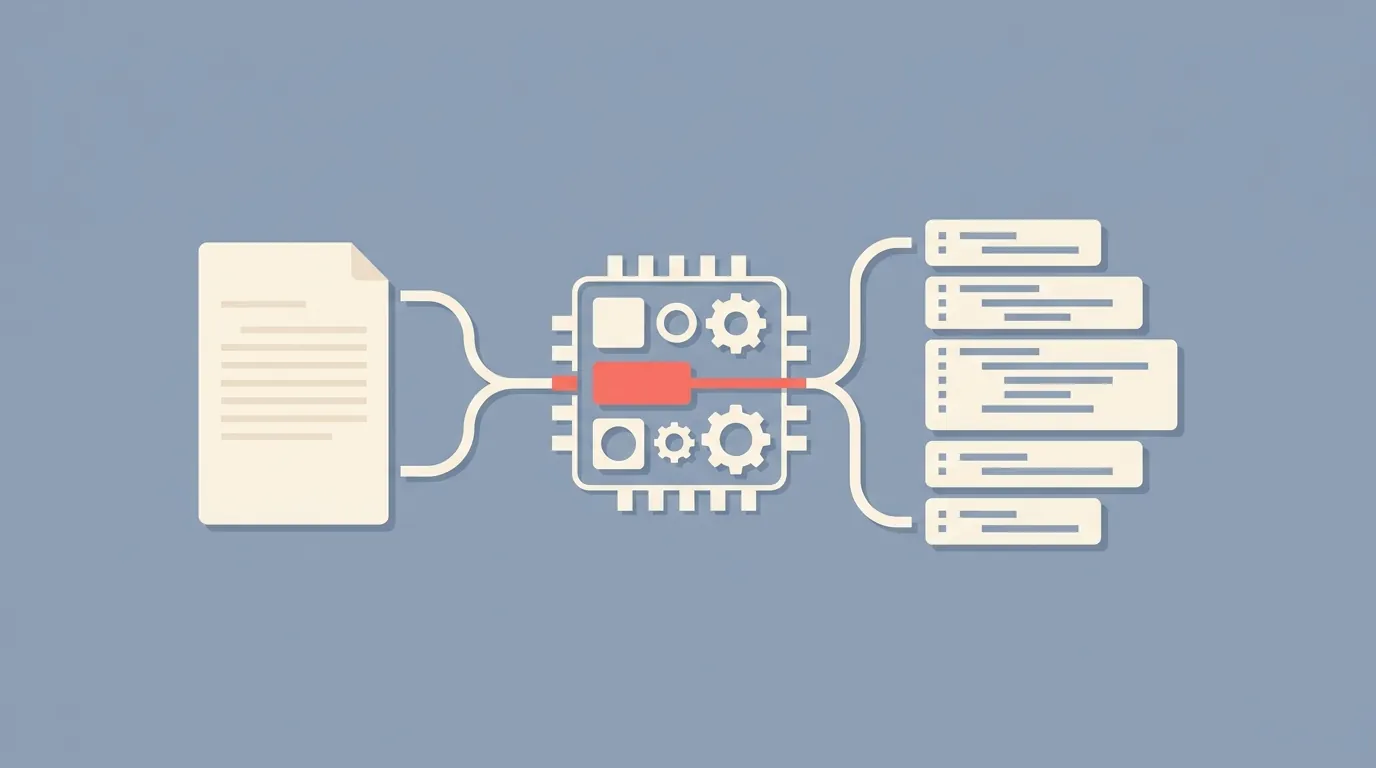
The Workflow: Turning Text into Code
Now comes the fun part. We aren't just going to ask for a transcript. We are going to give the agent a specific "Job Description."
We want it to act like a Senior Developer.
The "Video-to-Code" Prompt
You can save this as a "Skill" or just paste it into your chat.
The Prompt:
"I want you to act as a Video-to-Code Converter.
I will give you a YouTube URL.
Use the
transcriptapitool to fetch the transcript. Important: Request the 'json' format so you get timestamps.Analyze the text. Look for programming code being dictated or explained.
Extract the code blocks. Fix any phonetic errors (e.g., if the transcript says 'function main open parenthesis', convert it to
function main()).Identify the filename based on the context (e.g.,
script.jsormain.py).Action: Save the extracted code to a file in my
~/Downloads/clawdbot-code/folder.Here is the video URL:"
Why "JSON Format" Matters
In the prompt, I emphasized requesting the JSON format. This is crucial.
TranscriptAPI offers two outputs: plain text and JSON.
Plain text is just a wall of words. It’s hard for the AI to know when something was said.
The JSON output looks like this:
JSON
{
  "transcript": [
    {
      "text": "def hello_world():",
      "start": 12.5,
      "duration": 2.0
    },
    {
      "text": "    print('Hello')",
      "start": 14.5,
      "duration": 1.5
    }
  ]
}
This structure helps Clawdbot understand the pacing. It helps it distinguish between the narrator talking about code and the narrator dictating code.
It makes the extraction much more accurate.
Real-World Example: The "Tutorial Extractor"
Let's say you are learning Rust. You find a 40-minute tutorial on building a web server.
You don't have 40 minutes. You just want to see the main.rs file structure.
You send the link to Clawdbot.
What happens in the background:
Clawdbot wakes up. It sees your request.
It uses
mcporterto call TranscriptAPI.TranscriptAPI rotates proxies, hits YouTube servers, extracts the caption track, formats it as JSON, and sends it back. (All in about 2 seconds).
Clawdbot (powered by Claude 3.5 Sonnet or similar) reads the JSON.
It spots the Rust syntax. It ignores the "Hey guys, subscribe to my channel" part.
It reconstructs the code.
It uses its File System Tool to write
server.rsto your disk.
The Result:
You get a notification: "I've extracted the code from the video. You can find server.rs in your downloads folder."
You open the file. It compiles.
You just saved 40 minutes.
Why This Beats "Free" Tools
You might be thinking, "Nikhil, there are free websites that extract transcripts. Why pay for an API?"
That is a fair question.
If you only need to do this once a month, go ahead and use a free website. Copy-paste the text into ChatGPT manually.
But we are building Agents. We are building Automation.
An agent needs reliability.
Free scrapers break. YouTube changes their HTML, and your script fails. You spend hours fixing it.
Free sites have ads and captchas. Your Clawdbot cannot click "I am not a robot."
IP Bans are real. If you try to analyze a whole playlist of 20 videos with a local script, your home internet will get flagged.
TranscriptAPI is infrastructure. It costs $5 a month for the basic plan.
How much is your time worth?
If this saves you one hour of debugging or manual typing per month, it has paid for itself five times over.
Advanced Use Case: The "Watch Later" Cleaner
Here is a bonus idea for you power users.
We all have a "Watch Later" playlist on YouTube that is effectively a graveyard. Hundreds of videos we will never watch.
You can set up a Cron Job in Clawdbot.
The Skill:
"Every morning at 8 AM, check the top video in my 'Watch Later' playlist. Fetch the transcript using TranscriptAPI. Summarize the key technical takeaways into a markdown file in my Obsidian vault. Then remove the video from the playlist."
Now, you are "learning" passively.
Every day, your agent processes a video for you. You get the knowledge without the time commitment.
This is the power of Sovereign AI. You own the data. You own the workflow.
Conclusion: Stop Watching, Start Building
The era of passive consumption is ending. The era of agentic workflows is here.
Building a Video-to-Code Agent transforms YouTube from a time-sink into a high-speed data source.
You don't need to be a machine learning engineer to do this. You just need:
OpenClaw (Moltbot) for the brains and hands.
TranscriptAPI for the eyes and ears.
MCP to connect them.
Don't let technical friction slow you down. Stop manually pausing videos. Stop fixing broken scrapers.
Give your agent the right tools, and let it do the work for you.
Enjoyed this project? Try building an AI study buddy next — it turns 3-hour lecture videos into structured notes.
Frequently Asked Questions
- What exactly does a Video-to-Code agent do?
- You give the agent a YouTube tutorial URL. It fetches the transcript through TranscriptAPI, scans for code blocks and technical snippets, extracts them, and saves them to files on your computer — automatically, with no pausing, squinting at a low-resolution screen, or retyping. It targets "tutorial hell," the state where you spend more time scrubbing the timeline than actually writing code.
- Why do DIY YouTube scrapers usually fail when an AI agent depends on them?
- Open-source scrapers hit YouTube's undocumented internal endpoints, which is fine for a small personal script but fails under an agent: the agent makes many sequential requests that trigger IP blocks quickly, the endpoints change without notice and break the agent right when you need it, and proxy management becomes a full-time infrastructure problem. A YouTube transcript API like TranscriptAPI avoids all three by routing requests through its own infrastructure — your agent makes one HTTP call and gets the transcript back, with no IP management.
- How do I connect OpenClaw to TranscriptAPI using MCP?
- First add mcporter — the community skill that lets OpenClaw speak the Model Context Protocol — with a single command, no code required. Then point mcporter at TranscriptAPI by adding TranscriptAPI's MCP server to its config. After that OpenClaw calls TranscriptAPI like any other tool, so you can ask what tools it has and prompt it to turn a tutorial video into working, saved code.