YouTube Transcript API: The Complete Developer Guide
YouTube has over 800 million videos. Almost all of them have transcripts. And yet, getting that text into your application is still way harder than it should be.
Maybe you're building a video summarizer. Maybe you're feeding data into an LLM. Maybe you're doing content analysis across thousands of videos. Whatever the reason, you need a reliable way to extract transcripts without scraping headaches or broken libraries.
This guide covers everything: how YouTube stores caption data, how transcript APIs work under the hood, the four main approaches you can take in 2026, and how to make your first API call with working code in cURL, Python, and JavaScript. By the end, you'll have a clear plan for getting transcript data into your project.
What is a YouTube transcript API?
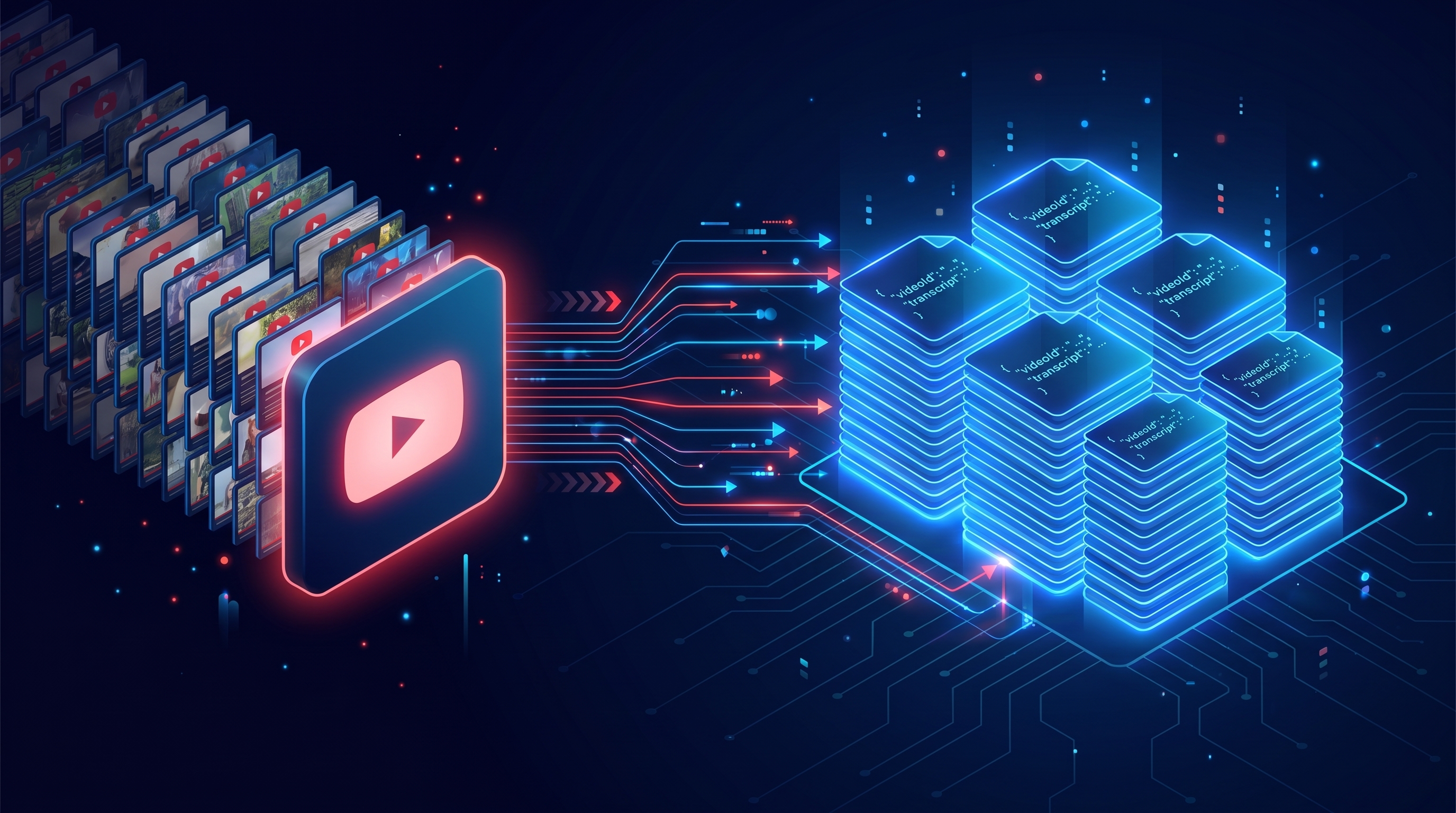
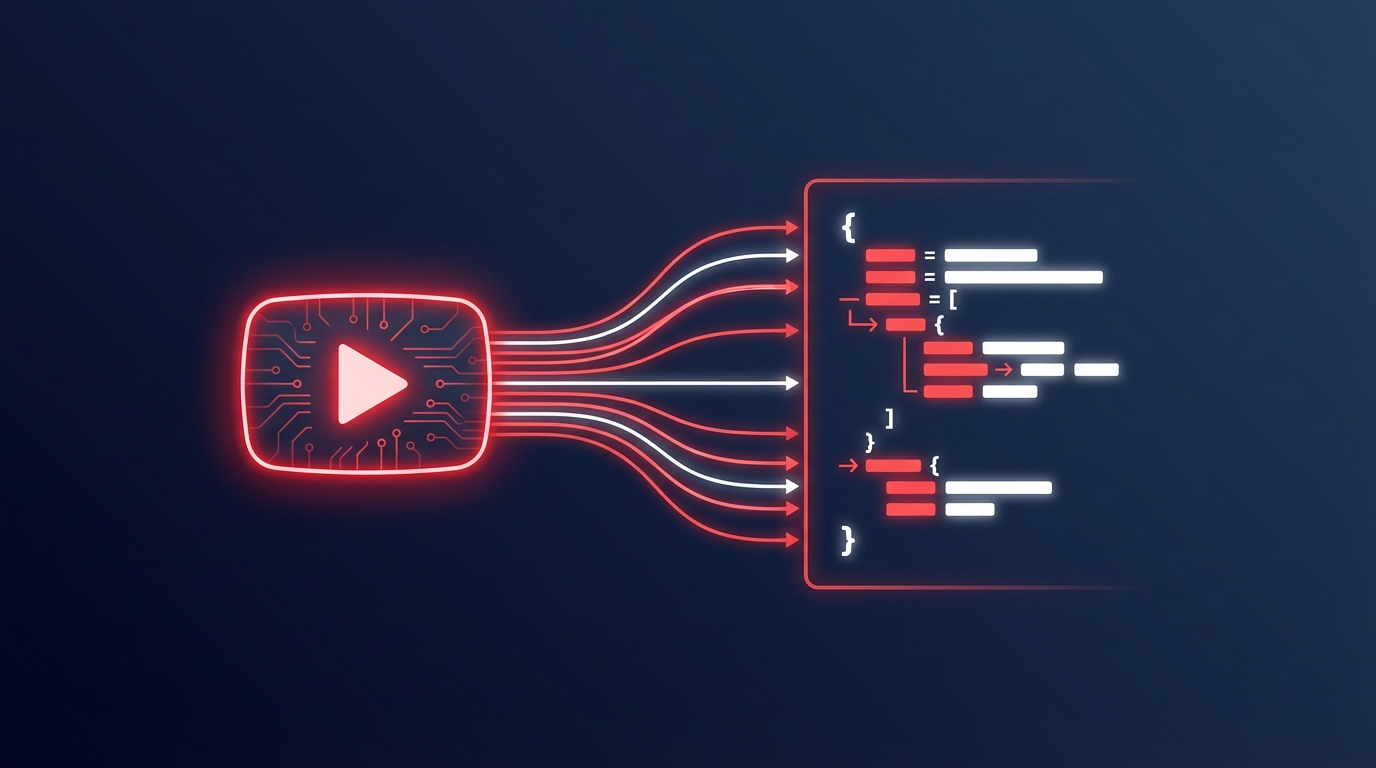
A YouTube transcript API is a service that extracts the text content from YouTube videos and returns it as structured data. You send a video URL. You get back the transcript as JSON or plain text. That's the short version.
The longer version involves understanding how YouTube stores this data internally and why extracting it on your own is more trouble than it looks.
At a high level, a transcript API does four things:
Accepts a video URL or ID from you
Fetches the caption data from YouTube's servers
Parses the raw format into clean, structured output
Returns it to you as developer-friendly JSON
That middle step is where all the complexity lives. YouTube wasn't built to be a text API. The transcript data is buried in internal endpoints, wrapped in XML, and protected by anti-scraping measures. A good transcript API hides all that mess.
How YouTube stores captions and subtitles
YouTube keeps captions in a format called TimedText XML. This data lives on a separate server from the video stream itself. It's not embedded in the video file. It's a separate resource that the YouTube player fetches when you click the CC button.
There are two types of captions:
Manual captions — uploaded by the video creator or a third party. These tend to be accurate and well-formatted.
Auto-generated captions — created by YouTube's speech recognition system. Available on most spoken-word videos.
Auto-generated captions have gotten surprisingly good. For clear English speech, accuracy sits around 95%. Five years ago that number was closer to 80%. YouTube has invested heavily in their speech models.
Here's where things get frustrating for developers. The official YouTube Data API v3 only gives you access to manual captions. Auto-generated ones? You can't get those through the official API. And since auto-generated captions are available on far more videos than manual ones, that single limitation makes the official API a dead end for most transcript use cases.
A dedicated transcript API handles the work of fetching, parsing, and normalizing both types of captions into clean JSON. You don't need to know whether the captions are manual or auto-generated. You just get the text.
Why developers need a dedicated transcript API
I think a lot of developers start by trying to build their own transcript scraper. I get the impulse. It seems simple. Hit a URL, parse some HTML, grab the text. But here's why that approach falls apart once you move past a prototype.
The official API doesn't cut it
The YouTube Data API v3 requires a Google Cloud Console account, an API key, and an OAuth consent screen. Setup takes 30+ minutes. And after all that, you still can't access auto-generated captions.
The quota limits are also a real constraint. The default is 10,000 units per day. Each caption download costs around 200 units. That's 50 transcripts per day before you hit the wall. For any project operating at scale, those limits are a non-starter.
Scraping breaks constantly
Scraping YouTube directly leads to IP blocks. YouTube actively fights scrapers with CAPTCHAs, rate limits, and constant changes to page structure. Every time YouTube ships a frontend update, your scraper breaks. You spend more time maintaining the scraper than building your actual product.
I've talked to developers who spent weeks building a custom YouTube scraper, only to see it break three months later after a YouTube update. That's weeks of work thrown away.
What a managed API gives you instead
A dedicated transcript API handles authentication, rate limiting, format parsing, and fallback logic. You focus on your application. The API handles the YouTube mess behind the scenes.
The other thing you get is stability. A managed API provider has a financial incentive to keep things working. When YouTube changes something, they fix it. You don't even notice.
How YouTube transcript APIs work under the hood
Let's look at what actually happens when you make an API call. Understanding the flow helps you debug issues and design better integrations.
The request-response flow
Here's the step-by-step process:
You send a video URL or 11-character video ID to the API endpoint
The API resolves the video identifier and looks up available caption tracks
It selects the best caption track based on your language preference and availability
The raw TimedText XML is fetched from YouTube's caption servers
The XML is parsed into structured JSON with text segments, start times, and duration values
The clean JSON response comes back to your application
The whole process takes milliseconds on a good API. TranscriptAPI, for instance, has a 49ms median response time. That's faster than most database queries.
To put that in perspective: you could extract 1,000 transcripts sequentially and it would take under a minute. With concurrent requests, you could do it in seconds. That kind of speed opens up use cases that aren't practical with slower approaches.
Language selection and fallback logic
Most transcript APIs let you request a specific language. Send en for English, es for Spanish, ja for Japanese.
But what happens when the language you want isn't available? Good APIs have fallback logic built in. They'll try auto-generated captions first, then fall back to the default language track. Some return a list of available languages so you can make an informed choice.
TranscriptAPI returns the detected language in every response. So you always know what you got, even if it doesn't match what you asked for. This matters when you're processing videos in bulk and can't manually check each one.
Have you ever tried to handle language selection manually with a scraping tool? It's painful. You end up writing detection logic, fallback chains, and error handling for edge cases. All of that comes built in with a proper API.
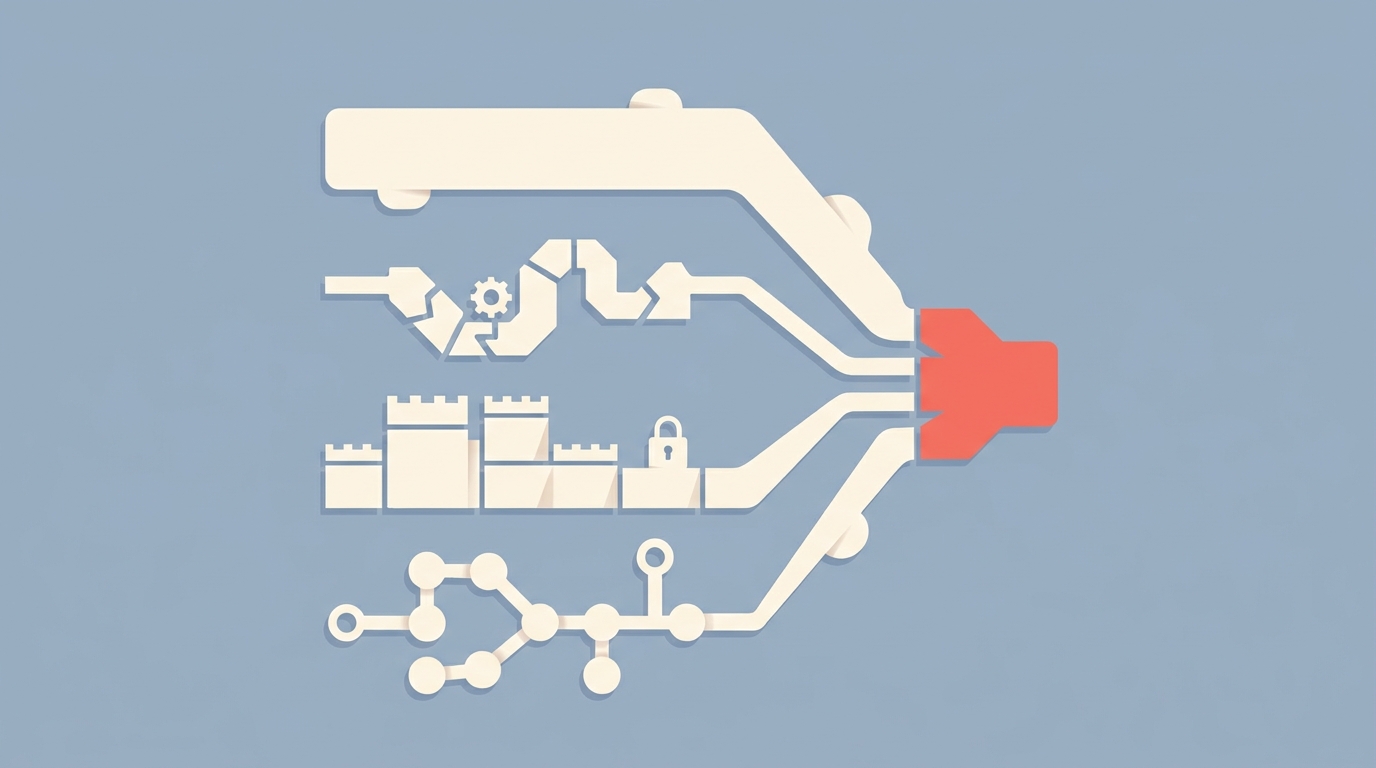
Comparing your options: 4 ways to get YouTube transcripts
Not all approaches are equal. Here's an honest breakdown of every method available in 2026.
Option 1: YouTube Data API v3
This is Google's official API. You'll need a Google Cloud Console account, an API key, and an OAuth consent screen.
What's good about it:
It's the official solution from Google
Well-documented with client libraries in many languages
Stable and maintained
What's not good:
Cannot access auto-generated captions (only manually uploaded ones)
Requires OAuth for caption downloads, not just an API key
Strict quota limits (10,000 units/day by default)
Complex setup with Google Cloud Console
Downloading captions costs 200 quota units per video
Best for: applications already deep in the Google ecosystem that only need manually uploaded captions. If your use case only involves videos with creator-uploaded subtitles, this can work. For everything else, look elsewhere.
Option 2: open-source libraries (youtube-transcript-api)
The youtube-transcript-api Python package is the most popular open-source option. It has over 10 million downloads on PyPI. It works by scraping YouTube's internal caption endpoints.
What's good about it:
Free and open-source
Can access auto-generated captions
Easy to install (
pip install youtube-transcript-api)Active community
What's not good:
Breaks when YouTube changes its frontend (happens regularly)
Gets IP-blocked when running on servers at scale
Python only (no JavaScript, Go, or other language support)
No SLA, no professional support
No search, channel, or playlist features
Best for: prototyping, personal projects, and scripts where reliability isn't critical. If your pipeline can tolerate occasional breakdowns and you're only using Python, this is a reasonable starting point.
Option 3: commercial transcript APIs
Managed services like TranscriptAPI and Supadata offer hosted APIs with uptime guarantees and professional support.
TranscriptAPI processes over 15 million transcripts per month with a 49ms median response time. It bundles transcripts, YouTube search, channel data, and playlist data into a single unified API. Pricing starts at $5/month for 1,000 credits. There's also a free tier with 100 credits to get started.
Supadata takes a different approach, covering multiple platforms (YouTube, TikTok, Instagram) at higher price points starting around $19/month.
Best for: production applications where reliability, speed, and support matter. If your business depends on transcript data, a managed API is the safest bet.
Option 4: web scrapers (Apify, custom Puppeteer)
Browser-based scraping using headless Chrome, Puppeteer, or Playwright.
What's good about it:
Can handle edge cases that other methods miss
Full control over the extraction process
Platform-agnostic
What's not good:
Slow. Each request takes 2–10 seconds with a headless browser versus 49ms with an API.
Expensive at scale. You're paying for compute to run browsers.
Requires constant maintenance as YouTube changes its DOM.
Fragile. One structural change can break everything.
Best for: one-off data collection jobs where no API option fits your exact needs.
Which approach matches your use case? For most developers reading this, a commercial API gives the best balance of reliability, speed, and simplicity. But I think it's worth understanding all four options before you commit.

Getting started with TranscriptAPI: your first request
Let's get practical. Here's how to go from zero to extracting transcripts in under two minutes. See the product homepage for the current YouTube transcript API endpoints, pricing, and signup path.
Sign up and get your API key
Create a free account at transcriptapi.com
You'll get 100 free credits immediately. No credit card needed.
Copy your API key from the dashboard
One credit equals one successful request. Failed requests cost zero credits. That's a policy I appreciate. You only pay for what works.
Make your first API call with cURL
Start with the simplest possible test:
curl "https://transcriptapi.com/api/v2/youtube/transcript?video_url=dQw4w9WgXcQ" \
  -H "Authorization: Bearer YOUR_API_KEY"
That's it. One line. You'll get back the full transcript as JSON in about 50 milliseconds.
Want to include video metadata (title, author, thumbnail)?
curl "https://transcriptapi.com/api/v2/youtube/transcript?video_url=dQw4w9WgXcQ&send_metadata=true" \
  -H "Authorization: Bearer YOUR_API_KEY"
Want plain text instead of JSON?
curl "https://transcriptapi.com/api/v2/youtube/transcript?video_url=dQw4w9WgXcQ&format=text" \
  -H "Authorization: Bearer YOUR_API_KEY"
Three variations, all one-liners. The API accepts full YouTube URLs, short youtu.be/ URLs, and bare 11-character video IDs. Use whichever format you have handy.
The same call in Python
import requests
import os

api_key = os.environ["TRANSCRIPT_API_KEY"]
url = "https://transcriptapi.com/api/v2/youtube/transcript"
params = {"video_url": "dQw4w9WgXcQ", "send_metadata": "true"}
headers = {"Authorization": f"Bearer {api_key}"}

response = requests.get(url, params=params, headers=headers)
data = response.json()

print(f"Title: {data['title']}")
print(f"Language: {data['language']}")
print(f"Segments: {len(data['transcript'])}")

for segment in data["transcript"][:5]:
    print(f"  [{segment['start']:.1f}s] {segment['text']}")
Nothing fancy. Standard requests library. The API key goes in the Authorization header, not in the URL. Keep it out of your source code by using environment variables.
And in JavaScript
const apiKey = process.env.TRANSCRIPT_API_KEY;
const videoUrl = "dQw4w9WgXcQ";

const response = await fetch(
  `https://transcriptapi.com/api/v2/youtube/transcript?video_url=${videoUrl}&send_metadata=true`,
  { headers: { "Authorization": `Bearer ${apiKey}` } }
);

const data = await response.json();

console.log(`Title: ${data.title}`);
console.log(`Language: ${data.language}`);

data.transcript.slice(0, 5).forEach(seg => {
  console.log(`  [${seg.start.toFixed(1)}s] ${seg.text}`);
});
Works in Node.js 18+ with the built-in fetch API. No extra packages needed.
Understanding the response format
Here's what the JSON response looks like:
{
  "video_id": "dQw4w9WgXcQ",
  "language": "en",
  "transcript": [
    { "text": "Never gonna give you up", "start": 0.0, "duration": 2.5 },
    { "text": "Never gonna let you down", "start": 2.5, "duration": 2.3 },
    { "text": "Never gonna run around and desert you", "start": 4.8, "duration": 3.1 }
  ],
  "title": "Rick Astley - Never Gonna Give You Up",
  "author_name": "Rick Astley",
  "author_url": "https://www.youtube.com/@RickAstleyYT",
  "thumbnail_url": "https://i.ytimg.com/vi/dQw4w9WgXcQ/maxresdefault.jpg"
}
Each segment gives you three things:
text — the actual words spoken in that segment
start — when the segment begins, measured in seconds from the start of the video
duration — how long the segment lasts in seconds
The metadata fields (title, author_name, author_url, thumbnail_url) only appear when you set send_metadata=true. They cost nothing extra. Same single credit.
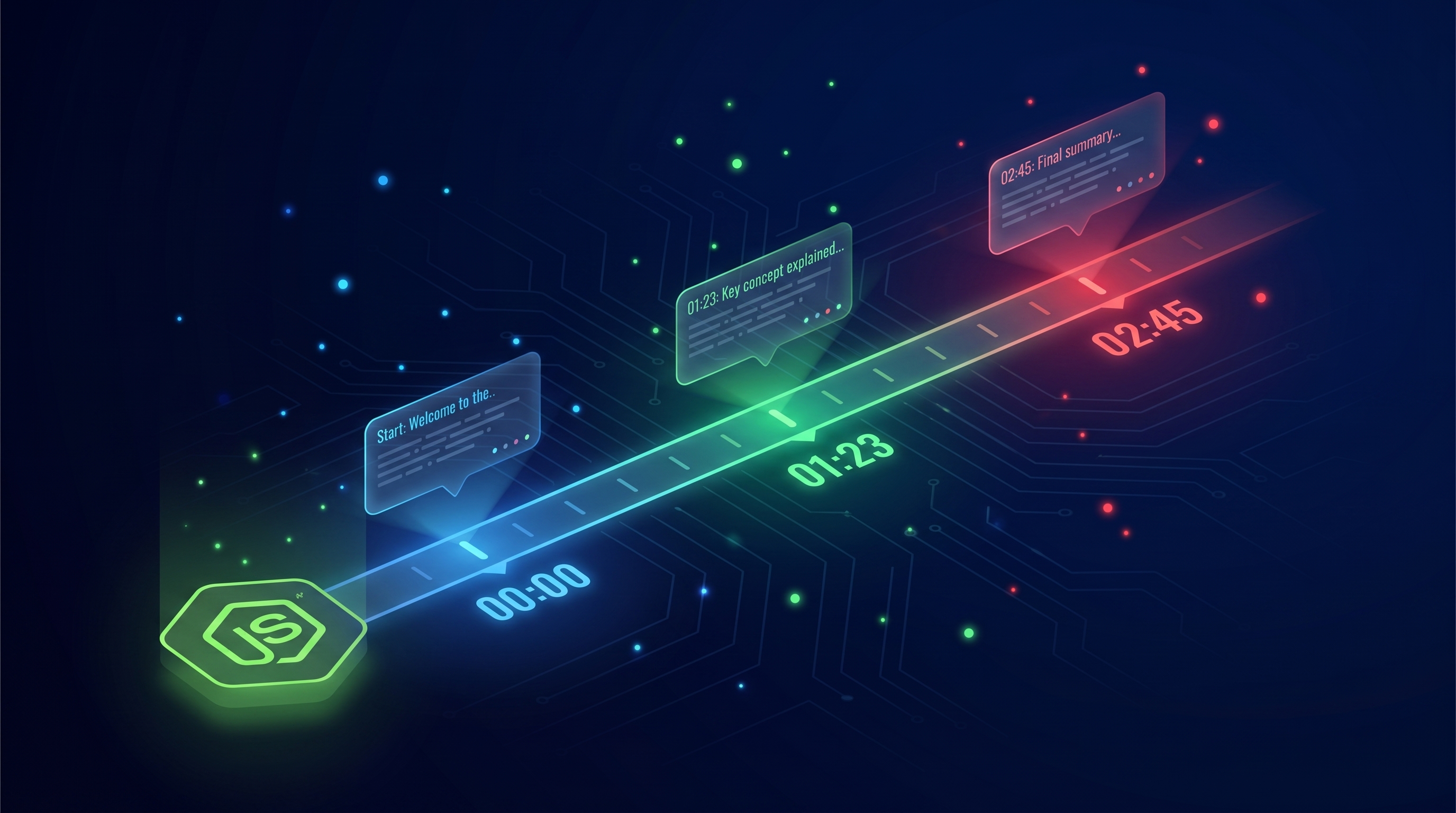
You can join all the text fields together for a full-text transcript. Or you can keep the timestamps for applications like video chapter generation, searchable transcripts, quote extraction with timestamps, or synced subtitle displays.
The full endpoint reference
TranscriptAPI isn't just a transcript tool. It's a unified YouTube data API with seven endpoints. Here's the complete map.
Transcript extraction
GET /youtube/transcriptThe core endpoint. Accepts video_url (full URL, short URL, or bare ID), format (json or text), include_timestamp (boolean), and send_metadata (boolean). Returns the full transcript with timing data.
Cost: 1 credit per successful request.
For a deeper dive into implementation patterns across Python, JavaScript, and cURL, see our guide to extracting transcripts programmatically.
YouTube search
GET /youtube/searchSearch YouTube for videos or channels by keyword. Returns up to 50 results per call with video IDs, titles, view counts, and whether captions are available.
curl "https://transcriptapi.com/api/v2/youtube/search?q=python+tutorial&limit=10" \
  -H "Authorization: Bearer YOUR_API_KEY"
This is useful for building content research tools or discovery features. Search for a topic, get back video IDs, then extract transcripts from the results.
Cost: 1 credit per request.
Channel videos (paginated)
GET /youtube/channel/videosList all videos from any YouTube channel. Returns about 100 videos per page. Pass a @handle, channel URL, or UC-format channel ID. Use the continuation token for pagination.
Cost: 1 credit per page.
For pagination details, search vs. list trade-offs, and cost breakdowns, check the dedicated channel videos API guide.
Channel search
GET /youtube/channel/searchSearch within a specific channel. Pass the channel identifier plus a search query. Returns matching videos from that channel only.
Cost: 1 credit per request.
Channel resolve (free)
GET /youtube/channel/resolveConvert a @handle, channel URL, or channel name into the standard UC-format channel ID. This endpoint costs zero credits. It's free to use as many times as you need.
Channel latest (free)
GET /youtube/channel/latestGet the latest 15 uploads from any channel with exact publish timestamps, view counts, and ratings. Also free. This endpoint pulls from YouTube's RSS feed, so it's lightweight and fast.
This is perfect for monitoring channels for new content without spending credits.
Playlist videos (paginated)
GET /youtube/playlist/videosList all videos in any public playlist. Returns about 100 videos per page with pagination support. Accepts playlist URLs or bare playlist IDs in PL, UU, LL, FL, or OL format.
Cost: 1 credit per page.
Are you starting to see how these endpoints fit together? Search for videos on a topic, find a channel, list all their videos, then extract transcripts in bulk. That's a complete content research pipeline in four API calls.
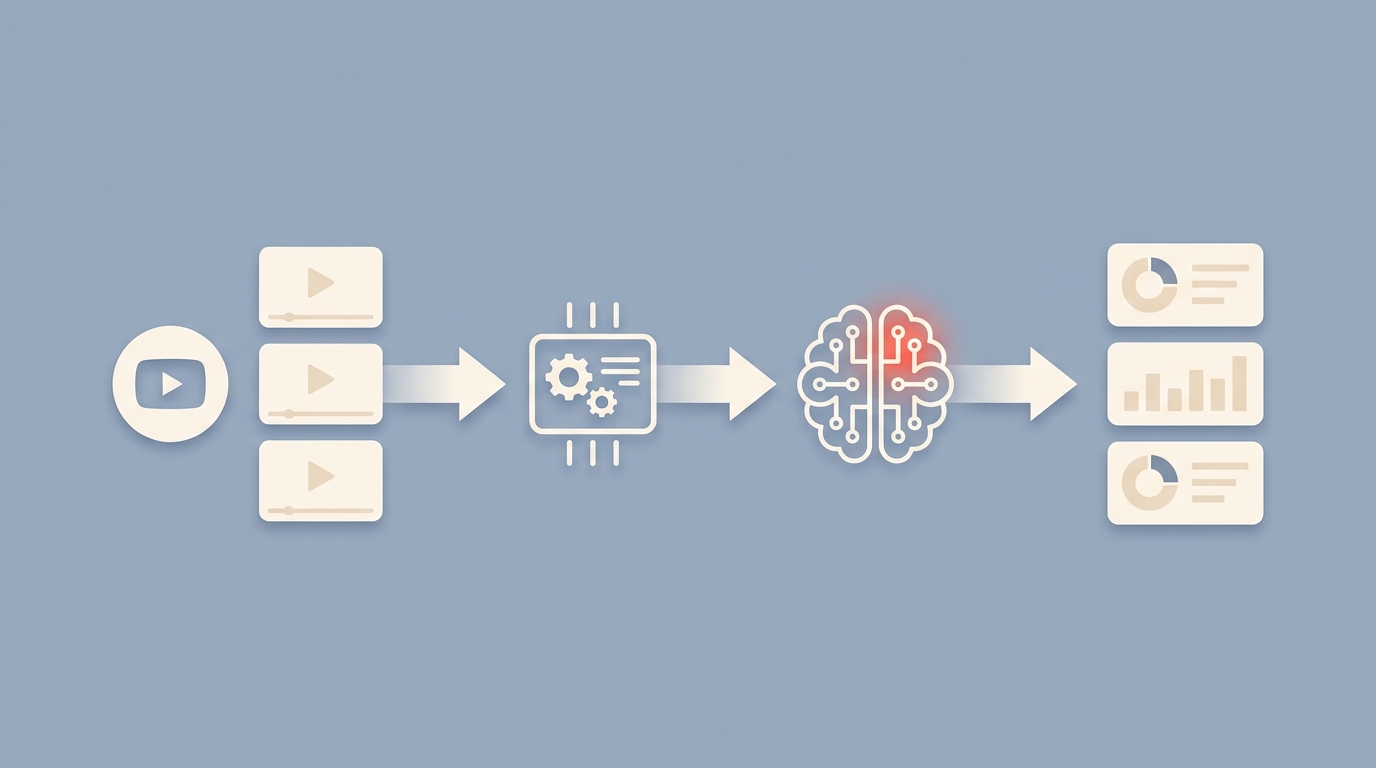
Advanced patterns: combining endpoints
Let me show you how to chain endpoints together for real-world workflows.
Content research pipeline
Say you want to analyze everything a specific creator has said about a topic. Here's the flow:
Use
/youtube/channel/resolveto get their channel ID (free)Use
/youtube/channel/videosto list all their videos (1 credit per page of ~100 videos)Filter the list by title keywords or date range
Use
/youtube/transcriptto extract transcripts from the matching videos (1 credit each)
For a channel with 200 videos, that's roughly 3 credits for the listing plus 200 credits for transcripts. About $1 worth of API calls to get an entire channel's transcript library. That's thousands of pages of text for a dollar.
Playlist transcript extraction
Online courses, conference talk collections, and curated playlists are goldmines for structured content:
import requests
import os

api_key = os.environ["TRANSCRIPT_API_KEY"]
headers = {"Authorization": f"Bearer {api_key}"}
base_url = "https://transcriptapi.com/api/v2"

# Step 1: Get all videos in the playlist
playlist_url = f"{base_url}/youtube/playlist/videos?playlist=PLrAXtmErZgOeiKm4sgNOknGvNjby9efdf"
playlist_data = requests.get(playlist_url, headers=headers).json()

# Step 2: Extract transcripts for each video
transcripts = []
for video in playlist_data["videos"]:
    transcript_url = f"{base_url}/youtube/transcript?video_url={video['videoId']}&send_metadata=true"
    result = requests.get(transcript_url, headers=headers)
    if result.status_code == 200:
        transcripts.append(result.json())
        print(f"Got transcript for: {video['title']}")
    else:
        print(f"Skipped: {video['title']} (HTTP {result.status_code})")

print(f"\nExtracted {len(transcripts)} transcripts from playlist")
Monitoring a channel for new uploads
Use the free /youtube/channel/latest endpoint as a lightweight monitor:
import json

latest_url = f"{base_url}/youtube/channel/latest?channel=@veritasium"
latest = requests.get(latest_url, headers=headers).json()

for video in latest["videos"]:
    print(f"{video['title']} - Published: {video['published']}")
Since this endpoint is free, you can poll it on a schedule. When new videos appear, trigger transcript extraction for just those new uploads. This is a smart pattern for keeping a knowledge base up to date without reprocessing everything.
Pricing breakdown
TranscriptAPI keeps pricing straightforward. Here's the full picture:
Free tier: 100 credits to start. No credit card required. No time limit.
Monthly plan: $5/month for 1,000 credits. Top-up at $2.50 per 1,000 extra credits. 200 requests/minute rate limit.
Annual plan: $54/year for 1,000 credits/month. Top-up at $1.50 per 1,000 extra credits. 300 requests/minute rate limit.
The annual plan saves you about 10% on the base price and 40% on top-ups. If you know you'll be using the API for more than a couple months, it pays for itself quickly.
One thing I appreciate about the pricing model: 1 credit equals 1 successful request. Period. Failed requests, rate-limited requests, and the two free endpoints (channel resolve and channel latest) all cost zero credits. You only pay for data you actually receive.
The rate limit headers come with every response so you can monitor your usage:
X-RateLimit-Limit: 300
X-RateLimit-Remaining: 247
X-RateLimit-Reset: 1708900000
Frequently asked questions
Can I get transcripts from videos with captions disabled?
Usually, yes. Even when a creator hides the caption button in the YouTube player, the auto-generated captions often still exist on YouTube's servers. The API can typically access them. The main exceptions are music-only videos, very short clips under 30 seconds, and some live streams.
How many transcripts can I extract per minute?
With a 49ms median response time, TranscriptAPI supports serious throughput. The monthly plan allows 200 requests per minute. The annual plan bumps that to 300 per minute. For most batch jobs, you'll finish faster than you expect.
At 300 RPM, you could process an entire 500-video YouTube channel in under two minutes. That's the complete transcript library of most creators.
Do I need to handle rate limiting myself?
TranscriptAPI returns standard rate limit headers with every response. If you hit the limit, you'll get a 429 response with a Retry-After header telling you exactly how long to wait. For most use cases, you won't need any special logic. But if you're doing heavy batch processing, check X-RateLimit-Remaining and add a short delay when it gets low.
Is there an MCP integration for AI tools?
Yes. TranscriptAPI has a native MCP server that works with Claude, Cursor, Windsurf, ChatGPT, and OpenClaw. MCP lets your AI assistant pull YouTube transcripts directly, without any code. Check out the MCP setup guide for step-by-step instructions.
What happens if a video gets deleted after I extract its transcript?
You keep whatever data you already extracted. The API returns data in real time, so there's no dependency on the video remaining available. If you need to re-extract the same transcript later and the video is gone, the API will return a 404.
What to build next
You've got the fundamentals. Here are some paths forward depending on your goals.
If you're a Python developer, the Python quick-start tutorial shows production-ready patterns with error handling, batch processing, and async concurrency.
If you need to process hundreds or thousands of videos, the bulk extraction guide covers concurrent processing, rate limit management, and cost optimization strategies.
If you're evaluating options, the 2026 comparison guide breaks down all the major YouTube transcript APIs side by side with real benchmarks.
And if you want AI tools to work with YouTube data directly, the AI agents and MCP guide shows you how to connect Claude, Cursor, and other AI platforms.
Getting started takes two minutes
A YouTube transcript API removes the fragility of scraping and the limitations of the official Data API. You get reliable, fast access to video text data through a clean REST interface.
TranscriptAPI combines transcript extraction with search, channel, and playlist endpoints in a single API. The median response time is 49ms. Over 15 million transcripts are processed through it every month. And it costs less than a cup of coffee to get started.
Sign up at transcriptapi.com and get 100 free credits. No credit card required. Make your first API call, see the response, and decide if it fits your project.
What are you planning to build with transcript data?
Frequently Asked Questions
- Why can't I use the official YouTube Data API v3 to get a public video's captions?
- The official YouTube Data API v3's captions endpoint only lets you list and download captions for videos on a channel you own or manage — it cannot return captions for arbitrary public videos, and it has no access to auto-generated captions at all (which exist on far more videos than manual ones). That makes it a dead end for almost any real use case — summarizing videos with an LLM, building search or RAG over video content, content research — so those apps need a third-party YouTube transcript API like TranscriptAPI that can pull transcripts from any public video.
- How does YouTube store captions internally?
- YouTube keeps captions in a TimedText XML format on a separate server from the video stream — it is not embedded in the video file, and the player fetches it as a separate resource when you click CC. The XML holds text segments with start times and durations. A YouTube transcript API like TranscriptAPI fetches that data, parses the XML, and returns clean JSON with text, start, and duration per segment, hiding the complexity.
- What are the four main ways to extract YouTube transcripts in 2026, and which should I use?
- Four approaches exist. The official YouTube Data API v3 is limited to videos you own and manual captions only. The open-source youtube-transcript-api Python library works for personal projects but gets blocked on cloud IPs and breaks when YouTube changes its pages. Browser extensions are for consumers reading a transcript next to a video, not for use in code. A managed YouTube transcript API like TranscriptAPI works from any server, handles both manual and auto-generated captions, and chains multiple extraction methods with backups — the recommended choice for production.
- How accurate are YouTube's auto-generated captions for developer use cases?
- For clear English speech, auto-generated caption accuracy is around 95% as of 2026 — roughly one wrong word in twenty, up from about 80% five years earlier. That is good enough for most summarization, search, and NLP work. For precision-critical uses such as legal transcripts, exact quotes, or accessibility requirements, manually uploaded captions are preferable when they exist.