YouTube Transcript with Timestamps in Node.js: 5-Minute Copy-Paste Recipe
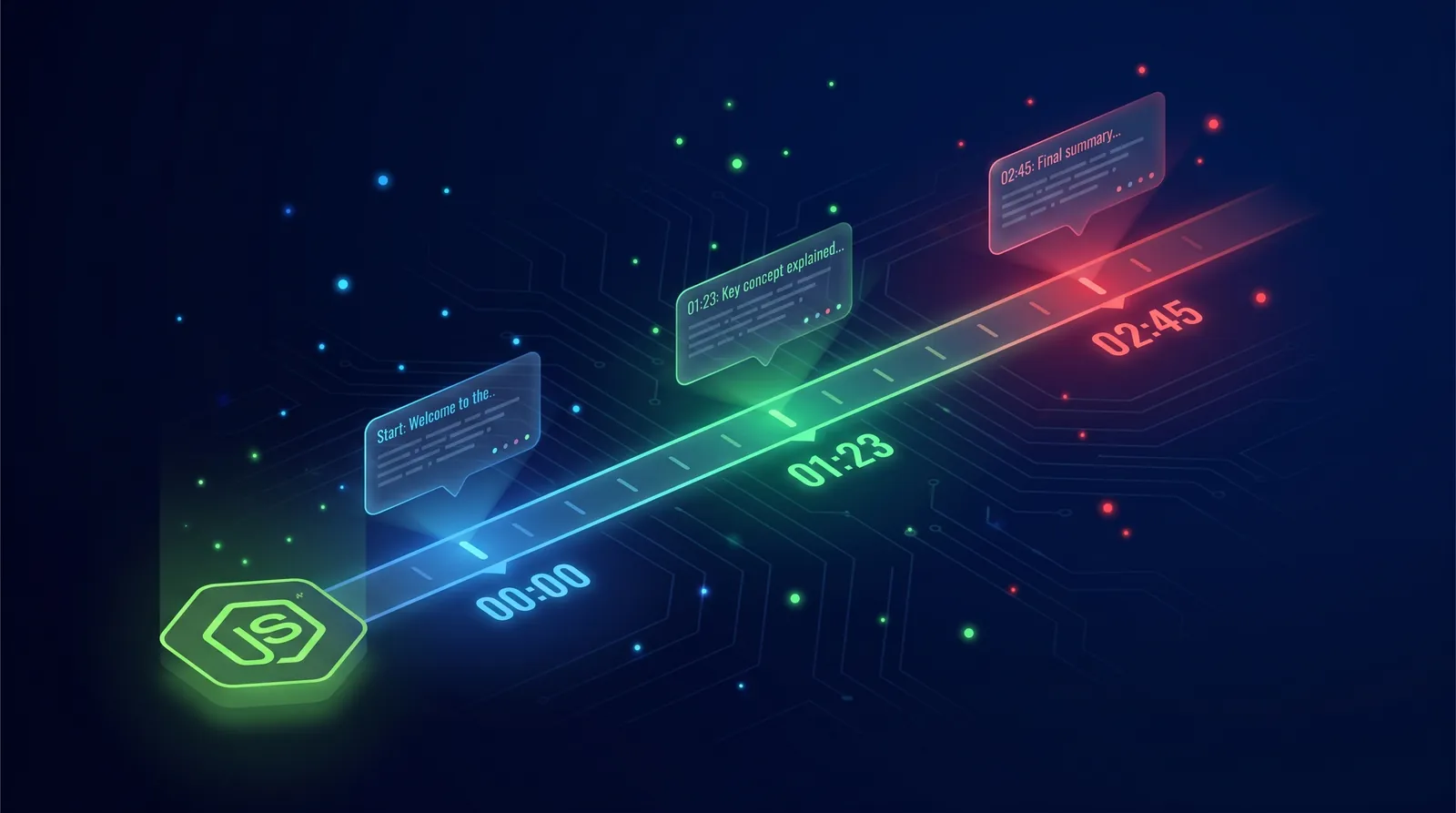
A plain transcript is fine. A YouTube transcript with timestamps is what unlocks the workflows you actually want to build: deep-link clip players, AI summaries that cite the moment, search that jumps to 3:42. The good news? You do not need a parsing library, a headless browser, or a yt-dlp shell-out. You need ten lines of modern Node.js and an endpoint that returns {text, start, duration}. This recipe is copy-paste, works on Node 18+, Bun, and Deno, and ends with a CSV export, retries, and a real TypeScript type.
For the broader JavaScript and TypeScript setup, including fetch, axios, typed responses, and server-side key handling, start with the YouTube transcript API for JavaScript guide.
The 10-line version (working code, copy-paste)
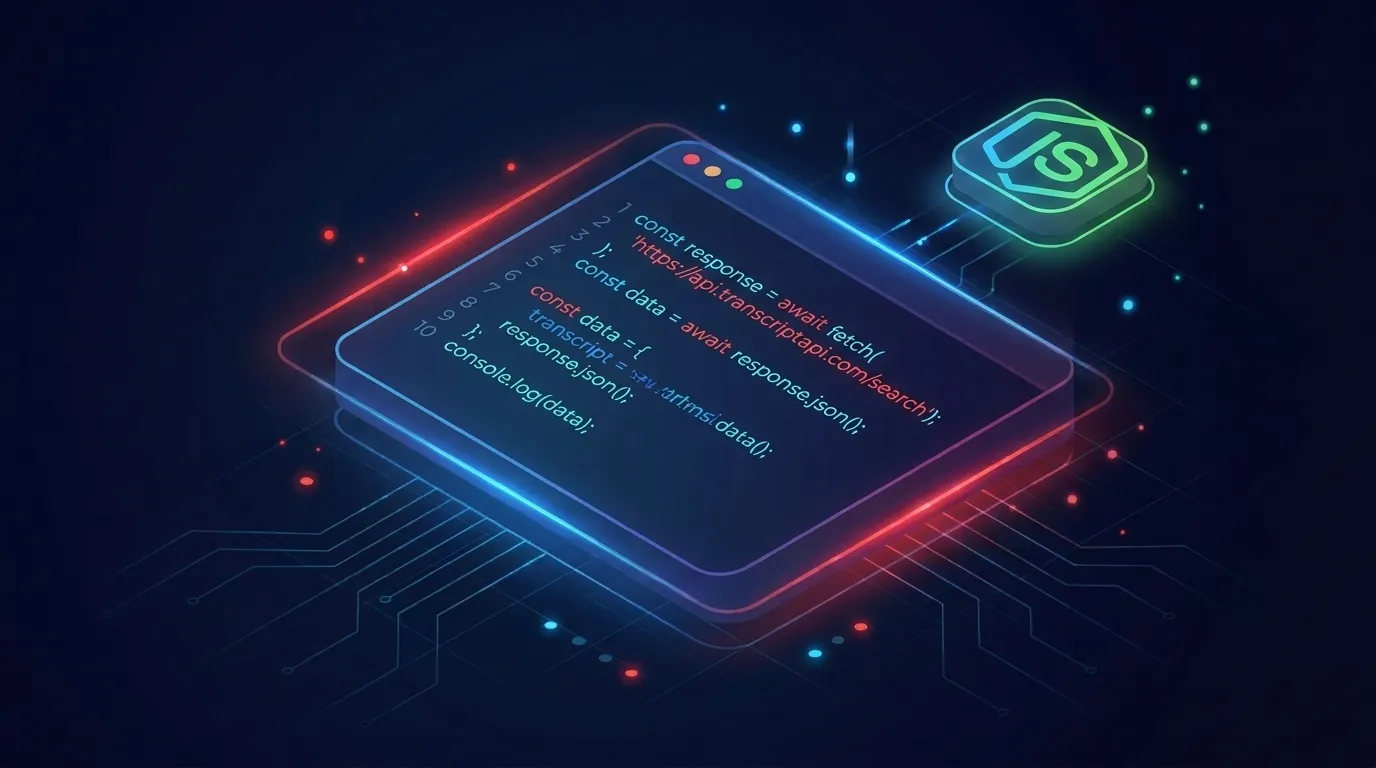
Here is the whole thing. Set your API key, paste the function, call it. No key yet? The Node.js quick start in the docs covers that.
const API_KEY = process.env.TRANSCRIPT_API_KEY;

async function getTranscript(videoUrl) {
  const url = new URL("https://transcriptapi.com/api/v2/youtube/transcript");
  url.searchParams.set("video_url", videoUrl);
  url.searchParams.set("include_timestamp", "true");
  const res = await fetch(url, {
    headers: { Authorization: `Bearer ${API_KEY}` },
  });
  if (!res.ok) throw new Error(`HTTP ${res.status}`);
  return (await res.json()).transcript;
}

const segments = await getTranscript("https://www.youtube.com/watch?v=dQw4w9WgXcQ");
console.log(segments.slice(0, 3));
That is the whole thing. No request, no axios, no node-fetch. Native fetch has shipped in Node 18+ since 2022, and the same code runs unchanged in Bun and Deno. Grab a free key (100 credits, no card) and you are done in under five minutes.
What the response actually looks like (sample JSON)

You get an array. Each item is one caption cue. Three fields, no nesting, no surprises.
[
  { "text": "Hey everyone, welcome back to the channel.", "start": 0.12, "duration": 2.84 },
  { "text": "Today we are looking at three things.", "start": 3.04, "duration": 2.41 },
  { "text": "First, the new pricing model.", "start": 5.55, "duration": 1.97 }
]
start is seconds from the video beginning, as a float. duration is how long that caption stays on screen, also in seconds. That is enough to build a clickable timeline, jump-links (?t=125), or chapter detection. You will see why in the next section.
Why timestamps matter (3 use cases)
Plain text is a wall. Timestamps turn that wall into a map. Three workflows people build the day they get them working:
- Deep-link clip players. Each search hit becomes a YouTube link with
&t=Xsso the user lands at the exact second. - AI summaries that cite the moment. Feed the transcript to GPT or Claude with the start times intact. The model can answer "where does she explain pricing?" with
2:14. - Searchable show notes. Build a Cmd-F over the whole video. Match a phrase, scroll to the cue, surface the surrounding 30 seconds.
You can ship any of these in an afternoon once the timestamps are clean. Without them you are guessing, and your users feel it.
Error handling
The happy path is one line. The unhappy path is where production lives. You have three real failure modes to handle: the network, the missing transcript, and the rate limit. Handle them once, in one wrapper, and forget about them.
Network errors and retries
Transient errors happen. DNS hiccups, TCP resets, the occasional 502. Retry with exponential backoff, but cap it.
async function withRetry(fn, { tries = 3, baseMs = 400 } = {}) {
  let lastErr;
  for (let i = 0; i < tries; i++) {
    try {
      return await fn();
    } catch (err) {
      lastErr = err;
      if (i === tries - 1) break;
      await new Promise((r) => setTimeout(r, baseMs * 2 ** i));
    }
  }
  throw lastErr;
}
Wrap your getTranscript call in withRetry(() => getTranscript(url)) and you have covered 95% of flakiness. Three tries, 400ms, 800ms, 1600ms. Done.
Missing transcript / 404
Some videos do not have captions. Music videos, very new uploads, channels that disabled them. A 404 is not a bug in your code, it is a data fact about that video. Treat it that way.
if (res.status === 404) {
  return { ok: false, reason: "no_transcript", segments: [] };
}
Return a typed empty result instead of throwing. Your batch jobs will thank you when video #847 of 1,000 happens to be a Vevo upload.
Rate limit / 429
A 429 means slow down, not stop. Read the Retry-After header if present, sleep that long, then try again. If it is missing, fall back to your backoff.
if (res.status === 429) {
  const wait = Number(res.headers.get("retry-after") ?? "2") * 1000;
  await new Promise((r) => setTimeout(r, wait));
  throw new Error("rate_limited");
}
Throwing inside the retry wrapper means the next attempt waits the backoff anyway. Belt and braces. On TranscriptAPI you get 200 req/min on the monthly plan and 300 req/min on annual, so you have to push hard to hit it.
Bonus 1: filter to a time range
Once you have segments, filtering by time is a one-liner. Want everything between 1:00 and 2:30? Convert to seconds and slice.
function sliceByTime(segments, startSec, endSec) {
  return segments.filter((s) => s.start >= startSec && s.start < endSec);
}

const intro = sliceByTime(segments, 0, 60);
const middle = sliceByTime(segments, 60, 150);
This is how you build "summarize the first minute" features without sending the whole transcript to your LLM. Cheaper tokens, tighter answers.
Bonus 2: export to CSV
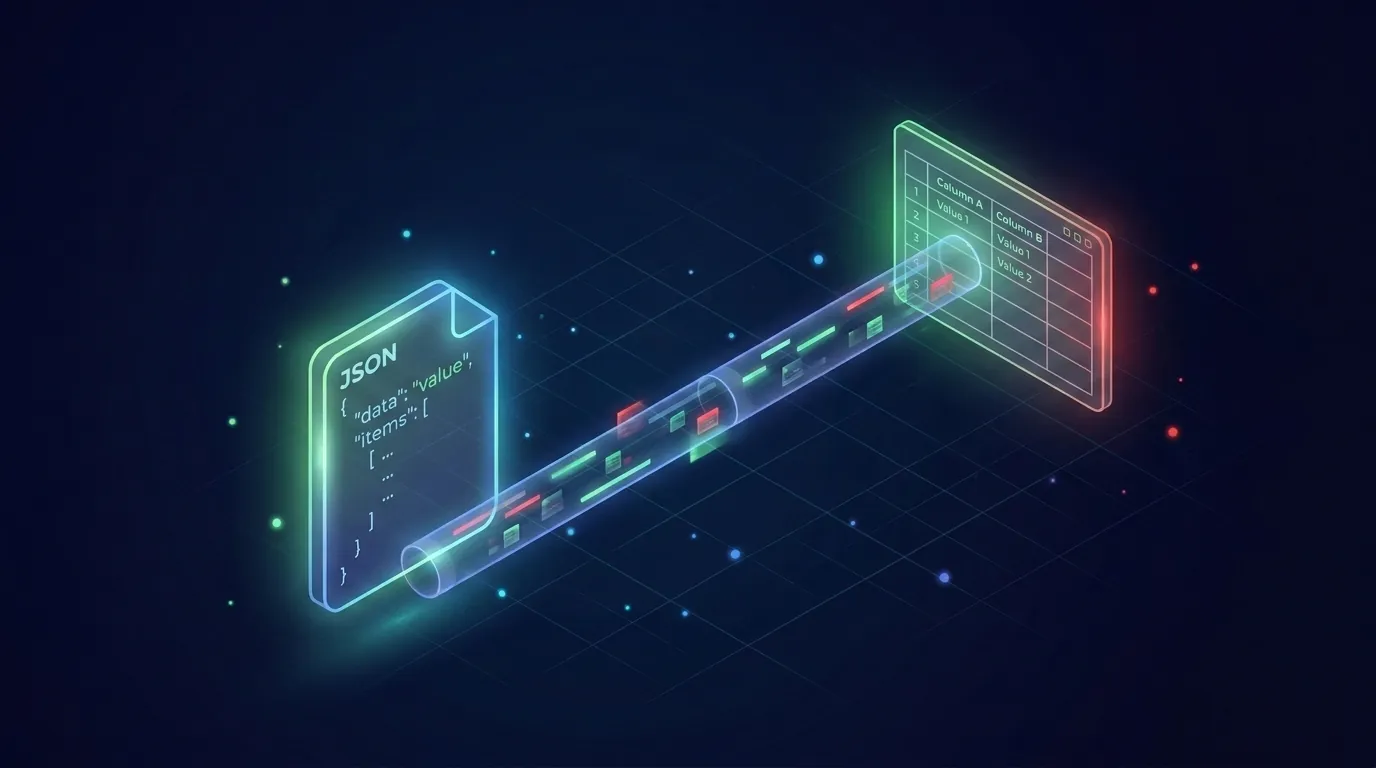
CSV breaks the moment a caption contains a comma or a quote. The fix is to wrap every field in double quotes and escape inner quotes by doubling them. RFC 4180. Six lines.
import { writeFile } from "node:fs/promises";

function toCsv(segments) {
  const esc = (v) => `"${String(v).replace(/"/g, '""')}"`;
  const rows = segments.map((s) => [esc(s.start), esc(s.duration), esc(s.text)].join(","));
  return ["start,duration,text", ...rows].join("\n");
}

await writeFile("transcript.csv", toCsv(segments), "utf8");
Open it in Excel, Google Sheets, or DuckDB. Every comma, smart quote, or newline in the captions stays inside its cell. You can also pipe it straight into pandas.read_csv if your data team lives in Python.
Bonus 3: chunk by speaker turns or pauses
YouTube does not give you speakers. It gives you cues. But you can detect natural breaks by looking at the gap between one cue ending and the next starting. A gap of more than 1.5 seconds is usually a pause, a topic change, or a new speaker.
function chunkByPause(segments, gapSec = 1.5) {
  const chunks = [];
  let current = [];
  for (let i = 0; i < segments.length; i++) {
    const seg = segments[i];
    const prev = segments[i - 1];
    const gap = prev ? seg.start - (prev.start + prev.duration) : 0;
    if (gap > gapSec && current.length) {
      chunks.push(current);
      current = [];
    }
    current.push(seg);
  }
  if (current.length) chunks.push(current);
  return chunks;
}
You will not get perfect speaker diarization out of this. You will get useful paragraph-sized chunks that an LLM can summarize one at a time. For most podcast and interview use cases that is enough.
Tune the gapSec parameter to your content. Fast-talking news clips want 0.8 seconds. Slow interviews want 2.5. Try a few values on a known video and eyeball the results before you wire it into a pipeline.
TypeScript types (full type definition)
If you are on TypeScript, type the response so your editor catches mistakes before runtime. Here is the complete definition.
export interface TranscriptSegment {
  text: string;
  start: number;
  duration: number;
}

export interface TranscriptResponse {
  video_id: string;
  language: string;
  transcript: TranscriptSegment[];
}

export async function getTranscript(
  videoUrl: string,
  apiKey: string,
): Promise<TranscriptSegment[]> {
  const url = new URL("https://transcriptapi.com/api/v2/youtube/transcript");
  url.searchParams.set("video_url", videoUrl);
  url.searchParams.set("include_timestamp", "true");
  const res = await fetch(url, {
    headers: { Authorization: `Bearer ${apiKey}` },
  });
  if (!res.ok) throw new Error(`HTTP ${res.status}`);
  const data = (await res.json()) as TranscriptResponse;
  return data.transcript;
}
That is the whole client. Drop it in lib/transcript.ts, import it everywhere. No runtime dependencies, no @types/* packages, no build configuration. Same file works in a Next.js route handler, a Cloudflare Worker, a Bun script, a Deno deploy.
When you need fancier (chapters, speaker labels)
Honest answer: YouTube does not publish speaker labels or chapter timing in the caption track. If you need real diarization (Speaker A vs Speaker B), you will have to send the audio through Whisper, AssemblyAI, or Deepgram and pay per audio minute. If you need YouTube chapters, parse them out of the video description (creators write them as 00:00 Intro, 02:14 Topic).
For 90% of jobs you do not need either. Pause-based chunking plus the raw timestamps gets you to a clickable, summarizable, searchable transcript that ships today.
Why not just use youtube-transcript-api or a scraper?
Some of you are thinking it. The PyPI package youtube-transcript-api is great for prototypes and has 10M+ downloads to prove it. There is also a Node port. They both scrape the same internal endpoint YouTube serves to the player. Two problems show up in production.
First, IP blocks. YouTube rate-limits and blocks data-center IPs aggressively. Your laptop works, your Vercel function returns "no transcript available," and you spend an afternoon debugging a problem that is not in your code.
Second, the parser. When YouTube ships a player update, the scraper breaks. You wake up to a Sentry storm. A managed API absorbs that maintenance for you. That is what you are paying for at $5/mo for 1,000 credits, or $54/yr for 1,000/mo on annual. Free for prototypes. Paid for production.
Runs on Bun and Deno too
Because the code uses native fetch and the standard URL constructor, it runs unchanged on Bun and Deno. No build step, no polyfills, no node-fetch import.
// bun run transcript.js
// deno run --allow-net --allow-env transcript.js
Same file, three runtimes. If you are deploying to Cloudflare Workers or Vercel Edge, the Web-standard fetch works there too. One client, every runtime you care about.
How to put this into action
- Grab a free TranscriptAPI key at transcriptapi.com (100 credits, no card required).
- Set
TRANSCRIPT_API_KEYin your.envfile or shell. - Paste the 10-line function into a
lib/transcript.js(or.ts) file. - Wrap it in the
withRetryhelper and add the 404 / 429 branches. - Pick one bonus (CSV export, time slicing, or pause chunking) and ship it behind a feature flag.
- Once it works for one video, batch a channel: pull video IDs from
/youtube/channel/videosand loop withPromise.allcapped at 10 concurrent requests.
You are now ahead of every "I tried scraping and got blocked" thread on Stack Overflow. That took five minutes.
The bottom line
A YouTube transcript with timestamps is the difference between a wall of text and a clickable map of the video. Native fetch in Node 18+, Bun, or Deno gets you there in ten lines. Add three small helpers for retries, CSV, and pause chunking and you have a tiny client that survives production. So what are you going to build with the timestamps that plain text could never give you?
Frequently Asked Questions
- How do I fetch a YouTube transcript with timestamps in Node.js without any npm packages?
- Use the native fetch built into Node 18+, Bun, and Deno — no install needed. Build a request URL for TranscriptAPI's transcript endpoint with the video URL and a flag to include timestamps, add an Authorization header carrying your API key as a Bearer token, call fetch, check that the response is OK, and parse the JSON. It's about ten lines and pulls in no third-party dependencies.
- What does the timestamp data look like, and what can I build with it?
- Each segment in the response has three fields: the spoken text, a start time in seconds from the beginning of the video (a float such as 3.04), and a duration in seconds for how long the caption stays on screen. With that you can build deep-link clip players where each search hit jumps to the exact second, AI summaries that cite the precise moment, and searchable show notes with jump-to links.
- What three error cases should I handle in production Node.js transcript code?
- Three distinct failure modes, handled once in a single wrapper. Network errors: catch the rejected promise and retry with exponential backoff. Missing transcript: when a video has no captions the API returns a specific not-found result, so treat it as a data fact and return a typed empty result rather than throwing. Rate limits: on a 429, read the Retry-After header, wait that long, and try again, falling back to your backoff if the header is absent.