How to give AI agents access to YouTube data via MCP
How to Give AI Agents Access to YouTube Data via MCP
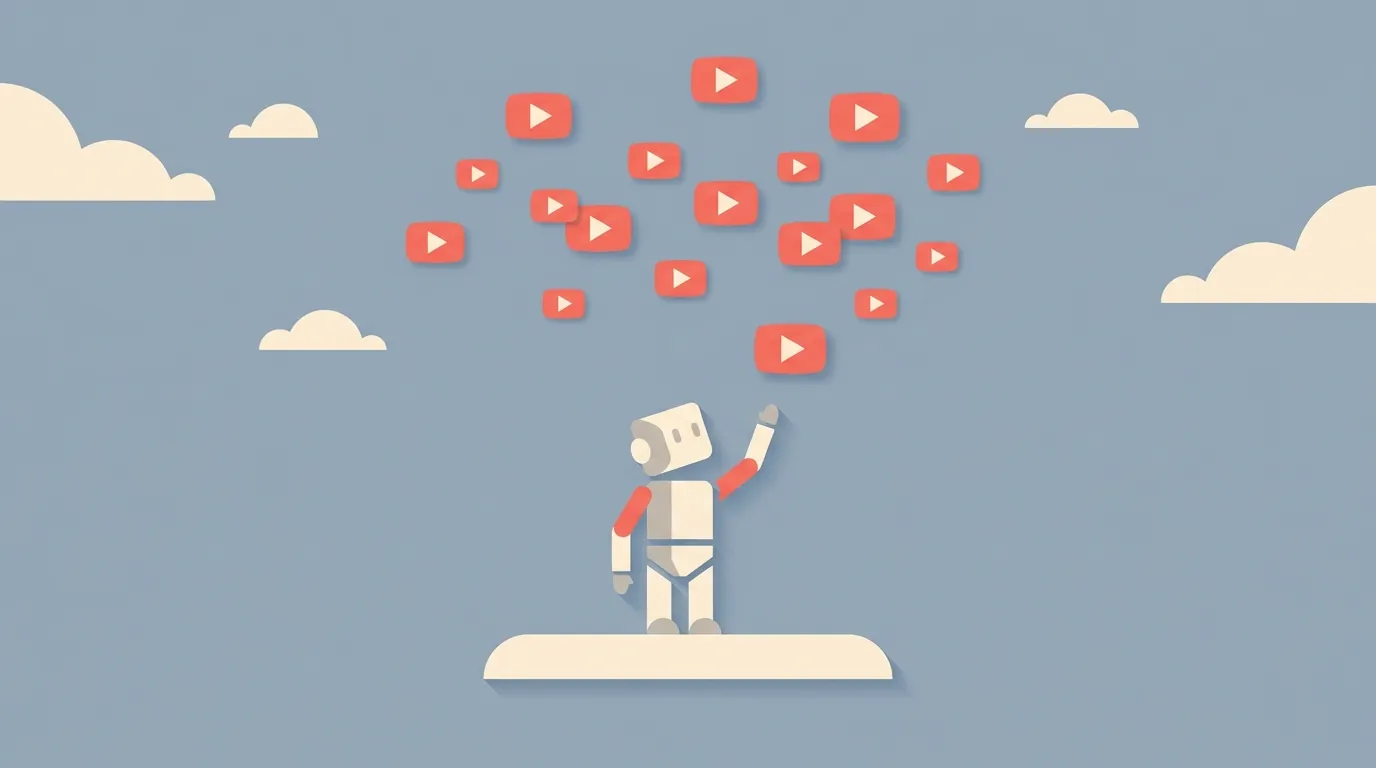
AI agents are only as smart as the data they can reach. Right now, most agents can browse the web, read files, and query databases. But YouTube? Its 800 million videos with transcripts sit behind a wall that most agents can't get through.
That's a problem. YouTube holds expert tutorials, conference talks, university lectures, product reviews, and in-depth discussions that don't exist in written form anywhere else. An agent that can't tap into YouTube is ignoring one of the largest knowledge sources on the internet.
The Model Context Protocol (MCP) fixes this. It's a standardized way for AI agents to connect to external tools and data sources. TranscriptAPI's native MCP server bridges the gap between your AI agent and YouTube's entire transcript library.
This guide shows you how to connect five different AI platforms to YouTube data. Each setup takes minutes. And I'll show you how to build custom agents with YouTube access using LangChain and LlamaIndex.
Why AI agents need YouTube data
The YouTube knowledge gap
Think about the last time you searched for how to do something technical. Odds are good that the best explanation was a YouTube video, not a blog post.
YouTube contains knowledge that is genuinely hard to find elsewhere:
Conference keynotes where industry leaders share unreleased insights
Technical deep-dives that are too detailed for blog format
Step-by-step tutorials with visual demonstrations
Long-form interviews where experts go off-script
University lectures covering topics that textbooks won't touch for years
An AI agent without YouTube access misses all of this. When you ask it to research a topic, it's working with an incomplete picture.
MCP solves this by giving agents real-time access to transcripts, YouTube search, and channel data through a protocol they already understand.
What agents can do with YouTube access
Once connected, the possibilities are concrete and practical:
Research agents can pull transcripts from relevant videos and synthesize information across multiple sources
Content creation agents can draft articles, social posts, and summaries based on video content
Monitoring agents can track competitor YouTube channels and alert you when new content drops
Support agents can reference your product's tutorial videos when answering customer questions
Learning agents can pull from educational content to explain concepts with real examples
The common thread: agents that can read YouTube transcripts make better decisions because they have access to more information.
Platforms like CRHQ let you deploy these specialized agents with YouTube skills built in — complete with scheduling, persistent memory, and browser access. Instead of wiring up each integration yourself, you get an agent team that already knows how to work with TranscriptAPI.
How much time would you save if your AI agent could research YouTube content on its own?
The MCP server: what it provides
Before diving into platform-specific setups, let me explain what the TranscriptAPI MCP server actually gives your agent.
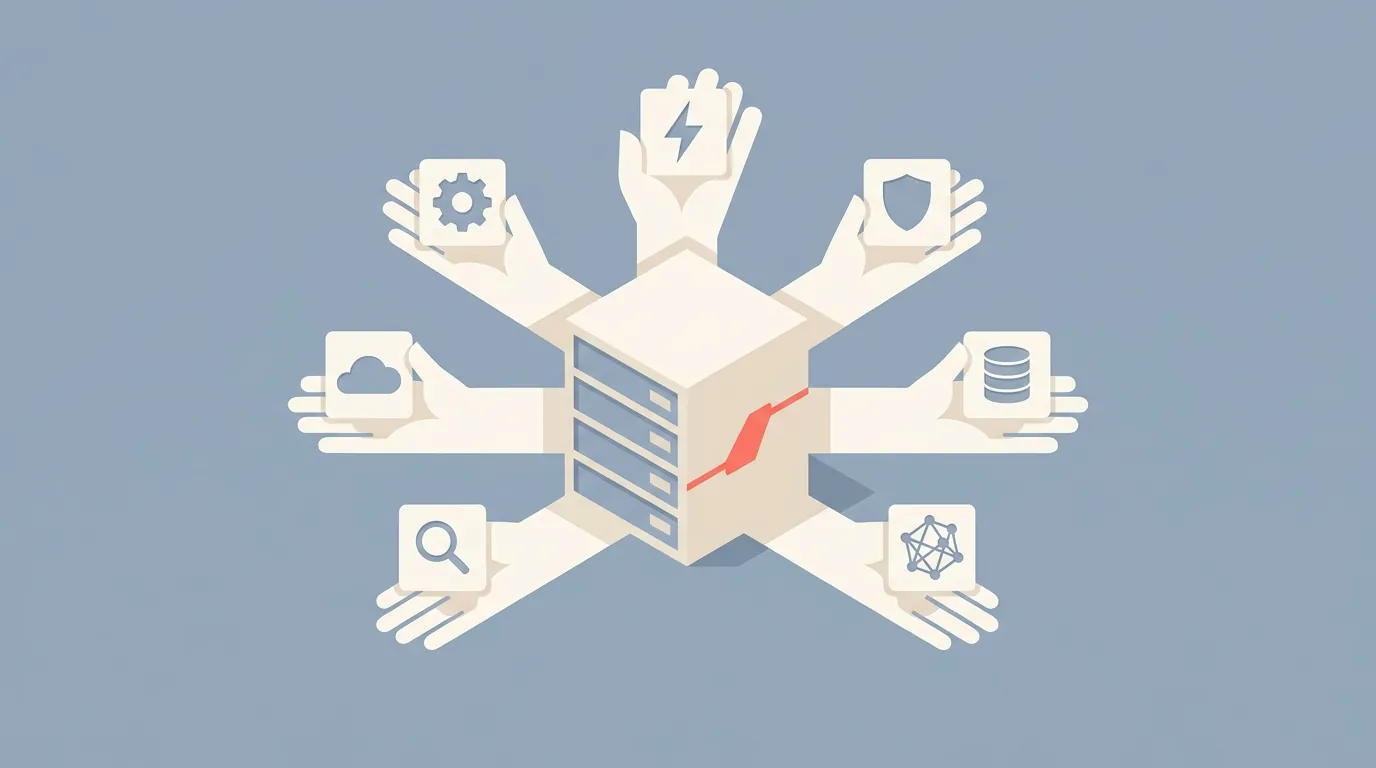
It exposes 12 tools through the MCP protocol (the full list is in the MCP docs). The main ones include:
Get transcript -- extract the full transcript from any YouTube video
Search YouTube -- find videos or channels by keyword
List channel videos -- get all videos from a specific channel (paginated)
Search within a channel -- find specific content from a creator
Get channel info (
get_channel_info) -- get a channel's profile: title, @handle, subscriber and video counts, description, and the tabs it has. Accepts an @handle, channel URL, or channel ID (1 credit)Get latest uploads -- check a channel's newest videos (free)
List playlist videos -- get all videos in a playlist (paginated)
Each tool maps to a TranscriptAPI REST endpoint. The MCP server handles the HTTP calls, authentication, and response formatting. Your agent just calls the tool and gets structured data back.
Credit usage is the same as the REST API: 1 credit per successful request, 0 credits for failures, and free access for latest uploads. Channel resolve is also free, but it's a REST endpoint (/youtube/channel/resolve), not an MCP tool.
Setting up MCP with Claude Desktop
Claude was the first major AI assistant with native MCP support. The setup is straightforward.
Configuration steps
Create a TranscriptAPI account at transcriptapi.com (100 free credits on signup)
Open Claude's Settings, then Connectors, and click Add custom connector. This works in claude.ai and in Claude Desktop.
Name it TranscriptAPI and paste the server URL:
https://transcriptapi.com/mcp
Click Add, then Connect, and approve access on TranscriptAPI's OAuth page. No API key or config file needed. Screenshots of each step are in our Claude connector guide.
Test it by asking Claude to get a transcript
For a detailed walkthrough with screenshots and troubleshooting, see the Claude MCP setup guide.
Example prompts for Claude
Once connected, try these:
"Get the transcript of [URL] and summarize the key arguments"
"Search YouTube for videos about 'rust programming' and compare the top 3 results"
"List the latest videos from @ThePrimeagen and tell me what topics he's been covering this month"
"Find every mention of 'microservices' in this conference talk, with timestamps: [URL]"
Claude will use the TranscriptAPI tools automatically when your request involves YouTube data. You don't need to tell it to use MCP. It figures that out on its own.
Using Claude Code (terminal)? Follow the Claude Code setup steps.
Setting up MCP with Cursor IDE
Why Cursor plus YouTube is powerful for developers
Cursor is an AI-powered code editor. Adding YouTube access turns it into a coding assistant that can reference video tutorials in real time.
Here's what that looks like in practice:
You're stuck on a React hook pattern. Ask Cursor to find a YouTube tutorial on
useReducerand extract the code examples.You're debugging a Kubernetes issue. Ask Cursor to pull the transcript from a troubleshooting video and apply the solution to your code.
You're learning a new framework. Ask Cursor to summarize a video tutorial and then help you implement what was taught.
The transcript data flows right into Cursor's context window, so it can reference specific code examples from videos while helping you write code. That's a workflow that didn't exist before MCP.
Configuration steps for Cursor
Cursor's MCP configuration lives in its settings:
Open Cursor settings
Navigate to the MCP section (or find the mcp config file in your Cursor settings directory)
Add the TranscriptAPI server:
{
  "mcpServers": {
    "transcriptapi": {
      "url": "https://transcriptapi.com/mcp",
      "headers": {
        "Authorization": "Bearer your_key_here"
      }
    }
  }
}
Restart Cursor
Test by asking Cursor to fetch a transcript in a chat session
Replace your_key_here with your TranscriptAPI API key (it starts with sk_) and keep the word Bearer and the space before it. There's nothing to install: TranscriptAPI hosts the MCP server. For a full walkthrough, see the Cursor setup guide.
Try this in Cursor
Open a chat and type:
"Get the transcript from this Python tutorial video [URL] and show me the code for the database connection part"
Cursor will pull the transcript, find the relevant section, and extract the code. That's research and implementation in a single step.
Setting up MCP with Windsurf
Windsurf is another AI-powered development environment that supports MCP natively.
Configuration steps
Find Windsurf's MCP configuration file (check Windsurf docs for the exact location on your OS)
Add the same server block:
{
  "mcpServers": {
    "transcriptapi": {
      "url": "https://transcriptapi.com/mcp",
      "headers": {
        "Authorization": "Bearer your_key_here"
      }
    }
  }
}
Restart Windsurf and verify
Windsurf can use YouTube data for code generation, documentation lookup, and research. The same TranscriptAPI tools are available. Same credit costs.
If you're using Windsurf for a project that involves video content, like building a video summarizer or a course platform, having direct transcript access inside your IDE is a genuine productivity boost.
OpenClaw and ChatGPT integration
OpenClaw setup
OpenClaw is a framework for building and running AI agents. Its MCP support lets you extend agents with external tools.
The quickest route in OpenClaw is the TranscriptAPI YouTube skill, installed with one command. It connects to your TranscriptAPI account and stores your key for you, so there's no config file to edit.
OpenClaw agents with YouTube access can autonomously research video content, monitor channels, and process transcripts as part of larger workflows. If you're building agents that need to gather information from multiple sources, YouTube is a source worth including.
For managed agent deployment, CRHQ also supports MCP-based YouTube access. Agents on CRHQ run on dedicated infrastructure with built-in scheduling and cross-agent delegation — useful when you want a content agent to automatically pull transcripts on a schedule and hand them to a research agent for analysis.
For detailed OpenClaw setup, see our complete OpenClaw YouTube MCP connection guide.
ChatGPT MCP support
ChatGPT has been adding MCP support, allowing it to connect to external tools. The TranscriptAPI MCP server is compatible.
Check ChatGPT's latest documentation for the current setup process, as the interface for MCP configuration is still evolving. ChatGPT connects with OAuth: add https://transcriptapi.com/mcp as the server URL, plus the Client ID and Client Secret from the MCP Integration page in your TranscriptAPI dashboard. See our ChatGPT setup guide.

Building custom AI agents with YouTube data
MCP is great for interactive tools like Claude and Cursor. But what about custom agents you build yourself? For that, you call the TranscriptAPI REST API directly.
For a real-world example, see how to build a YouTube monitoring agent that auto-processes new uploads and delivers Slack reports.
Using TranscriptAPI in LangChain agents
LangChain lets you define custom tools that your agent can call. Here's how to wrap TranscriptAPI as a LangChain tool:
import requests
import os
from langchain.tools import tool

API_KEY = os.environ["TRANSCRIPT_API_KEY"]
BASE_URL = "https://transcriptapi.com/api/v2"
HEADERS = {"Authorization": f"Bearer {API_KEY}"}


@tool
def get_youtube_transcript(video_url: str) -> str:
    """Get the transcript of a YouTube video. Pass a YouTube URL or video ID."""
    response = requests.get(
        f"{BASE_URL}/youtube/transcript",
        params={"video_url": video_url, "send_metadata": "true"},
        headers=HEADERS
    )

    if response.status_code != 200:
        return f"Error: Could not get transcript (HTTP {response.status_code})"

    data = response.json()
    title = data.get("metadata", {}).get("title", "Unknown")
    text = " ".join(seg["text"] for seg in data["transcript"])
    return f"Title: {title}\n\nTranscript:\n{text}"


@tool
def search_youtube(query: str, limit: int = 5) -> str:
    """Search YouTube for videos matching a query. Returns video titles and IDs."""
    response = requests.get(
        f"{BASE_URL}/youtube/search",
        params={"q": query},
        headers=HEADERS
    )

    if response.status_code != 200:
        return f"Error: Search failed (HTTP {response.status_code})"

    data = response.json()
    results = []
    for video in data.get("results", [])[:limit]:
        results.append(f"- {video['title']} (ID: {video['videoId']})")

    return "\n".join(results)
Now plug these tools into a LangChain agent:
from langchain_openai import ChatOpenAI
from langchain_classic.agents import AgentExecutor, create_tool_calling_agent
from langchain_core.prompts import ChatPromptTemplate

llm = ChatOpenAI(model="gpt-4o")
tools = [get_youtube_transcript, search_youtube]

prompt = ChatPromptTemplate.from_messages([
    ("system", "You are a research assistant with access to YouTube transcripts. "
               "Use the search and transcript tools to answer questions thoroughly."),
    ("human", "{input}"),
    ("placeholder", "{agent_scratchpad}")
])

agent = create_tool_calling_agent(llm, tools, prompt)
executor = AgentExecutor(agent=agent, tools=tools)

# Ask the agent to research a topic
result = executor.invoke({
    "input": "Find the best YouTube videos about vector databases and summarize the key concepts from the top 3"
})
print(result["output"])
This agent will search YouTube, pull transcripts from the top results, and synthesize the information. All automatic. You ask a question, it does the research.
The beauty of this approach is composability. Combine the YouTube tools with web search, file access, database queries, and anything else your agent needs. YouTube becomes one data source among many.
Using TranscriptAPI in LlamaIndex pipelines
LlamaIndex is built for RAG (retrieval-augmented generation). Here's how to create a YouTube data connector:
import requests
import os
from llama_index.core import Document

API_KEY = os.environ["TRANSCRIPT_API_KEY"]
BASE_URL = "https://transcriptapi.com/api/v2"
HEADERS = {"Authorization": f"Bearer {API_KEY}"}


def load_youtube_transcripts(video_urls):
    """Load YouTube transcripts as LlamaIndex Documents."""
    documents = []

    for url in video_urls:
        response = requests.get(
            f"{BASE_URL}/youtube/transcript",
            params={"video_url": url, "send_metadata": "true"},
            headers=HEADERS
        )

        if response.status_code != 200:
            print(f"Skipping {url}: HTTP {response.status_code}")
            continue

        data = response.json()
        text = " ".join(seg["text"] for seg in data["transcript"])

        doc = Document(
            text=text,
            metadata={
                "source": "youtube",
                "video_id": data.get("video_id", ""),
                "title": data.get("metadata", {}).get("title", ""),
                "author": data.get("metadata", {}).get("author_name", ""),
                "language": data.get("language", ""),
                "url": url
            }
        )
        documents.append(doc)

    return documents
Feed these documents into a LlamaIndex vector store index, and you've got semantic search over YouTube content. Ask questions in natural language. Get answers grounded in actual video transcripts.
from llama_index.core import VectorStoreIndex

# Load transcripts
docs = load_youtube_transcripts([
    "https://www.youtube.com/watch?v=VIDEO_1",
    "https://www.youtube.com/watch?v=VIDEO_2",
    "https://www.youtube.com/watch?v=VIDEO_3",
])

# Build index
index = VectorStoreIndex.from_documents(docs)
query_engine = index.as_query_engine()

# Query
response = query_engine.query("What are the best practices for prompt engineering?")
print(response)
The metadata fields let you filter by channel, language, or individual video. For large indexes spanning multiple channels, this filtering makes retrieval much more precise.
Credit costs and planning
All MCP calls and REST API calls share the same credit pool. Here's what things cost:
OperationCreditsGet transcript1Search YouTube1List channel videos (per page)1Search within a channel1Resolve channel ID (REST endpoint only, not an MCP tool)FreeGet latest uploadsFreeList playlist videos (per page)1Any failed request0
For a typical research workflow where you search, browse results, and pull 5 transcripts, you're looking at about 7 credits total. The 100 free credits on signup give you 14 sessions like that. Enough to decide if it fits your workflow.
For ongoing use: - $5/month gets you 1,000 credits with top-ups at $2.50 per 1,000 - $54/year gets you 1,000 credits/month with cheaper top-ups at $1.50 per 1,000
The annual plan also bumps your rate limit from 200 to 300 requests per minute. If you're building an agent that processes content at scale, that extra headroom matters.
Frequently asked questions
Do all AI agent platforms support MCP?
As of early 2026, MCP support is available in Claude Desktop, Cursor, Windsurf, OpenClaw, ChatGPT, and agent platforms like CRHQ. The list keeps growing. For platforms that don't support MCP yet, you can call the TranscriptAPI REST endpoints directly via HTTP from any programming language.
Can I use the REST API directly instead of MCP?
Yes. MCP is a convenience layer. Under the hood, the MCP server makes the same HTTP GET requests that you would make directly. For custom agents, scripts, and platforms without MCP support, the REST API is always available.
The REST approach also gives you more control over error handling, caching, and retry logic. MCP is simpler for interactive use. REST is more flexible for programmatic use. Use whichever fits your situation.
Is there a limit to how many MCP calls an agent can make?
No separate MCP limit. Your credit balance determines total usage across both MCP and direct API calls. Rate limits apply the same way: 200 RPM on the monthly plan, 300 RPM on the annual plan. If your agent is making rapid-fire calls, it should check the X-RateLimit-Remaining header and back off when it gets low.
What if my agent needs to process thousands of videos?
For bulk workloads, the REST API with concurrent processing is more efficient than MCP. Use MCP for interactive, on-demand access. Use the REST API for batch jobs. They share the same credit pool, so there's no cost difference.
Connecting your agent to YouTube
MCP is the standard way to give AI agents access to external data. TranscriptAPI's MCP server makes YouTube's content library accessible to any MCP-compatible platform.
Whether you use Claude, Cursor, Windsurf, deploy agents on CRHQ, or build custom agents with LangChain and LlamaIndex, the setup takes minutes. The 12 available tools cover transcripts, search, channels, and playlists. Everything an agent needs to work with YouTube data.
Get your TranscriptAPI key at transcriptapi.com and connect your AI agent to YouTube today. The 100 free credits are enough to build a working prototype.
For a focused Claude Desktop setup, see the MCP server setup guide for Claude. For building a full RAG pipeline over YouTube content, check out building a RAG pipeline with YouTube transcripts. And for the complete API reference, see the YouTube Transcript API developer guide.
What will your agent do with access to YouTube's 800 million transcripts?
Frequently Asked Questions
- What knowledge is an AI agent missing without YouTube access?
- A large amount that exists nowhere in written form: conference keynotes with unreleased insights, technical deep-dives too detailed for a blog, step-by-step tutorials with visual demonstrations, long-form interviews where experts go off-script, and university lectures years ahead of the textbooks. An agent without YouTube access is working from an incomplete picture on almost any technical topic.
- How does MCP solve the YouTube access problem for AI agents?
- MCP (Model Context Protocol) is a standard way for agents to connect to external tools and data. TranscriptAPI's MCP server implements it for YouTube, giving an agent transcripts, search results, channel listings, and playlists through one interface. Once it's connected the agent gains a tool it calls automatically whenever a task needs video content — no custom integration code and no scraping infrastructure to maintain.
- What kinds of AI agents benefit most from YouTube access?
- Four common types: research agents that pull transcripts from relevant videos and synthesize across sources; content agents that draft articles and social posts from video content; monitoring agents that track competitor channels and alert on new uploads; and support agents that reference product tutorial videos when answering customer questions. Platforms like CRHQ bundle YouTube skills, scheduling, and persistent memory so these agents are quicker to stand up.