How to Get YouTube Transcripts in n8n (Full Workflow + JSON Template You Can Import)
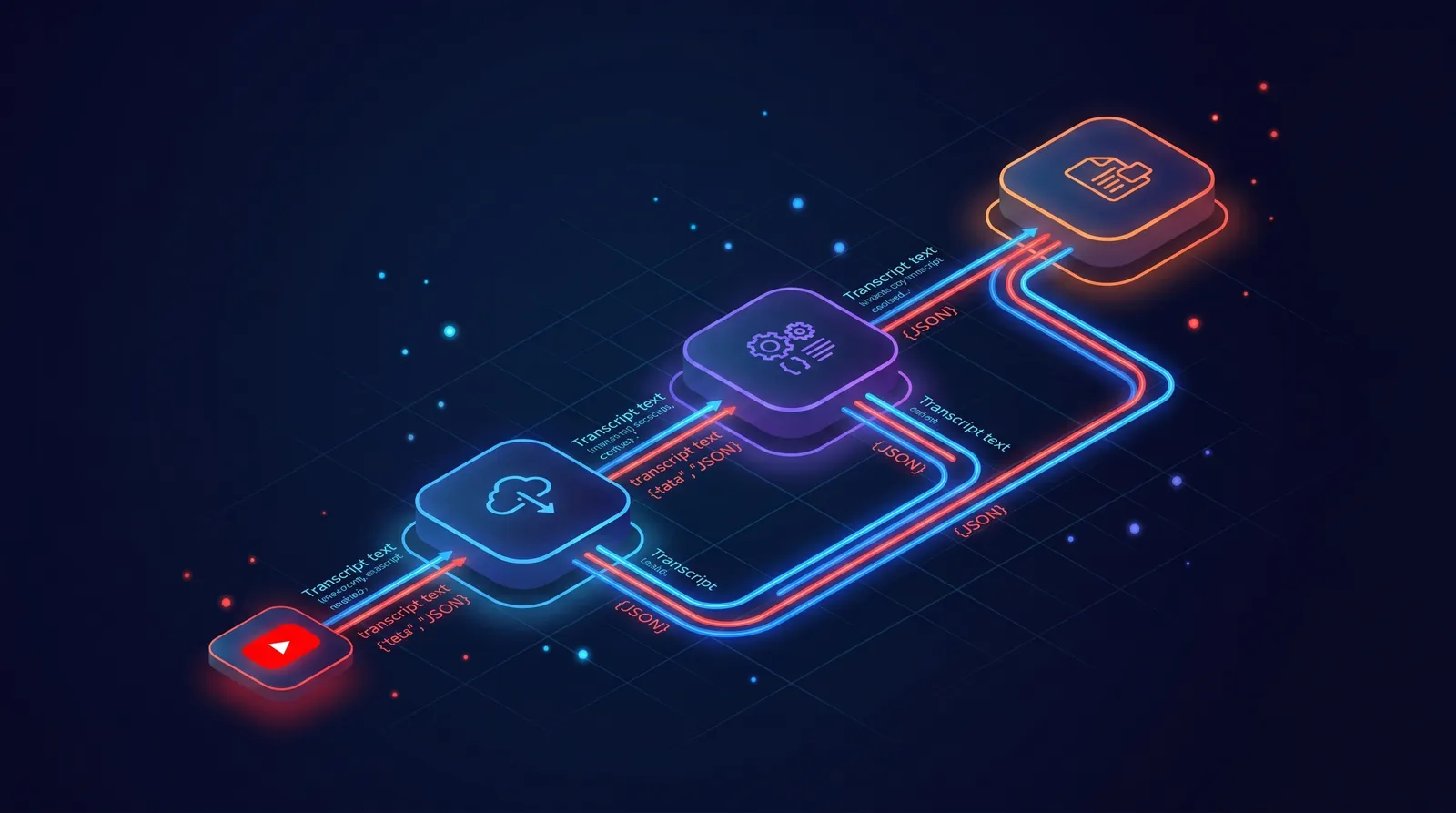
n8n is everywhere in 2026. Marketing teams use it. Solo founders use it. Internal tools at Fortune 500s quietly run on it. And the single most-asked workflow we see right now? Pulling YouTube transcripts into something useful. A summary. A SEO brief. A daily digest. A research database. This guide gives you the n8n YouTube transcript workflow that just works, including a JSON template you can paste into your editor in under three minutes.
No scraping. No proxies. No broken parser at 2am.
For a broader set of n8n transcript patterns, see the n8n YouTube transcript workflows guide for single-video, bulk batch, and channel-monitor examples.
What you will build
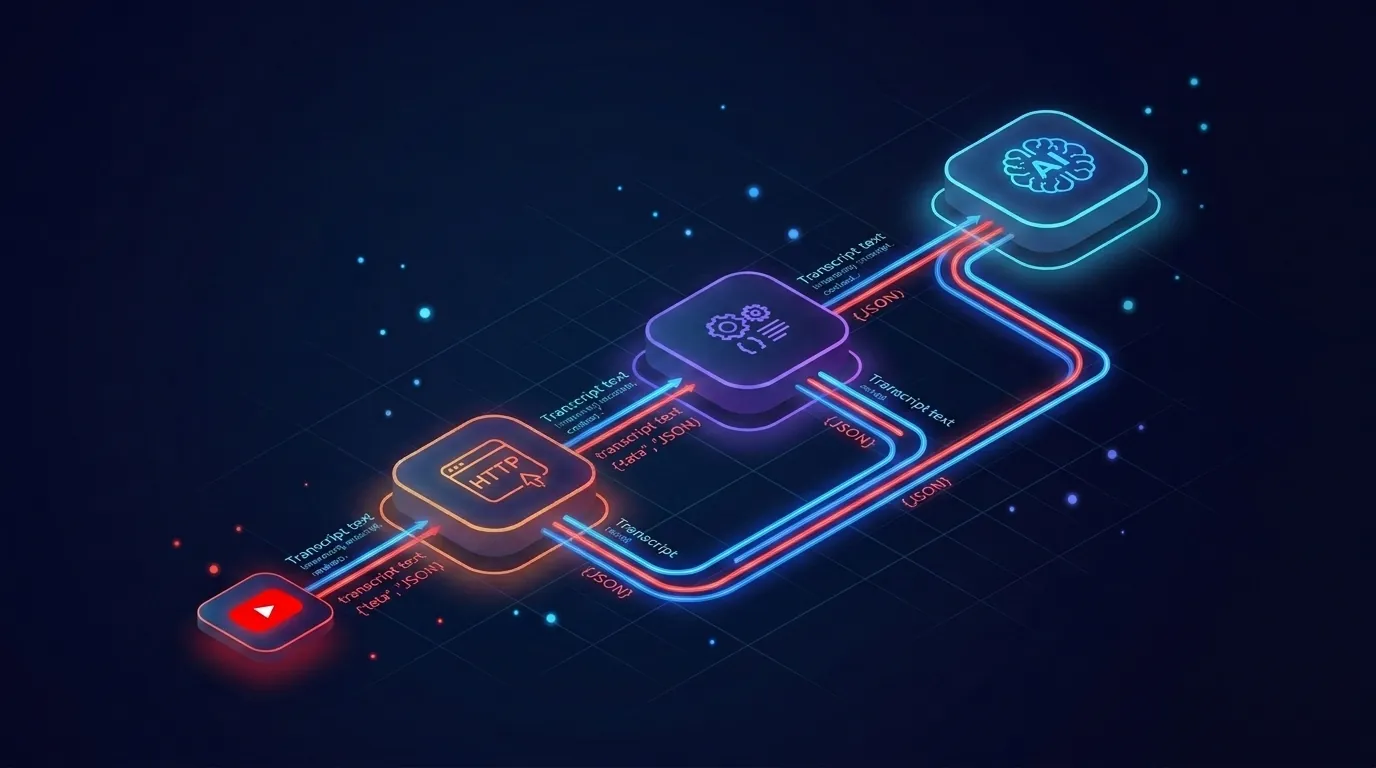
You will build a small n8n workflow with three nodes plus an error branch.
The shape is simple:
- A trigger (manual, webhook, or schedule).
- An HTTP Request node that calls TranscriptAPI.
- A node that does something with the transcript (Set, OpenAI, Slack, Notion, your call).
- An Error Trigger sub-workflow that catches failures and pings you.
That is the entire pattern. Once you have it, you can drop it into any larger automation you build this year.
Prerequisites you actually need
You need three things before you start. None of them take long.
- n8n version 1.50 or later. Cloud or self-hosted, both behave the same way for HTTP nodes.
- A TranscriptAPI key. Sign up at transcriptapi.com, copy the key from your dashboard. The free tier gives you 100 credits with no card required.
- A YouTube video URL or video ID to test with. Pick a 5-minute video so you can eyeball the output.
That is it. No OAuth. No client libraries. No service accounts.
Step 1: Add the HTTP Request node
Open your workflow and click the plus button to add a node. Search for "HTTP Request" and pick the core n8n node (not a community version).
Set these fields:
- Method: GET
- URL:
https://transcriptapi.com/api/v2/youtube/transcript - Authentication: None (we will set the header manually in Step 2, which is cleaner)
- Response Format: JSON
Leave the rest at defaults for now. You will fill in headers and query parameters in the next two steps.
Why GET? Because the transcript endpoint is a read operation. One request, one transcript, one credit if it works. Failed requests never charge.
Step 2: Configure auth with a Bearer token
TranscriptAPI uses a standard Authorization header with a Bearer token. No signing, no HMAC, no expiry to refresh.
In the HTTP Request node, scroll to Headers and add one row:
- Name:
Authorization - Value:
Bearer YOUR_API_KEY
Replace YOUR_API_KEY with the key from your TranscriptAPI dashboard. If you are on n8n self-hosted, do not paste the raw key. Use n8n credentials or environment variables instead.
The cleaner pattern: create an n8n credential of type "Header Auth" with name Authorization and value Bearer {{$env.TRANSCRIPTAPI_KEY}}. Then your workflow file is safe to share or commit. n8n Cloud users can set the env var under Settings, Variables.
Make sense? Auth is the part most people overcomplicate. This one stays a one-liner.
Step 3: Build the URL with the YouTube ID
The transcript endpoint takes one required query parameter: video_url. It accepts the full URL or the bare video ID.
In the HTTP Request node, switch on Send Query Parameters and add:
- Name:
video_url - Value:
{{$json.videoId}}
That expression assumes the previous node passed in a field called videoId. If you are testing with a manual trigger, hardcode a real ID like dQw4w9WgXcQ first, then swap to the expression once it works.
Two optional parameters worth knowing:
format=textreturns one big string.format=jsonreturns a timestamped array. Default isjson.include_timestamp=truekeeps start times in the response. Useful if you want to deep-link back to a moment in the video.
Add both as extra rows if you need them. For most automations, the default JSON with timestamps is the right call.
Step 4: Parse the response
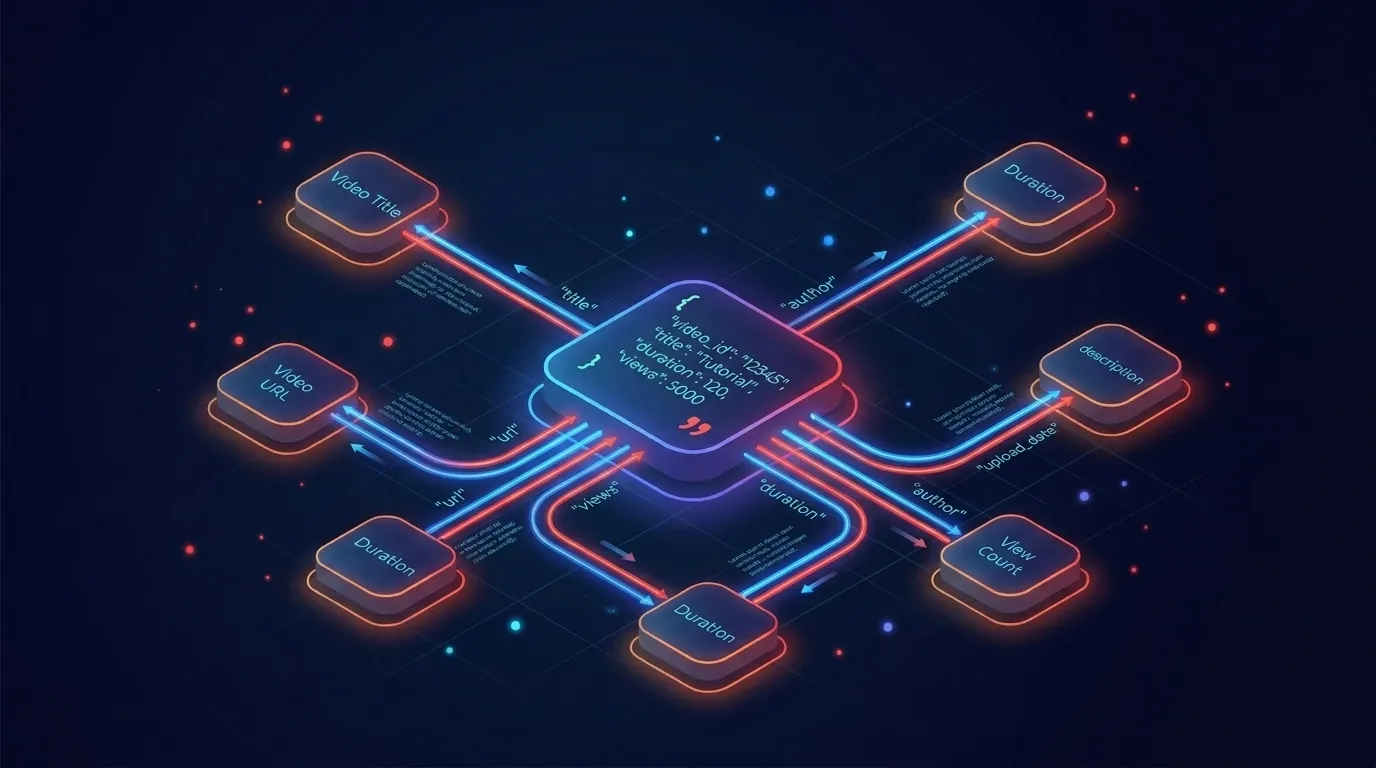
Hit "Execute Node." If your key is good and the video has captions, you get back a JSON object with the transcript inside.
A typical response looks like this:
{
  "video_id": "dQw4w9WgXcQ",
  "language": "en",
  "transcript": [
    { "text": "We're no strangers to love", "start": 18.8, "duration": 4.2 },
    { "text": "You know the rules and so do I", "start": 23.0, "duration": 3.5 }
  ]
}
To get a clean string for downstream nodes, add a Set node and create a field called fullText with this expression:
{{$json.transcript.map(t => t.text).join(' ')}}
That joins every line into one paragraph. Now you have a single string ready for an AI node, a database, a Slack message, anything.
If you prefer the raw text in one shot, set format=text on the API call instead and skip the join step entirely. Same credit cost.
Step 5: Handle errors with an Error Trigger branch
Things break. Captions get disabled. A video gets pulled. Your key hits a rate limit on a busy run. You want to know about it without watching the execution log.
Create a second workflow named "Transcript Errors." Add an Error Trigger node as the entry point. Pipe it to a Slack, Discord, or email node with the failed video ID and the error message.
Then go back to your main workflow, open Settings, and set the Error Workflow dropdown to "Transcript Errors." Done. Every failed run now pings you with context.
The HTTP Request node also has its own retry logic. Open the node, switch to the Settings tab, and turn on Retry On Fail with 3 attempts and a 5-second wait. That handles transient blips without ever firing your error workflow.
Bonus: download the JSON template
Skip the click-by-click setup. Copy the JSON below, open n8n, hit "Import from clipboard" in the top menu, paste, and you have the full workflow ready to run.
{
  "name": "YouTube Transcript via TranscriptAPI",
  "nodes": [
    {
      "parameters": {},
      "id": "1",
      "name": "Manual Trigger",
      "type": "n8n-nodes-base.manualTrigger",
      "typeVersion": 1,
      "position": [240, 300]
    },
    {
      "parameters": {
        "values": {
          "string": [
            { "name": "videoId", "value": "dQw4w9WgXcQ" }
          ]
        }
      },
      "id": "2",
      "name": "Set Video ID",
      "type": "n8n-nodes-base.set",
      "typeVersion": 2,
      "position": [460, 300]
    },
    {
      "parameters": {
        "method": "GET",
        "url": "https://transcriptapi.com/api/v2/youtube/transcript",
        "sendQuery": true,
        "queryParameters": {
          "parameters": [
            { "name": "video_url", "value": "={{$json.videoId}}" },
            { "name": "format", "value": "json" },
            { "name": "include_timestamp", "value": "true" }
          ]
        },
        "sendHeaders": true,
        "headerParameters": {
          "parameters": [
            { "name": "Authorization", "value": "Bearer YOUR_API_KEY" }
          ]
        },
        "options": {
          "retry": { "maxTries": 3, "waitBetweenTries": 5000 }
        }
      },
      "id": "3",
      "name": "Get Transcript",
      "type": "n8n-nodes-base.httpRequest",
      "typeVersion": 4,
      "position": [680, 300]
    },
    {
      "parameters": {
        "values": {
          "string": [
            { "name": "fullText", "value": "={{$json.transcript.map(t => t.text).join(' ')}}" }
          ]
        }
      },
      "id": "4",
      "name": "Join Lines",
      "type": "n8n-nodes-base.set",
      "typeVersion": 2,
      "position": [900, 300]
    }
  ],
  "connections": {
    "Manual Trigger": { "main": [[{ "node": "Set Video ID", "type": "main", "index": 0 }]] },
    "Set Video ID": { "main": [[{ "node": "Get Transcript", "type": "main", "index": 0 }]] },
    "Get Transcript": { "main": [[{ "node": "Join Lines", "type": "main", "index": 0 }]] }
  }
}
Swap YOUR_API_KEY for your real key (or wire it to a credential). Hit Execute Workflow. You should have a transcript in your output panel inside 200ms.
Bonus: add an OpenAI or Claude node to summarize
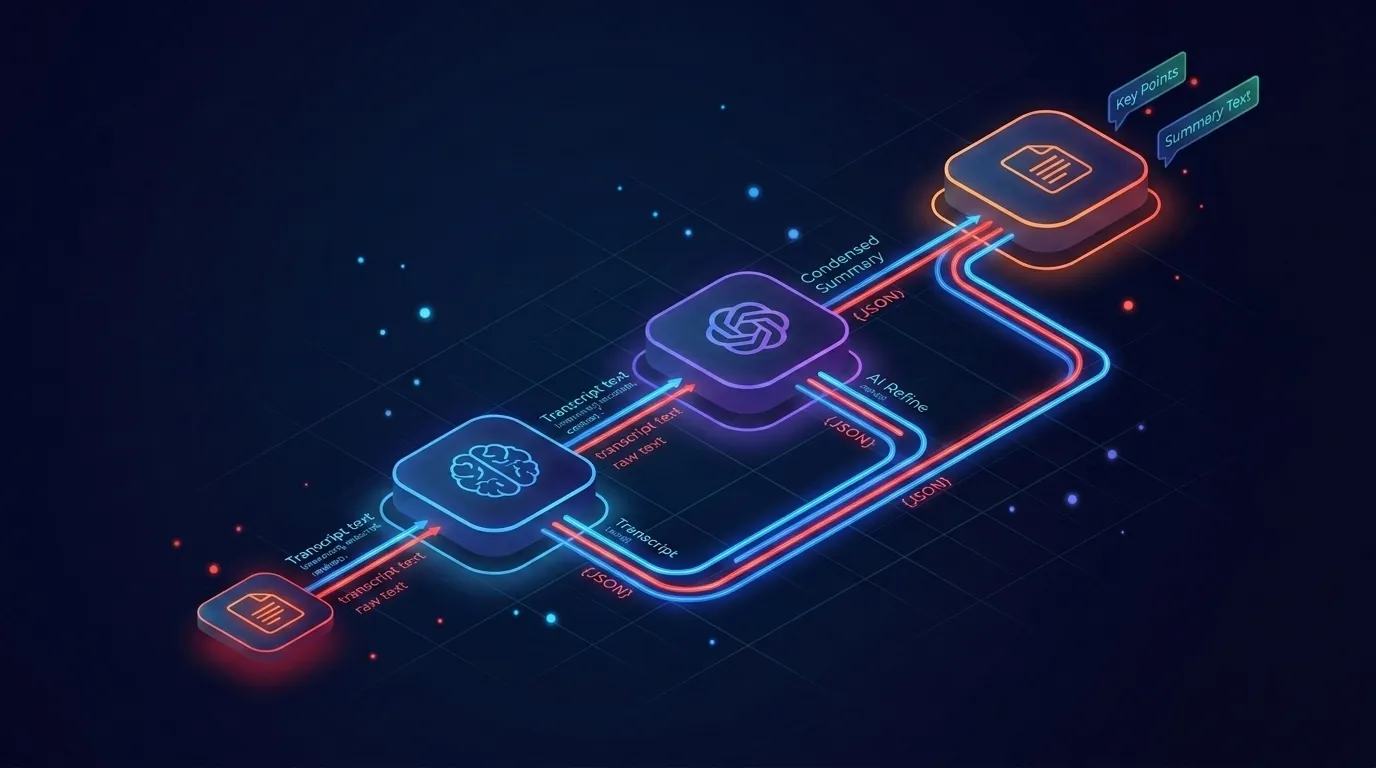
Now the fun part. Append an OpenAI or Anthropic node after Join Lines.
Set the prompt to something like this:
You are a video summarizer. Given the transcript below, produce:
- A 2-sentence TL;DR
- 5 key takeaways as bullets
- 3 quotes worth pulling

Transcript:
{{$json.fullText}}
Pick GPT-5 or Claude Sonnet 4.5 for cost-balanced quality. For longer videos, Claude handles 200K context without flinching, so you rarely need to chunk.
This pattern is the n8n YouTube summarizer 90% of teams want. Transcript in, structured summary out, written to Notion or Airtable. You just built it.
Bonus: monitor a YouTube channel for new uploads
Here is the money-saver most people miss.
TranscriptAPI exposes GET /api/v2/youtube/channel/latest?channel=@HandleName for free. Zero credits. It is RSS-based and returns the channel's latest 15 uploads.
Add a Schedule Trigger that runs every hour. Then an HTTP Request node pointed at the channel/latest endpoint. Then an If node that checks whether the top video ID is new (compare to a value stored in n8n's static data or a small Postgres table). If new, pass the video ID into the transcript workflow you just built.
You now have a free channel-monitoring loop that only spends a credit when there is actually a new video to transcribe. Hourly polling on 50 channels costs you zero credits per month for the polling itself. That math is hard to beat.
Common errors and fixes
A few you will probably hit:
- 401 Unauthorized. Your Bearer token is wrong or missing. Check there is a space between "Bearer" and the key.
- 404 Not Found on the video. The ID is invalid, or the video is private, age-gated, or region-locked.
- 422 No captions. Some videos genuinely have no transcript available. Handle this in your Error Trigger flow.
- 429 Too Many Requests. You hit your per-minute rate limit (200/min on monthly, 300/min on annual). Add a small wait or a Loop Over Items node with batching.
- Empty transcript array. Rare, but happens on shorts and silent videos. Check
transcript.lengthbefore passing to your AI node.
The honest answer: most failures in production come from videos that genuinely cannot be transcribed, not from the API. Build your error branch around that.
Why this beats the open-source library
You may be wondering why not just use the youtube-transcript-api Python package in a Code node.
Two reasons. First, it works great until YouTube updates their player and the parser breaks for two weeks. Second, n8n Cloud blocks most outbound IPs that YouTube has not blacklisted, so you would need a proxy layer anyway. TranscriptAPI handles both. 49ms median response time. 15M+ transcripts served per month. No SLA gymnastics on your end.
Free for prototypes. Paid for production. That is the right tradeoff for an automation you actually depend on.
How to put this into action
- Sign up at transcriptapi.com and copy your API key. The free tier gives you 100 credits, no card.
- Open n8n (Cloud or self-hosted) and create a new workflow.
- Paste the JSON template from the Bonus section above using "Import from clipboard."
- Replace
YOUR_API_KEYwith your real key, or wire it to a Header Auth credential. - Click Execute Workflow. Confirm you get a transcript back for the test video ID.
- Add an OpenAI or Anthropic node, a Slack node, or whatever your downstream automation needs.
Total time, start to finish: under 5 minutes if you read fast.
The bottom line
The n8n YouTube transcript workflow is the smallest possible automation that unlocks a huge category of use cases: research, SEO briefs, daily digests, channel monitors, AI summaries. Three nodes plus an error branch. One Bearer token. One endpoint. One credit per successful call. The free tier covers your prototype, and the channel/latest endpoint costs nothing forever. So what are you waiting on to build it today?
Frequently Asked Questions
- What does the n8n YouTube transcript workflow pattern look like?
- Three nodes plus an error branch: a trigger (manual, webhook, or schedule); an HTTP Request node that calls TranscriptAPI's transcript endpoint with the video URL as a query parameter and the API key in an Authorization header; and a processing node (Set, OpenAI, Slack, Notion, or whatever you're building). An Error Trigger sub-workflow catches failures and notifies you. That's the base pattern you drop into any larger automation.
- How do I handle the TranscriptAPI key securely in n8n instead of hardcoding it?
- Create an n8n credential of type Header Auth, set the header name to Authorization, and set its value to the word Bearer followed by a space and a reference to a stored environment variable holding your key. On n8n Cloud you set that variable under Settings; on self-hosted n8n you set it in your environment config. Don't paste the raw key into the node — using a credential or env var keeps the workflow file safe to share or commit.
- Can I import a complete n8n template instead of building the workflow from scratch?
- Yes. A full JSON template pastes straight into the n8n editor through Import from JSON and is ready in under three minutes. It includes the HTTP Request node already configured with the headers and query parameters, the error-handling branch, and the optional AI summarization step wired up and ready to customize.