Build a RAG pipeline with YouTube Transcripts in 2026
Most RAG pipelines pull from the same three sources: web pages, PDFs, and internal docs. That works fine for a lot of use cases.
But it ignores one of the biggest knowledge sources on the internet.
YouTube has over 800 million videos. Conference talks. Expert tutorials. University lectures. Founder interviews. Product demos. All full of information you cannot find in any written document.
The problem? That knowledge is locked in video format. Your vector store can't watch a 90-minute keynote.
Transcripts fix that. And in this guide, you will build a complete RAG pipeline that ingests YouTube transcripts, chunks them, embeds them into vectors, and answers natural-language questions grounded in video content.
We will use TranscriptAPI for the data ingestion layer, LangChain for orchestration, and Chroma (or Pinecone) for vector storage.
By the end, you will have a working system that can answer questions like "What did Andrej Karpathy say about fine-tuning in his Stanford lecture?" with cited sources and timestamps.
Let's get into it.
What is a RAG pipeline (quick refresher)
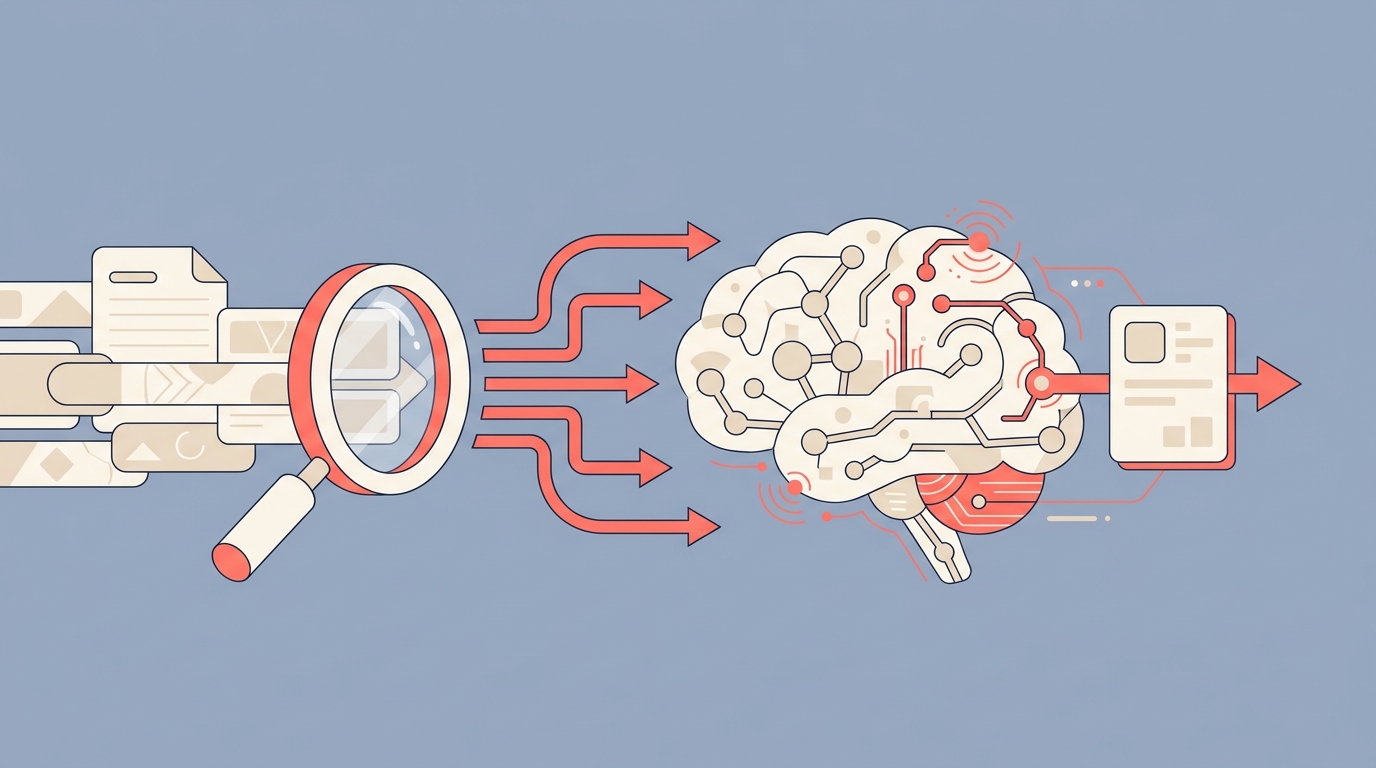
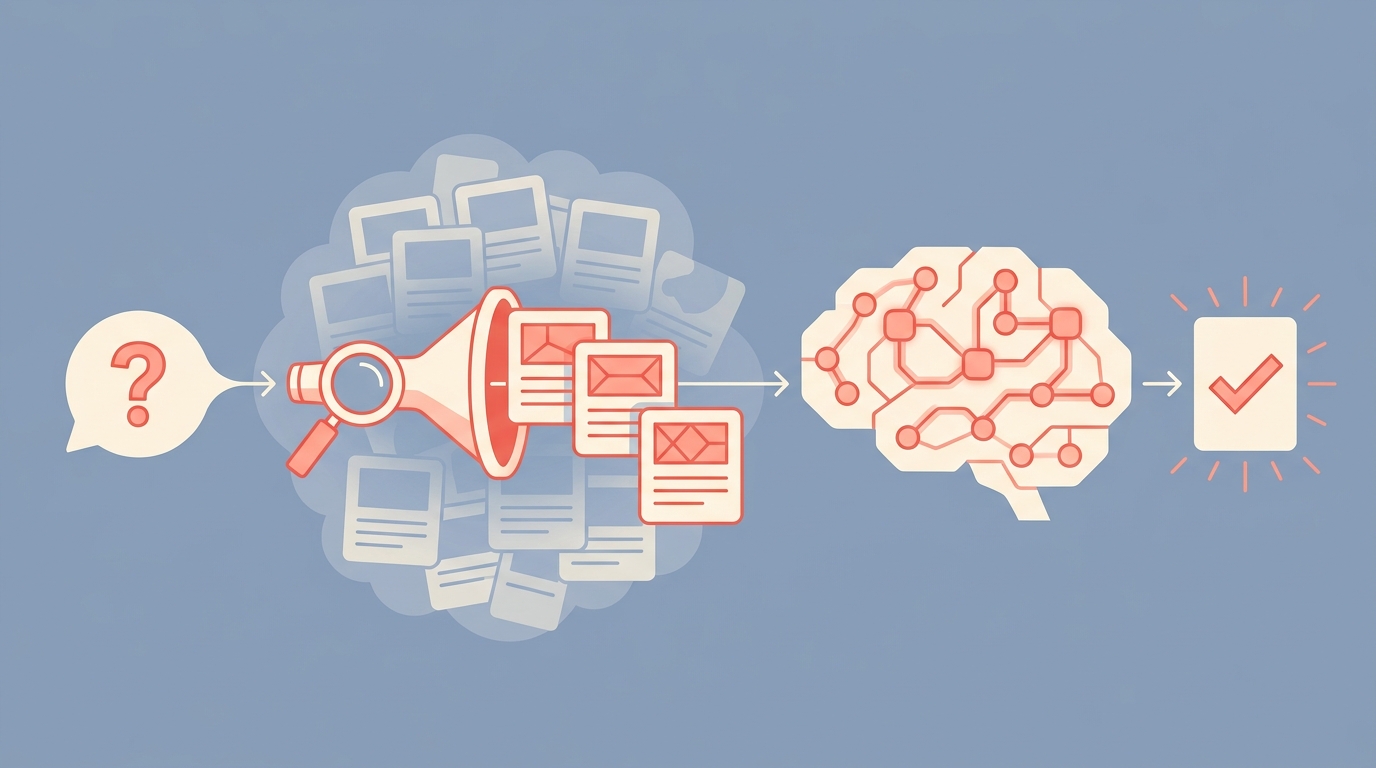
RAG stands for Retrieval-Augmented Generation. The idea is simple: instead of asking an LLM to answer from memory, you retrieve relevant documents first and feed them as context.
This solves the hallucination problem. The LLM answers based on your data, not its training data.
A basic RAG system has three parts:
A document store (your knowledge base)
A retrieval mechanism (usually vector similarity search)
A generation step (an LLM that produces answers from retrieved context)
Most teams use web pages or PDFs as their document store. That is fine. But YouTube content is a blind spot that almost nobody is filling.
Architecture overview
Before writing code, here is how the pieces fit together.
The RAG pipeline components
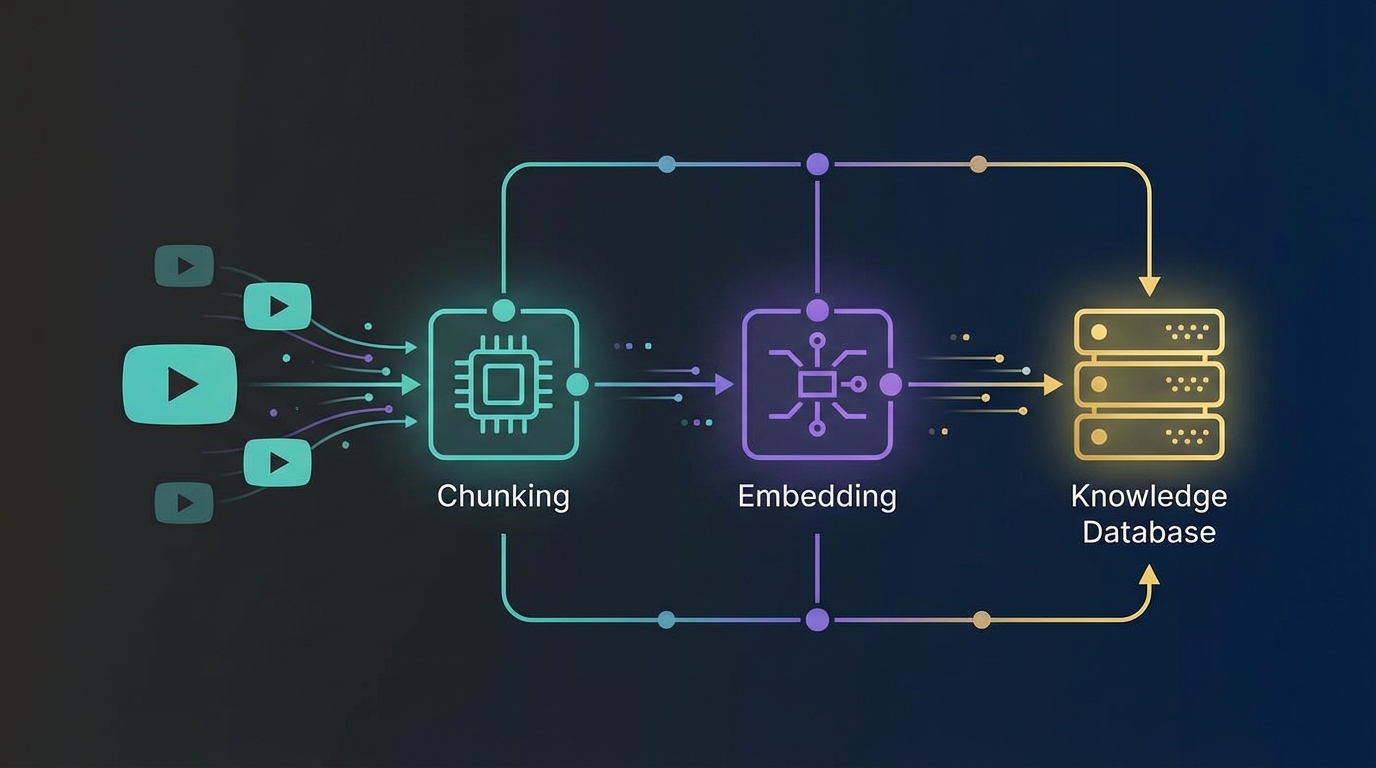
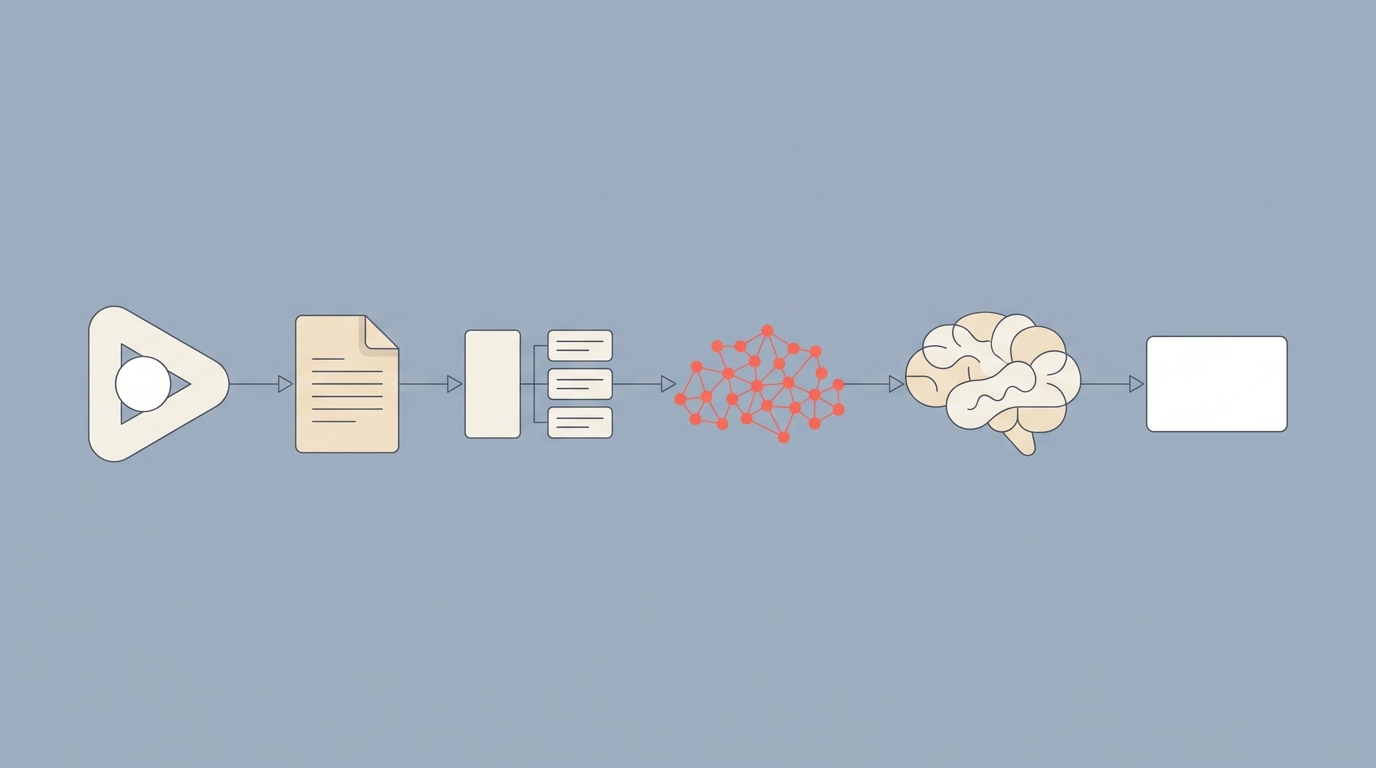
Your pipeline has five stages:
Data ingestion -- TranscriptAPI extracts transcripts from YouTube videos, channels, or playlists
Chunking -- Transcripts get split into segments of 200-500 words using timestamp boundaries
Embedding -- Each chunk becomes a vector using an embedding model (OpenAI, Cohere, or open-source)
Storage -- Vectors go into a vector database (Chroma, Pinecone, Weaviate, or pgvector)
Retrieval + generation -- User queries get embedded, similar chunks are retrieved, and an LLM generates answers grounded in the transcript content
Nothing here is unusual for a RAG pipeline. The interesting part is step 1, where YouTube transcripts become your knowledge source.
Why YouTube transcripts work so well for RAG
I think YouTube transcripts are actually better than most text sources for RAG, and here is why.
Transcripts come pre-segmented with timestamps. That makes chunking natural. You do not have to guess where one topic ends and another begins.
Video content contains explanations, real-world examples, and back-and-forth discussions that never appear in documentation. Think about it: when was the last time official docs included a 20-minute walkthrough of edge cases?
And the scale is real. A single YouTube channel can hold hundreds of hours of domain-specific knowledge. The TED channel alone has over 5,200 videos.
Ready to build this?
New to TranscriptAPI? Our Python quick-start tutorial covers the basics of transcript extraction.
Need to source content from entire channels? Our channel videos API guide shows how to list and search all videos from any channel.
Step 1: ingest transcripts with TranscriptAPI
First, install what you need:
pip install requests langchain-classic langchain-text-splitters langchain-openai langchain-chroma
Set your API keys as environment variables:
export TRANSCRIPTAPI_KEY="your_transcriptapi_key"
export OPENAI_API_KEY="your_openai_key"
Single video ingestion
Grabbing a transcript is one API call:
import requests
import os

def get_transcript(video_url):
    response = requests.get(
        "https://transcriptapi.com/api/v2/youtube/transcript",
        params={
            "video_url": video_url,
            "format": "json",
            "send_metadata": "true"
        },
        headers={
            "Authorization": f"Bearer {os.environ['TRANSCRIPTAPI_KEY']}"
        }
    )
    response.raise_for_status()
    return response.json()

# Grab a transcript
data = get_transcript("https://www.youtube.com/watch?v=dQw4w9WgXcQ")
print(f"Video: {data['metadata']['title']}")
print(f"Segments: {len(data['transcript'])}")
The response includes text segments with start times and durations. Each segment looks like this:
{
  "text": "Never gonna give you up",
  "start": 0.0,
  "duration": 2.5
}
That timing data is gold for chunking. It tells you exactly when each sentence was spoken, so you can link retrieved RAG results back to a specific moment in the video.
Notice we set send_metadata to true. That gives us the video title, author name, and thumbnail URL alongside the transcript. You will want that metadata later for source attribution.
Channel-wide ingestion
For a real knowledge base, you want an entire channel. TranscriptAPI has endpoints for that.
Here is how to list all videos from a channel and grab their transcripts:
import time

def get_channel_videos(channel_handle):
    """List all videos from a YouTube channel."""
    videos = []
    params = {"channel": channel_handle}

    while True:
        response = requests.get(
            "https://transcriptapi.com/api/v2/youtube/channel/videos",
            params=params,
            headers={
                "Authorization": f"Bearer {os.environ['TRANSCRIPTAPI_KEY']}"
            }
        )
        response.raise_for_status()
        data = response.json()
        videos.extend(data["results"])

        if not data.get("has_more"):
            break
        params = {"continuation": data["continuation_token"]}

    return videos

def ingest_channel(channel_handle):
    """Extract transcripts for all videos in a channel."""
    videos = get_channel_videos(channel_handle)
    transcripts = []

    for video in videos:
        try:
            transcript = get_transcript(
                f"https://youtube.com/watch?v={video['videoId']}"
            )
            transcript["channel"] = channel_handle
            transcripts.append(transcript)
            time.sleep(0.3)  # respect rate limits
        except requests.HTTPError as e:
            if e.response.status_code == 404:
                print(f"No captions for {video['videoId']}, skipping")
                continue
            raise

    return transcripts
A few things to notice here. Failed requests (like 404 for videos without captions) cost zero credits. So you can safely loop through an entire channel without wasting money on unavailable transcripts.
At 200-300 requests per minute (depending on your plan), you can ingest a 500-video channel in under 3 minutes. The monthly plan gives you 200 RPM. The annual plan bumps that to 300 RPM.
One thing I like about this approach: you can also ingest entire playlists. If someone curated a playlist of "best machine learning talks from 2025," you can pull all those transcripts with the /youtube/playlist/videos endpoint instead of hunting for individual video URLs.
How many videos does your target knowledge domain have?
Step 2: chunk transcripts for embedding
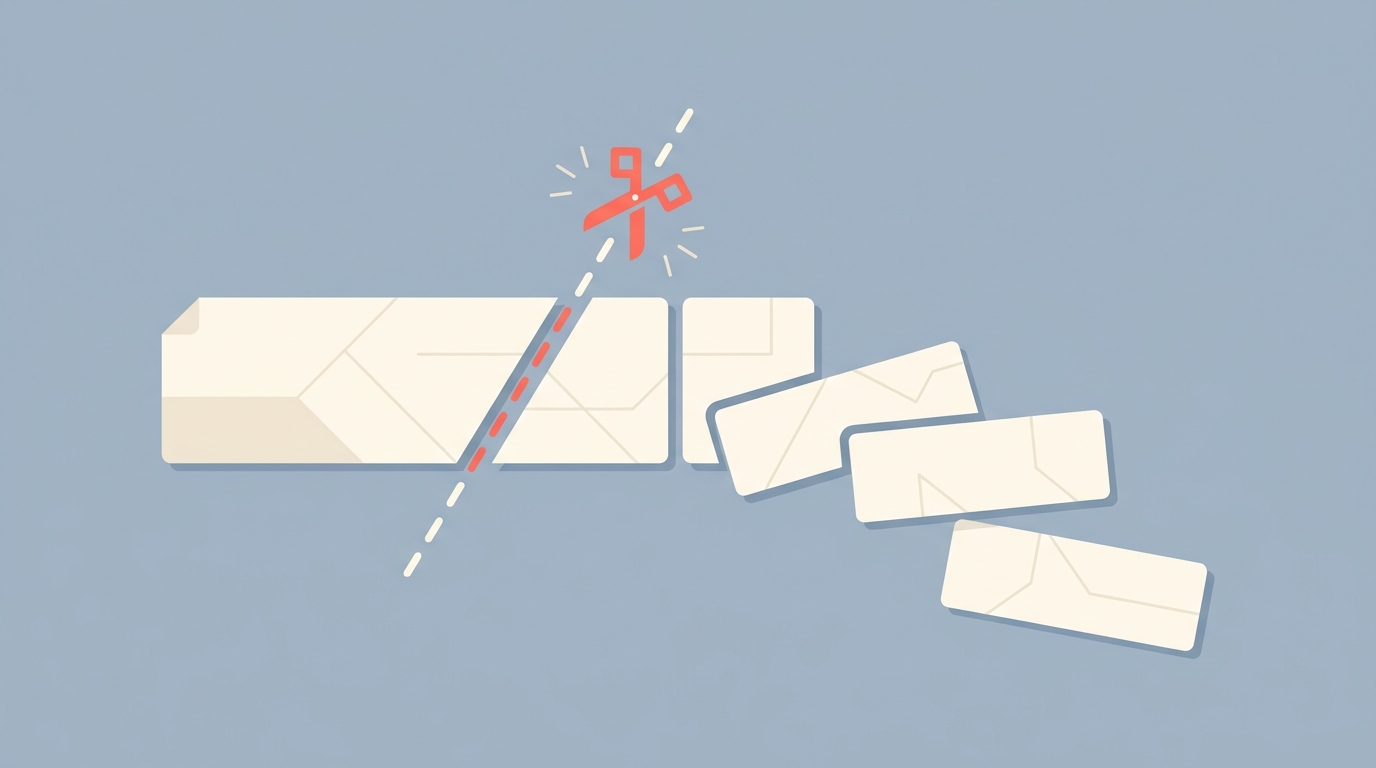
Raw transcripts can be thousands of words long. You need to break them into chunks small enough for your embedding model and large enough to carry useful context.
Timestamp-based chunking
Since TranscriptAPI gives you timestamps with every segment, you can chunk by time boundaries:
def chunk_by_timestamps(transcript_data, target_words=300):
    """Group transcript segments into chunks of ~target_words."""
    chunks = []
    current_chunk = []
    current_words = 0

    for segment in transcript_data["transcript"]:
        words = len(segment["text"].split())
        current_chunk.append(segment)
        current_words += words

        if current_words >= target_words:
            chunk_text = " ".join(s["text"] for s in current_chunk)
            chunks.append({
                "text": chunk_text,
                "start_time": current_chunk[0]["start"],
                "end_time": current_chunk[-1]["start"] + current_chunk[-1]["duration"],
                "video_id": transcript_data["video_id"],
                "title": transcript_data.get("metadata", {}).get("title", ""),
                "word_count": current_words
            })
            current_chunk = []
            current_words = 0

    # Don't forget the last chunk
    if current_chunk:
        chunk_text = " ".join(s["text"] for s in current_chunk)
        chunks.append({
            "text": chunk_text,
            "start_time": current_chunk[0]["start"],
            "end_time": current_chunk[-1]["start"] + current_chunk[-1]["duration"],
            "video_id": transcript_data["video_id"],
            "title": transcript_data.get("metadata", {}).get("title", ""),
            "word_count": current_words
        })

    return chunks
This gives you chunks of roughly 300 words each, with precise timestamps. When your RAG system retrieves a chunk, it can link directly to the exact moment in the video. Your users can click through and verify the source.
Semantic chunking strategies
Want smarter splits? You can add overlap between chunks:
from langchain_text_splitters import RecursiveCharacterTextSplitter

def chunk_with_overlap(transcript_data, chunk_size=1000, overlap=200):
    """Use LangChain's text splitter with overlap."""
    full_text = " ".join(
        seg["text"] for seg in transcript_data["transcript"]
    )

    splitter = RecursiveCharacterTextSplitter(
        chunk_size=chunk_size,
        chunk_overlap=overlap,
        separators=[". ", "? ", "! ", "\n", " "]
    )

    chunks = splitter.create_documents(
        [full_text],
        metadatas=[{
            "video_id": transcript_data["video_id"],
            "title": transcript_data.get("metadata", {}).get("title", ""),
            "channel": transcript_data.get("metadata", {}).get("author_name", "")
        }]
    )

    return chunks
The 200-character overlap prevents context loss at chunk boundaries. A sentence split in half loses its meaning. Overlap fixes that.
I recommend 200-500 word chunks for transcript content. Too small and you lose context. Too large and retrieval gets noisy.
Which approach should you pick? If you need timestamp-level precision (linking users to exact video moments), use the timestamp-based chunker. If you care more about retrieval quality and do not need precise timestamps, use the overlap approach.
You can also combine both. Use timestamps to create initial segments, then apply overlap on top. That gives you the best of both worlds, but adds complexity. For most projects, just pick one.
Step 3: embed and store in a vector database
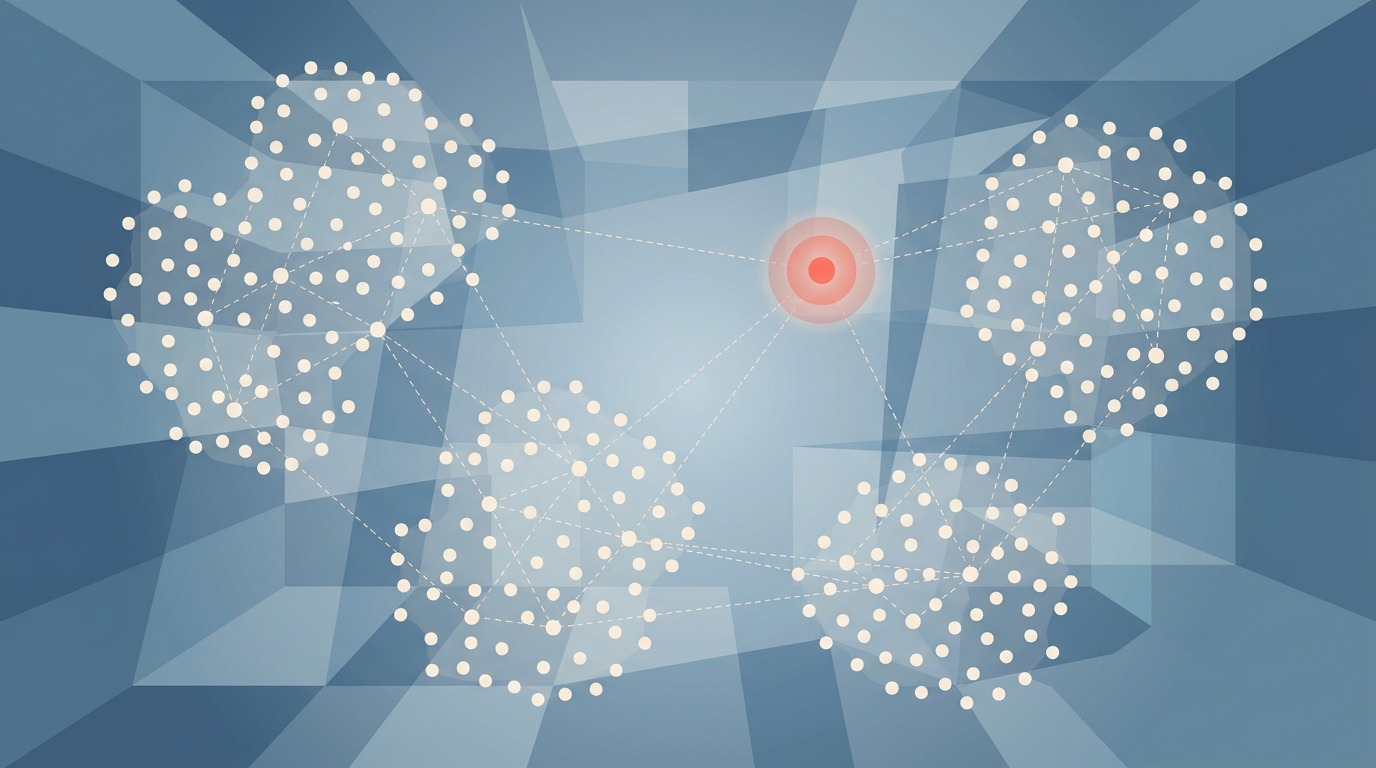
Now you turn text chunks into vectors and store them somewhere searchable.
Choosing an embedding model
You have three solid options:
OpenAI text-embedding-3-small -- best balance of quality and cost ($0.02 per million tokens)
Cohere embed-v3 -- strong multilingual support if your transcripts span languages
sentence-transformers (open-source) -- free, self-hosted, no API calls needed
For most projects, OpenAI's small model is the right pick. It is cheap enough that embedding a 500-video channel costs about $0.05.
One thing worth mentioning: the embedding model determines the dimension of your vectors. OpenAI's small model produces 1,536-dimension vectors. Cohere embed-v3 produces 1,024 dimensions. You need to match this when creating your vector database index.
Pick an embedding model early and stick with it. Changing models later means re-embedding your entire knowledge base.
Vector database setup with Chroma
For local development, Chroma is the fastest way to get started:
from langchain_openai import OpenAIEmbeddings
from langchain_chroma import Chroma

# Set up embeddings
embeddings = OpenAIEmbeddings(model="text-embedding-3-small")

# Process a channel's transcripts into chunks
all_chunks = []
transcripts = ingest_channel("@3blue1brown")

for transcript in transcripts:
    chunks = chunk_with_overlap(transcript)
    all_chunks.extend(chunks)

print(f"Total chunks: {len(all_chunks)}")

# Store in Chroma
vectorstore = Chroma.from_documents(
    documents=all_chunks,
    embedding=embeddings,
    persist_directory="./youtube_knowledge_base",
    collection_name="transcripts"
)

print("Knowledge base created!")
That is it. Your YouTube knowledge base is live.
Production setup with Pinecone
For production, you probably want a managed vector database. Here is Pinecone:
from langchain_pinecone import PineconeVectorStore
from pinecone import Pinecone as PineconeClient, ServerlessSpec

pc = PineconeClient(api_key=os.environ["PINECONE_API_KEY"])

# Create index (1536 dimensions for OpenAI embeddings)
if "youtube-transcripts" not in pc.list_indexes().names():
    pc.create_index(
        name="youtube-transcripts",
        dimension=1536,
        metric="cosine",
        spec=ServerlessSpec(cloud="aws", region="us-east-1")
    )

vectorstore = PineconeVectorStore.from_documents(
    documents=all_chunks,
    embedding=embeddings,
    index_name="youtube-transcripts"
)
Include metadata fields like video_id, channel, timestamp, and publish_date so you can filter results later. Want only results from a specific channel? Metadata filtering makes that a one-line change.
Metadata matters more than you think
Here is something I have seen trip people up. They embed the transcript text but skip the metadata. Then they cannot filter by channel, date, or topic.
Always include at minimum:
video_id-- so you can link back to the sourcechannel-- so you can scope queries to specific channelstitle-- so your LLM can cite the source by namepublish_date-- so you can filter for recent content
You will thank yourself later when a user asks "What has this channel said about topic X in the last 6 months?" Metadata filtering makes that query possible without re-embedding anything.
Step 4: query and generate answers
The knowledge base is loaded. Now you need a way to ask it questions.
Building the retrieval chain
from langchain_classic.chains import RetrievalQA
from langchain_openai import ChatOpenAI

llm = ChatOpenAI(model="gpt-4o", temperature=0)

qa_chain = RetrievalQA.from_chain_type(
    llm=llm,
    chain_type="stuff",
    retriever=vectorstore.as_retriever(
        search_kwargs={"k": 5}
    ),
    return_source_documents=True
)

# Ask a question
result = qa_chain.invoke(
    "What is the geometric intuition behind eigenvalues?"
)

print("Answer:", result["result"])
print("\nSources:")
for doc in result["source_documents"]:
    print(f"  - {doc.metadata['title']} ({doc.metadata['video_id']})")
The chain embeds your question, finds the 5 most similar transcript chunks, and passes them to GPT-4o as context. The LLM generates an answer grounded in what was actually said in the videos.
Notice return_source_documents=True. That is important. Without it, you get the answer but no way to show your users where it came from. Always return sources.
The k parameter controls how many chunks the retriever returns. Five is a good default. Bump it to 10 if your questions tend to span multiple videos. Drop it to 3 if you want tighter, more focused answers.
Prompt engineering for transcript-based RAG
The default prompt works, but you can do better. Here is a prompt that produces better answers from transcript content:
from langchain_core.prompts import PromptTemplate

template = """You are a helpful assistant answering questions based on
YouTube video transcripts. Use only the provided context to answer.

Rules:
- Cite your sources by mentioning the video title
- If the context does not contain enough information, say so
- Auto-generated captions may contain errors, note any unclear parts

Context:
{context}

Question: {question}

Answer:"""

prompt = PromptTemplate(
    template=template,
    input_variables=["context", "question"]
)
This prompt tells the LLM to cite video titles and acknowledge caption quality. Both matter when your source material is spoken language that was auto-transcribed.
Have you ever asked an LLM a question and gotten a confident but completely made-up answer? Source citation fixes that. Your users can verify every claim against the original video.
Handling edge cases in queries
Not every query will have a clean answer. Your pipeline needs to handle a few tricky situations:
No relevant chunks found: When the similarity scores are all below a threshold, return "I don't have information about that topic in the indexed videos" instead of a generic LLM response
Conflicting information: Two speakers might say opposite things. Your prompt should tell the LLM to present both perspectives with their sources
Ambiguous queries: Add a step that reformulates vague queries before embedding them. "Tell me about transformers" could mean electrical transformers or the neural network architecture, depending on your knowledge base
These details separate a demo from something people actually want to use.
Production considerations
A demo is nice. Production is different. Here is what separates a weekend project from something your team can rely on.
There are two big questions. How do you keep the knowledge base up to date? And how much does this actually cost at scale?
Keeping the knowledge base fresh
New videos get published constantly. You need to catch them.
TranscriptAPI's /youtube/channel/latest endpoint is free (costs zero credits). Use it to check for new uploads on a schedule:
def check_for_new_videos(channel_handle, known_video_ids):
    """Check if a channel has published new videos."""
    response = requests.get(
        "https://transcriptapi.com/api/v2/youtube/channel/latest",
        params={"channel": channel_handle},
        headers={
            "Authorization": f"Bearer {os.environ['TRANSCRIPTAPI_KEY']}"
        }
    )
    response.raise_for_status()

    latest = response.json()
    new_videos = [
        v for v in latest["results"]
        if v["videoId"] not in known_video_ids
    ]

    return new_videos
Run this on a cron job every few hours. When new videos appear, ingest their transcripts and add the chunks to your vector store. Your knowledge base grows automatically.
Don't want to manage cron infrastructure? Agent platforms like CRHQ handle scheduling natively. Define the ingestion pipeline as an agent skill, set the schedule, and it runs on its own — with error handling, retries, and Slack notifications built in.
The key insight: only process new videos. Do not re-ingest the entire channel each time.
Scaling and cost optimization
Let me break down the real costs:
TranscriptAPI: 1 credit per video transcript. A 500-video channel = 500 credits ($2.50 at annual pricing)
OpenAI embeddings: roughly $0.01-0.05 per video transcript
Vector storage: Chroma is free (local). Pinecone free tier covers up to 100K vectors
For a knowledge base covering 10 YouTube channels with 200 videos each, you are looking at:
2,000 credits for initial ingestion ($10 at annual rates)
About $0.50 in embedding costs
Ongoing: maybe 50-100 new videos per month ($0.75 in credits)
The annual plan at $54/year makes sense for sustained ingestion. You get 1,000 credits per month and top-ups at $1.50 per 1,000.
That is genuinely cheap for a production knowledge base fed by 2,000 videos.
Error handling and retries
In production, things fail. Here is a simple retry wrapper for the transcript API calls:
import time
from requests.exceptions import HTTPError

def get_transcript_with_retry(video_url, max_retries=3):
    """Fetch transcript with exponential backoff."""
    for attempt in range(max_retries):
        try:
            return get_transcript(video_url)
        except HTTPError as e:
            status = e.response.status_code
            if status in (408, 429, 503):  # retryable errors
                wait = 2 ** attempt
                print(f"Retrying in {wait}s (attempt {attempt + 1})")
                time.sleep(wait)
                continue
            elif status == 404:
                return None  # no transcript available
            raise
    raise Exception(f"Failed after {max_retries} retries: {video_url}")
TranscriptAPI returns structured error codes, so you know exactly which errors are worth retrying. A 404 means the video has no captions. A 429 means you hit the rate limit. A 408 means the request timed out.
Build that logic into your ingestion pipeline from day one. It saves you from debugging mysterious failures at 2 AM when your cron job crashes halfway through a 1,000-video channel.
Frequently asked questions
How many YouTube videos can I index in my RAG pipeline?
There is no technical limit. A typical channel has 100-500 videos. At 1 credit per transcript, a $5/month plan covers 1,000 videos. The vector store scales independently based on your provider.
Can I mix YouTube transcripts with other data sources in the same RAG pipeline?
Yes. YouTube transcripts are just another text data source. You can combine them with web pages, PDFs, documentation, and other content in the same vector store. Use metadata filtering to tell sources apart when querying.
How do I handle poor-quality auto-generated captions in RAG?
Add a confidence metadata field based on whether captions are manual or auto-generated. You can filter or weight results during retrieval. For applications where accuracy matters, post-process auto-generated transcripts with an LLM to fix obvious errors before embedding.
Do I need GPU infrastructure to run this pipeline?
No. The compute-heavy parts (embedding and LLM generation) are handled by API calls to OpenAI, Cohere, or similar providers. Your server just needs to make HTTP requests and store vectors. A $5/month VPS can handle the orchestration for most use cases. Or skip the VPS entirely and use an agent platform like CRHQ to handle the orchestration, scheduling, and monitoring.
If you want to self-host everything (embeddings, LLM, vector store), you will need more resources. But that is a separate choice from the transcript ingestion side.
What to build next
You now have a working RAG pipeline powered by YouTube transcripts. That opens up a lot of possibilities.
Here are a few ideas to get you thinking:
ML knowledge assistant: Ingest channels like 3Blue1Brown, Two Minute Papers, and Yannic Kilcher. Build an assistant that answers machine learning questions with video citations.
Conference talk search: Pull all talks from a conference playlist. Let attendees search for topics across hundreds of sessions.
Customer support bot: Index your product's tutorial and demo videos. When customers ask questions, the bot answers with links to the relevant video moment.
Competitive research tool: Ingest a competitor's YouTube channel. Ask questions about their product positioning, feature announcements, and roadmap.
Course companion: Index an online course's video library. Students can ask questions and get answers grounded in the lecture content.
Knowledge bases like these are one of the proven businesses you can build on transcripts, with who pays and what similar tools charge. The ingestion layer is the same in every case. TranscriptAPI handles the YouTube data extraction. LangChain and your vector store handle the rest. And if you want to deploy any of these as an always-on agent with scheduling and persistent memory, CRHQ handles the orchestration layer.
Want to go deeper? Check out our guide on building a LangChain knowledge base with YouTube transcripts for a more detailed LangChain integration. Or read about extracting transcripts in bulk for large-scale ingestion patterns.
Start building your YouTube-powered RAG pipeline today with 100 free TranscriptAPI credits. No credit card needed.
What knowledge source will you unlock first?
Not ready for a full RAG pipeline? Start simpler with our video summarizer tutorial — it takes just 30 minutes.
Frequently Asked Questions
- Why are YouTube transcripts particularly well-suited for RAG pipelines?
- Three reasons: transcripts arrive pre-segmented with timestamps, so chunking is natural instead of guesswork; video content holds explanations, examples, and discussions that never appear in written documents; and YouTube's 800M+ library covers knowledge that exists nowhere else in text. It's a blind spot that almost no RAG system is currently filling.
- How should I chunk YouTube transcripts for the best RAG retrieval?
- Use 200-500 word chunks split at timestamp boundaries — break where topics naturally transition rather than at arbitrary word counts. This keeps each chunk semantically coherent and lets you surface the exact timestamp in an answer, so a user gets not just the response but the specific video and moment it came from.
- What does a YouTube-transcript RAG pipeline look like end to end?
- Five stages. Ingestion: extract transcripts from videos, channels, or playlists with TranscriptAPI. Chunking: split them into 200-500 word segments at timestamp boundaries. Embedding: turn each chunk into a vector with OpenAI, Cohere, or an open-source model. Storage: keep the vectors in Chroma, Pinecone, Weaviate, or pgvector. Retrieval and generation: embed the user's question, fetch the most similar chunks, and have an LLM answer grounded in that transcript content.