
Build a YouTube Channel Monitoring Agent (Auto-Summarize New Uploads)
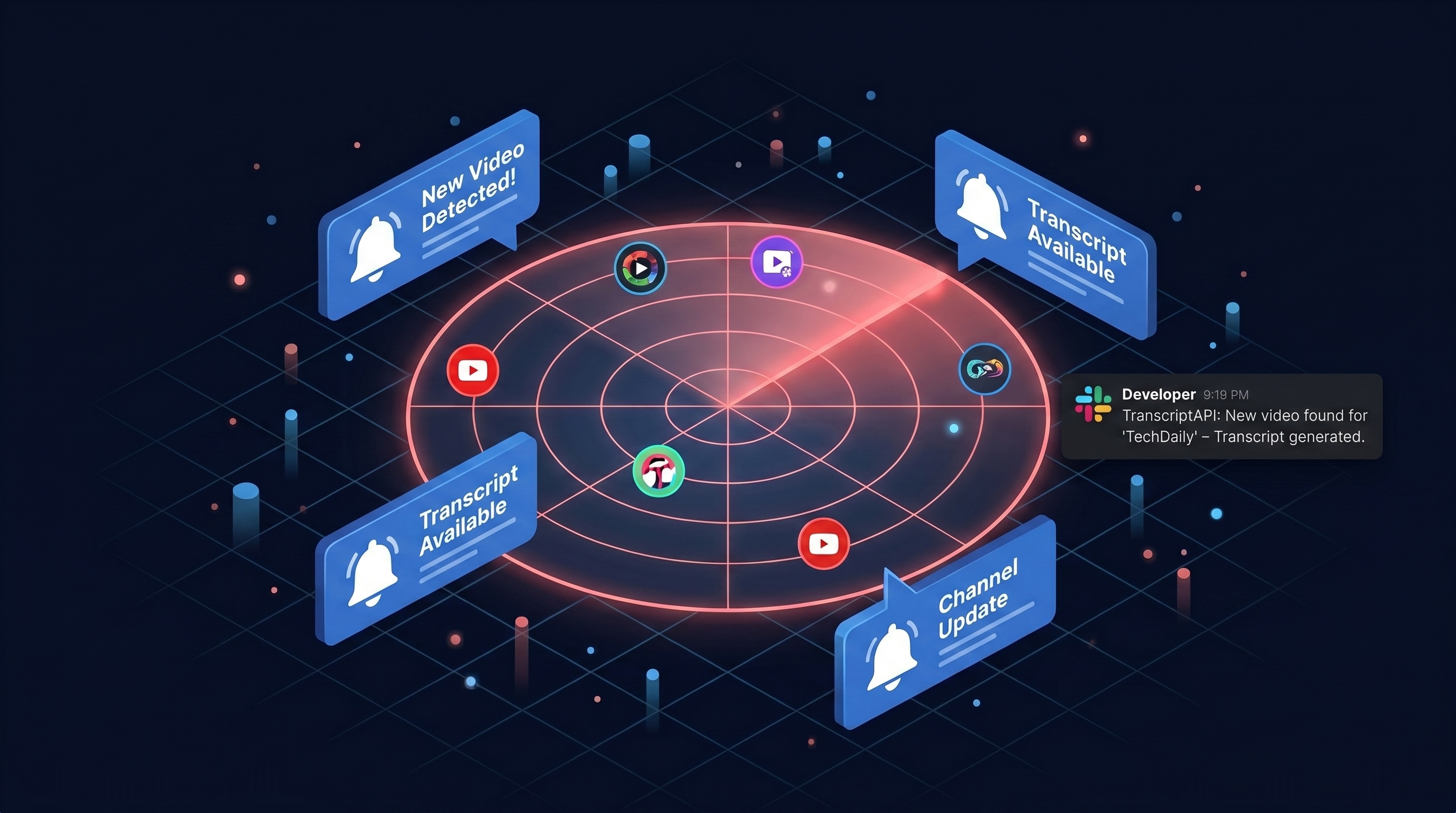
You follow five YouTube channels that actually matter to your work. You miss half their uploads. By the time the algorithm surfaces a video, the moment is gone. This guide builds a tiny Python agent that watches any list of channels, grabs the transcript the second a new video drops, summarizes it with OpenAI or Claude, and pings Slack. The whole thing runs for roughly zero dollars per month, even at 100 channels. You will get working code, a cron schedule, a GitHub Actions workflow, and the cost math behind why this stays free.
Architecture: the 4-step pipeline

Every youtube channel monitoring agent boils down to the same loop. Poll. Diff. Fetch. Summarize. Then notify.
Here is the shape of the pipeline you will build:
- Resolve channel handles like
@veritasiumto internalUC...IDs (one-time, free). - Poll each channel's latest 15 uploads on a schedule (free).
- Diff against a local state file to find genuinely new videos.
- Fetch the transcript (1 credit) and send it to an LLM for a summary.
- Post the summary to Slack, email, or your dashboard.
The trick that keeps this cheap is step 2. You poll constantly. You only spend credits in step 4, and only when something actually changed.
Why use channel/latest (free) over channel/videos (paid)
TranscriptAPI exposes two channel endpoints that look similar but cost very differently. One is free. One is not.
channel/latest is RSS-based. It returns the latest 15 uploads from any channel and costs 0 credits. It is the right tool for any monitor youtube channel new uploads workflow because polling is cheap by design.
channel/videos is paginated and richer. It costs 1 credit per page. Use it when you need to backfill history or scroll past 15 videos. For monitoring, you do not.
Most teams get this backwards. They reach for the paid endpoint first because it sounds "more official." Then they wonder why their bill grew when the channels they watch only post twice a week.
The honest rule: if you only need the most recent uploads, RSS is enough. The youtube rss api pattern has powered notification tools for two decades for a reason.
Step 1: resolve the channel ID
YouTube channels show up as @handles in the URL bar. The API needs the internal UC... ID. The channel/resolve endpoint converts between them and is free.
You only run this once per channel and cache the result.
import os
import requests

API = "https://transcriptapi.com/api/v2"
HEADERS = {"Authorization": f"Bearer {os.environ['TRANSCRIPTAPI_KEY']}"}

def resolve_channel(handle_or_id: str) -> str:
    r = requests.get(
        f"{API}/youtube/channel/resolve",
        params={"input": handle_or_id},
        headers=HEADERS,
        timeout=10,
    )
    r.raise_for_status()
    return r.json()["channel_id"]

CHANNELS = {
    "Veritasium": resolve_channel("@veritasium"),
    "Fireship": resolve_channel("@Fireship"),
    "Two Minute Papers": resolve_channel("@TwoMinutePapers"),
}
Run that once. Save the dictionary to a file. Never call resolve again for that channel.
You-language check: yes, you really do only need to do this once per channel. Stop paying for things you can cache.
Step 2: poll for new uploads
Now the heart of the youtube channel api workflow. Hit channel/latest for each channel on a schedule and compare against what you saw last time.
import json
from pathlib import Path

STATE_FILE = Path("state.json")

def load_state() -> dict:
    if STATE_FILE.exists():
        return json.loads(STATE_FILE.read_text())
    return {}

def save_state(state: dict) -> None:
    STATE_FILE.write_text(json.dumps(state, indent=2))

def latest_uploads(channel_id: str) -> list[dict]:
    r = requests.get(
        f"{API}/youtube/channel/latest",
        params={"channel": channel_id},
        headers=HEADERS,
        timeout=10,
    )
    r.raise_for_status()
    return r.json()["videos"]

def find_new_videos(channel_id: str, last_seen: str | None) -> list[dict]:
    videos = latest_uploads(channel_id)
    if last_seen is None:
        return videos[:1]   # first run: only summarize the most recent
    new = []
    for v in videos:
        if v["video_id"] == last_seen:
            break
        new.append(v)
    return new
The state file is one line per channel: the most recent video_id you have already processed. This is your idempotency guarantee.
Sound boring? Good. Boring code is code that runs at 3 a.m. without paging you.
Step 3: fetch the transcript
Now the only paid step. One credit per transcript. This only runs when step 2 found something genuinely new.
def get_transcript(video_id: str) -> str:
    url = f"https://www.youtube.com/watch?v={video_id}"
    r = requests.get(
        f"{API}/youtube/transcript",
        params={
            "video_url": url,
            "format": "text",
            "include_timestamp": "false",
            "send_metadata": "true",
        },
        headers=HEADERS,
        timeout=30,
    )
    r.raise_for_status()
    data = r.json()
    return data["transcript"]
That call returns the full transcript as plain text, plus video metadata (title, channel, duration). At 49ms median response time it does not slow your loop down.
If the request fails, you are not charged. The credit only burns on success. So a flaky video does not cost you money.
Step 4: summarize with OpenAI or Claude

A transcript is raw material. A summary is what you actually want pinged to Slack. Pick whichever model you already pay for.
Here is the OpenAI version:
from openai import OpenAI

oa = OpenAI()

def summarize_openai(title: str, transcript: str) -> str:
    prompt = (
        f"Summarize this YouTube video in 5 bullets. "
        f"Be specific. No fluff.\n\n"
        f"TITLE: {title}\n\nTRANSCRIPT:\n{transcript[:60000]}"
    )
    resp = oa.chat.completions.create(
        model="gpt-4o-mini",
        messages=[{"role": "user", "content": prompt}],
        temperature=0.2,
    )
    return resp.choices[0].message.content
And the Claude version:
import anthropic

cl = anthropic.Anthropic()

def summarize_claude(title: str, transcript: str) -> str:
    msg = cl.messages.create(
        model="claude-haiku-4-5",
        max_tokens=600,
        messages=[{
            "role": "user",
            "content": (
                f"Summarize this YouTube video in 5 bullets. "
                f"Be specific. No fluff.\n\n"
                f"TITLE: {title}\n\nTRANSCRIPT:\n{transcript[:60000]}"
            ),
        }],
    )
    return msg.content[0].text
The 60K character cap is a gentle guardrail. Most YouTube videos fit. Long-form podcasts may need a chunking step or a model with a bigger context window.
You picked your model. Now ship the result somewhere.
Step 5: notify (Slack webhook, email, n8n)
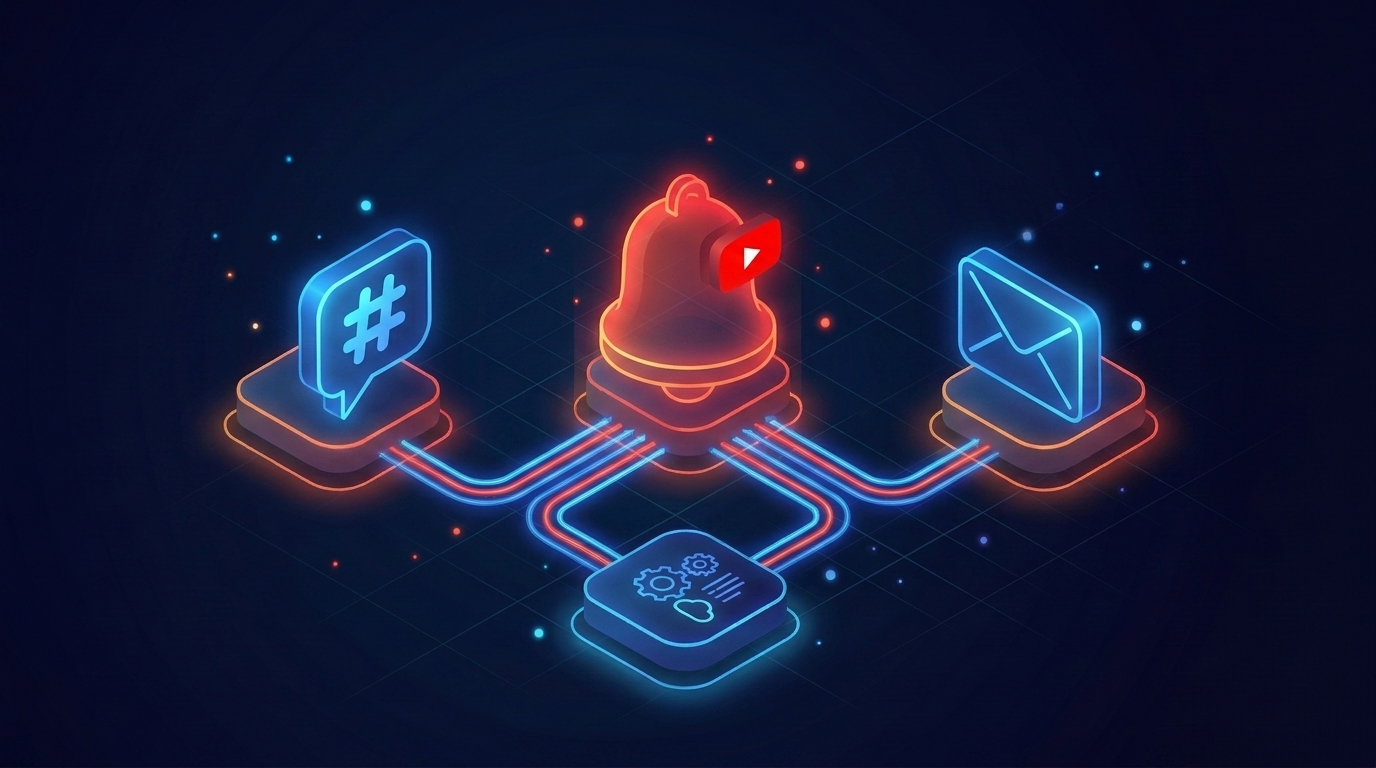
Slack is the easiest target. Create an Incoming Webhook in your workspace. Then POST a JSON payload.
SLACK_URL = os.environ["SLACK_WEBHOOK_URL"]

def notify_slack(channel_name: str, video: dict, summary: str) -> None:
    text = (
        f"*New video from {channel_name}*\n"
        f"<https://youtu.be/{video['video_id']}|{video['title']}>\n\n"
        f"{summary}"
    )
    requests.post(SLACK_URL, json={"text": text}, timeout=10)
Prefer email? Swap in smtplib or a transactional service like Postmark. Prefer n8n? Replace the Slack call with a webhook node and let n8n route to anything. The agent stays the same.
Now the full loop:
def run_once(channels: dict[str, str]) -> None:
    state = load_state()
    for name, cid in channels.items():
        last = state.get(cid)
        for v in reversed(find_new_videos(cid, last)):
            transcript = get_transcript(v["video_id"])
            summary = summarize_openai(v["title"], transcript)
            notify_slack(name, v, summary)
            state[cid] = v["video_id"]
            save_state(state)

if __name__ == "__main__":
    run_once(CHANNELS)
Two things to notice. We process oldest-first inside each channel so notifications arrive in order. We save state after every video, so a crash never resends the same summary twice.
How to schedule it (cron, GitHub Actions, n8n)
You wrote the agent. Now wire it to a clock.
The dirt-simple way is cron on any Linux box or Mac:
*/30 * * * * cd /home/me/yt-agent && /usr/bin/python3 agent.py >> log.txt 2>&1
Every 30 minutes. Logs to a file. Done.
If you want zero servers, GitHub Actions will run it for free on a public repo (and cheap on a private one). This is the youtube channel webhook pattern without setting up a webhook server:
name: yt-agent
on:
  schedule:
    - cron: "*/30 * * * *"
  workflow_dispatch:

jobs:
  run:
    runs-on: ubuntu-latest
    steps:
      - uses: actions/checkout@v4
      - uses: actions/setup-python@v5
        with:
          python-version: "3.12"
      - run: pip install requests openai anthropic
      - env:
          TRANSCRIPTAPI_KEY: ${{ secrets.TRANSCRIPTAPI_KEY }}
          OPENAI_API_KEY: ${{ secrets.OPENAI_API_KEY }}
          SLACK_WEBHOOK_URL: ${{ secrets.SLACK_WEBHOOK_URL }}
        run: python agent.py
      - uses: actions/upload-artifact@v4
        with:
          name: state
          path: state.json
For state persistence across runs, commit state.json back to the repo or store it in S3, R2, or a Gist. GitHub runners are ephemeral.
n8n users get this even cheaper. Use the Cron node, an HTTP Request node for each TranscriptAPI call, an OpenAI node for the summary, and a Slack node at the end. No code at all.
Cost math: monitor 100 channels for ~$0/month
Now the part that should make you skeptical. Let's run the numbers.
You watch 100 channels. You poll every 30 minutes. That is 48 polls per channel per day, times 100 channels, times 30 days. Round it: about 144,000 polls per month.
All free. channel/latest costs zero credits.
How many transcripts will you actually fetch? Say 5 of those 100 channels publish on a given day on average. That is 150 new videos per month. 150 transcript fetches at 1 credit each.
You are 50 credits inside the 100-credit free tier. Forever.
Compare that to the alternative. If you used channel/videos for monitoring at 1 credit per page, 144K polls would cost $300/month at retail rates. Same data. 6,000x more expensive. The endpoint choice is the whole game.
What if you watch big channels that publish daily? 100 channels × 1 video per day × 30 days = 3,000 transcripts. The $5/mo Monthly plan covers 1,000 credits. Top up at $2.50 per 1K. Still under $10/mo for everything.
Edge cases: live streams, Shorts, multiple channels
Real channels are messier than the happy path.
Live streams show up in the RSS feed before they air. Filter them by checking the metadata after fetching the transcript, or skip videos under a duration threshold.
Shorts are videos too. If you do not want them, filter by duration < 60 seconds before paying for the transcript. Cheap.
Premieres behave like live streams. Same filter logic works.
Multiple channels in one workspace is the default case. Loop over them in run_once. The state file already keys by channel ID, so you never get cross-talk.
Deleted or private videos will fail at transcript fetch. You are not charged for failures. Log it and move on.
A small confession: the first time I built this exact agent, I forgot to handle live streams and pinged Slack about a 4-hour livestream transcript. The summary came back empty. The team noticed. Now I filter early.
How to put this into action
- Sign up at transcriptapi.com and grab your API key. The free tier gives you 100 credits, no card.
- Pick 5 to 10 channels you actually want to monitor. Resolve their handles to
UC...IDs once and save them. - Drop the Python code above into
agent.py. SetTRANSCRIPTAPI_KEY,OPENAI_API_KEY(orANTHROPIC_API_KEY), andSLACK_WEBHOOK_URLin your environment. - Run it once by hand. Confirm a Slack message arrives for the most recent upload from one channel.
- Wire it to cron every 30 minutes, or push the GitHub Actions YAML and let the runner do it.
- Add channels as you find them. Watch your state file grow. Watch your credit usage stay near zero.
The bottom line
A youtube channel monitoring agent is one of those projects that sounds heavy and turns out to be 80 lines of Python. The free channel/latest endpoint changes the cost structure so dramatically that polling 100 channels every 30 minutes becomes a non-event. You only pay when there is something worth paying for: a real new video, a real transcript, a real summary in your inbox. Which channels would you start watching today?
Frequently Asked Questions
- How does the agent detect new uploads without spending credits on every poll?
- It uses TranscriptAPI's free channel-latest endpoint, an RSS-based feed that returns a channel's most recent 15 uploads at zero credits. The agent polls that on a schedule, diffs the results against a local state file, and only fetches a transcript — spending 1 credit — when a genuinely new video appears. Polling for free and paying only on new content is what keeps the cost near zero.
- Why use the free channel-latest endpoint instead of the paid channel-videos endpoint?
- For monitoring, you only need the most recent 15 uploads, and the free RSS-based endpoint covers that. The paid channel-videos endpoint costs 1 credit per page and is built for historical backfills or paginating large archives. Most teams reach for the paid endpoint first because it sounds more official, then wonder why their bill grew while watching channels that only post twice a week.
- How do I schedule this agent to run automatically with GitHub Actions?
- Add a GitHub Actions workflow file with a cron schedule that runs the Python agent on your chosen interval — hourly, daily, or otherwise. On each run it checks for new videos, fetches and summarizes any it finds, and posts to Slack. Paired with the free channel-latest endpoint for polling, the full pipeline costs roughly nothing per month even at 100 channels, because you only spend credits when new videos actually appear.