YouTube Transcript to Blog Post: Automate Repurposing
Every YouTube video you publish is a blog post waiting to happen.
The content already exists. You said it on camera. The ideas, the examples, the structure. It's all there in spoken form. You just need to turn it into something people can read.
Manual transcription and rewriting is slow. It's expensive too. A freelance writer charges $50-150 per blog post. A transcript-to-blog pipeline using TranscriptAPI and an LLM does the same job in minutes for a few cents.
This guide shows you how to build that pipeline. From transcript extraction to AI-powered rewriting to SEO optimization.
Why repurpose video content as blog posts?
SEO and discoverability
Blog posts rank in Google. Videos rank in YouTube. These are two different audiences with two different search behaviors.
Some people prefer reading. Some want to skim. Some are at work and can't watch a video with sound. A blog post catches all of them.
Here's what else you get:
Written content targets long-tail keywords that video titles can't capture
Each blog post creates a new indexed page, growing your organic footprint
Blog posts with embedded videos improve both text and video SEO
Google can read your blog post word by word. It can't do that with video audio.
Content leverage
One 20-minute video can produce:
A 1,500-word blog post
A 10-tweet thread
A newsletter recap
Podcast show notes with timestamps
That's four pieces of content from one recording session. The ROI multiplier is hard to ignore.
Written content is also easier to reference, quote, and link to. When someone wants to share your insight, a blog link is more useful than "watch from 7:23 to 8:45 in this video."
Have you done the math on how many blog posts are sitting inside your existing video library?
Step 1: extract and clean the transcript
Extraction with TranscriptAPI
Getting the raw transcript takes one API call:
import httpx

response = httpx.get(
    "https://transcriptapi.com/api/v2/youtube/transcript",
    params={
        "video_url": "https://youtube.com/watch?v=VIDEO_ID",
        "send_metadata": "true"
    },
    headers={"Authorization": "Bearer YOUR_API_KEY"}
)
data = response.json()

# Full transcript as one string
full_text = " ".join([seg["text"] for seg in data["transcript"]])

# Keep timestamps for later
segments = data["transcript"]
video_title = data.get("title", "")
You get structured segments with text, start time, and duration. The timestamps matter for creating time-linked references in the blog post later.
TranscriptAPI responds in about 49ms. So even if you're processing a backlog of 100 videos, the extraction step takes seconds, not hours.
Cleaning the raw transcript
Raw transcripts are messy. Spoken language isn't written language.
You'll find filler words ("um," "uh," "you know"), false starts, repetitions, and rambling tangents. Great for a conversation. Bad for a blog post.
Use an LLM to clean it up:
import openai

client = openai.OpenAI()

def clean_transcript(raw_text: str) -> str:
    response = client.chat.completions.create(
        model="gpt-4",
        messages=[{
            "role": "user",
            "content": f"""Clean this video transcript for readability.
Remove filler words, false starts, and repetitions.
Fix grammar and add proper punctuation.
Keep the speaker's voice and key phrases intact.
Do not add new information.

Transcript:
{raw_text}"""
        }],
        temperature=0.2
    )
    return response.choices[0].message.content
Low temperature (0.2) keeps the cleaning conservative. You want to fix the mess without changing the message.
This cleaned transcript is your input for the blog generation step.
Here's a before-and-after to show the difference:
Raw transcript: "so um basically what you want to do is you want to take the the API key right and you put it in your environment variables because you know you don't want to hardcode it that's like a big no-no"
Cleaned: "Take the API key and store it in your environment variables. Never hardcode API keys in your source code."
Same information. Much better reading experience. The LLM handles this cleanup in seconds.
The summarization step here follows the same pattern as our video summarizer tutorial.
Step 2: generate the blog post draft
The conversion prompt
The prompt is where the magic happens. A good conversion prompt gives the LLM clear instructions about format, structure, and SEO requirements.
def generate_blog_post(cleaned_transcript: str, target_keyword: str,
                       video_title: str) -> str:
    response = client.chat.completions.create(
        model="gpt-4",
        messages=[{
            "role": "user",
            "content": f"""Convert this video transcript into a blog post.

Video title: {video_title}
Target keyword: {target_keyword}

Requirements:
- Write a compelling blog title (include the target keyword)
- Write an introduction that hooks the reader (2-3 sentences)
- Create H2 sections based on the major topics discussed
- Use short paragraphs (2-3 sentences max)
- Include bullet point lists where appropriate
- Add a conclusion with a clear takeaway
- Maintain the speaker's expertise and insights
- Target keyword should appear in: title, first paragraph, at least 2 headings

Cleaned transcript:
{cleaned_transcript}"""
        }],
        temperature=0.4
    )
    return response.choices[0].message.content
The keyword integration instructions are important. Without them, the LLM might write a perfectly fine blog post that nobody finds through search.
Handling different video types
Not every video converts the same way. A tutorial needs step-by-step instructions. An interview needs a Q&A format. A conference talk needs a summary structure.
Match your prompt to the video type:
Tutorial videos: Convert to step-by-step how-to posts with code blocks
Interview/discussion videos: Convert to Q&A format or "key takeaways" article
Presentation videos: Convert to a summary post describing the key slides and arguments
Product reviews: Convert to a structured comparison or review format
You can detect the video type from the transcript content. Or you can let the user specify it. Either way, use it to select the right conversion prompt.
PROMPT_TEMPLATES = {
    "tutorial": "Convert this into a step-by-step tutorial blog post...",
    "interview": "Convert this into a Q&A format blog post...",
    "presentation": "Convert this into a summary article...",
    "general": "Convert this into a blog post..."
}
Which video type makes up most of your content library?
Maintaining the speaker's voice
One trap with AI-generated blog posts: they all sound the same. Generic, safe, bland.
Tell the LLM to keep the speaker's personality. If the person in the video uses humor, keep it. If they're opinionated, keep the opinions. If they have a catchphrase, leave it in.
The transcript is a record of a real human talking. The blog post should feel like it came from that same person, just in written form.
Add a line to your prompt like: "Preserve the speaker's tone, humor, and personality. Do not sanitize or genericize their voice."

Step 3: SEO optimization
Keyword integration
A blog post that nobody finds is a wasted blog post. SEO matters.
Start with the basics:
Identify the primary keyword based on the video topic
Put the keyword in the title, first paragraph, and at least two H2 headings
Sprinkle related keywords naturally throughout the content
Write a meta description under 160 characters that includes the keyword
You can use TranscriptAPI's search endpoint to find competitor videos and spot keyword opportunities:
# Find what's already ranking for your target keyword
competitors = httpx.get(
    "https://transcriptapi.com/api/v2/youtube/search",
    params={"q": "your target keyword", "limit": 10},
    headers={"Authorization": "Bearer YOUR_API_KEY"}
).json()

# Extract their transcripts to see what topics they cover
# Then make sure your blog post covers those topics too
This is competitive analysis that costs 11 credits total: 1 for the search, 10 for the transcripts. Under $0.06 on the monthly plan.
Structural SEO
Beyond keywords, the structure of your post matters:
Add a table of contents for posts over 1,500 words
Include an FAQ section generated from common questions about the topic
Add internal links to related blog posts and embed the original video
Optimize the meta description for click-through rate
The FAQ section is easy to generate. Ask the LLM to produce 3-5 common questions about the topic based on the transcript content. These often match "People Also Ask" queries in Google.
Embed the original video
This part is simple but easy to forget. Embed the YouTube video at the top of your blog post.
Readers who prefer watching can click play. Readers who prefer text keep scrolling. Google sees both the embedded video and the text content, which is good for SEO.
The embed also drives views back to your YouTube channel. Your blog and your channel feed each other.
For batch repurposing, use the channel videos API to pull all videos from a channel at once.
Then make your entire content library searchable with a RAG pipeline built on YouTube transcripts.
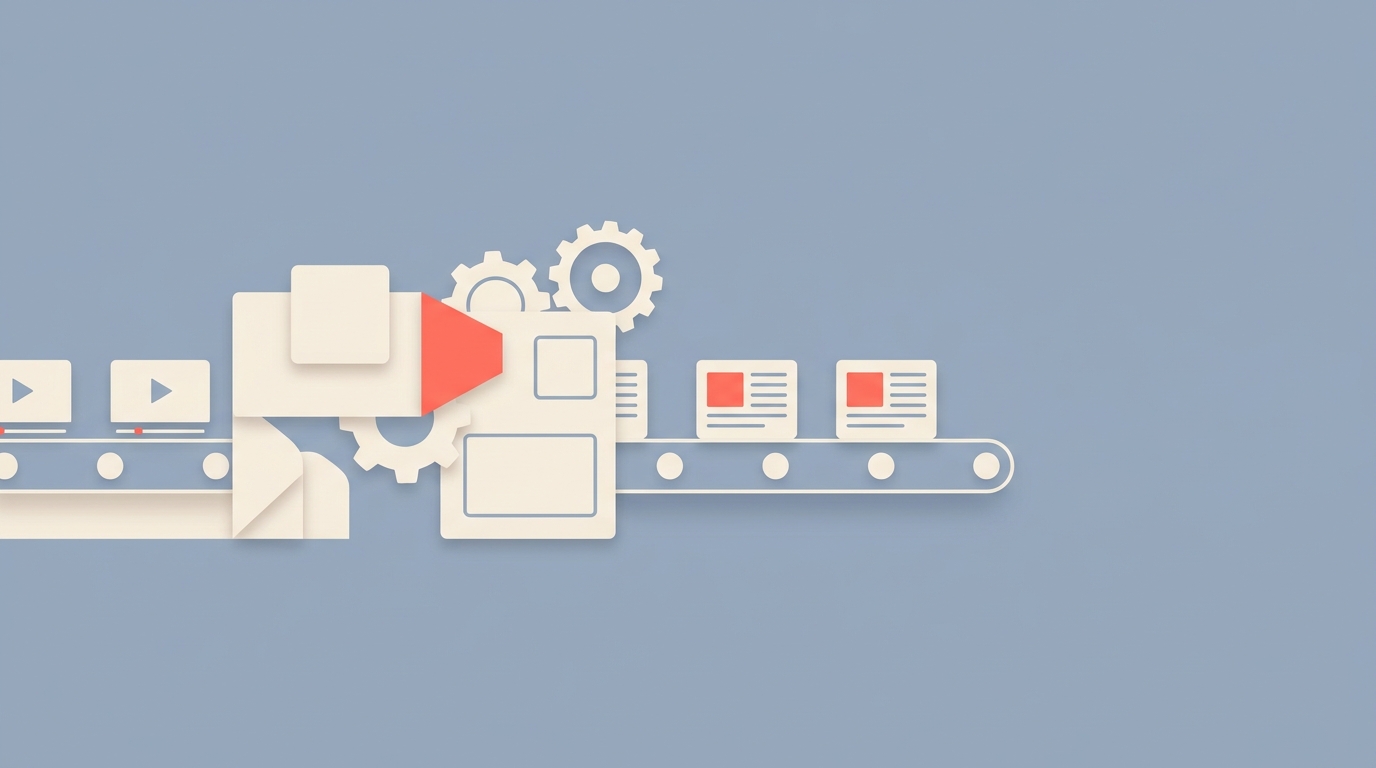
Step 4: automate the pipeline
Trigger-based automation
The real power is automation. New video goes up. Blog draft appears in your CMS. You review, tweak, publish.
Here's the trigger:
import time

def check_for_new_videos(channel: str, last_check: str):
    response = httpx.get(
        "https://transcriptapi.com/api/v2/youtube/channel/latest",
        params={"channel": channel},
        headers={"Authorization": "Bearer YOUR_API_KEY"}
    )
    videos = response.json()

    new_videos = [v for v in videos if v["published"] > last_check]
    return new_videos

# Run this on a schedule (every hour, every day)
new_videos = check_for_new_videos("@YourChannel", "2026-03-01T00:00:00Z")
for video in new_videos:
    transcript = get_transcript(video["videoId"])
    cleaned = clean_transcript(transcript)
    blog_post = generate_blog_post(cleaned, detect_keyword(cleaned), video["title"])
    save_to_cms(blog_post)
    notify_slack("New blog draft ready for review!")
The /youtube/channel/latest endpoint is free. It uses RSS under the hood and returns the latest 15 uploads. So monitoring your channel for new content costs you zero credits.
The transcript extraction and blog generation happen only when there's a new video. That's 1 TranscriptAPI credit per new video, plus LLM costs.
Batch repurposing
Got 200 videos in your back catalog? Process them all:
List all videos from your channel using the channel videos endpoint
Sort by view count. Start with your most popular content.
Extract transcripts and generate blog drafts in batches
Schedule publication to maintain a consistent posting cadence
Don't publish them all at once. Space them out. Two or three per week keeps your content calendar full without overwhelming your audience.
This is the fastest way to go from "we have no blog" to "we have 50 blog posts" in a month. The content already exists. You're just changing its format.
# Get all channel videos (paginated)
all_videos = []
resp = httpx.get(
    "https://transcriptapi.com/api/v2/youtube/channel/videos",
    params={"channel": "@YourChannel"},
    headers={"Authorization": "Bearer YOUR_API_KEY"}
).json()
all_videos.extend(resp["videos"])

while resp.get("has_more"):
    resp = httpx.get(
        "https://transcriptapi.com/api/v2/youtube/channel/videos",
        params={"continuation": resp["continuation_token"]},
        headers={"Authorization": "Bearer YOUR_API_KEY"}
    ).json()
    all_videos.extend(resp["videos"])

# Sort by popularity and process top videos first
all_videos.sort(key=lambda v: int(v.get("viewCount", 0)), reverse=True)
A channel with 200 videos needs about 3 pages of pagination (100 videos per page). That's 3 credits for listing, plus 1 credit per transcript extraction. 203 credits total for the TranscriptAPI side. Under $2 on the monthly plan.
Frequently asked questions
How good are AI-generated blog posts from video transcripts?
They're about 70-80% publish-ready. The structure and information transfer well. But you'll want to spend 15-30 minutes editing each post for voice, accuracy, and brand consistency.
The AI is good at reorganizing spoken content into written format. It's less good at nailing your brand voice and catching factual nuances. Plan for a human editing step.
Will Google penalize blog posts based on video transcripts?
No. Google cares about useful content, not how it was created. A well-written blog post derived from a video transcript is not duplicate content. The format, structure, and presentation are completely different.
The video and the blog post serve different search intents. One person wants to watch. Another wants to read. Both are valid.
Should I publish the raw transcript as a blog post?
Definitely not. Raw transcripts read terribly. Spoken language has run-on sentences, filler words, and no paragraph breaks.
Always run the transcript through an LLM to convert it into proper written format with headings, short paragraphs, and polished prose. The cleaning and conversion steps are what make the difference between a transcript dump and a real blog post.
Start repurposing
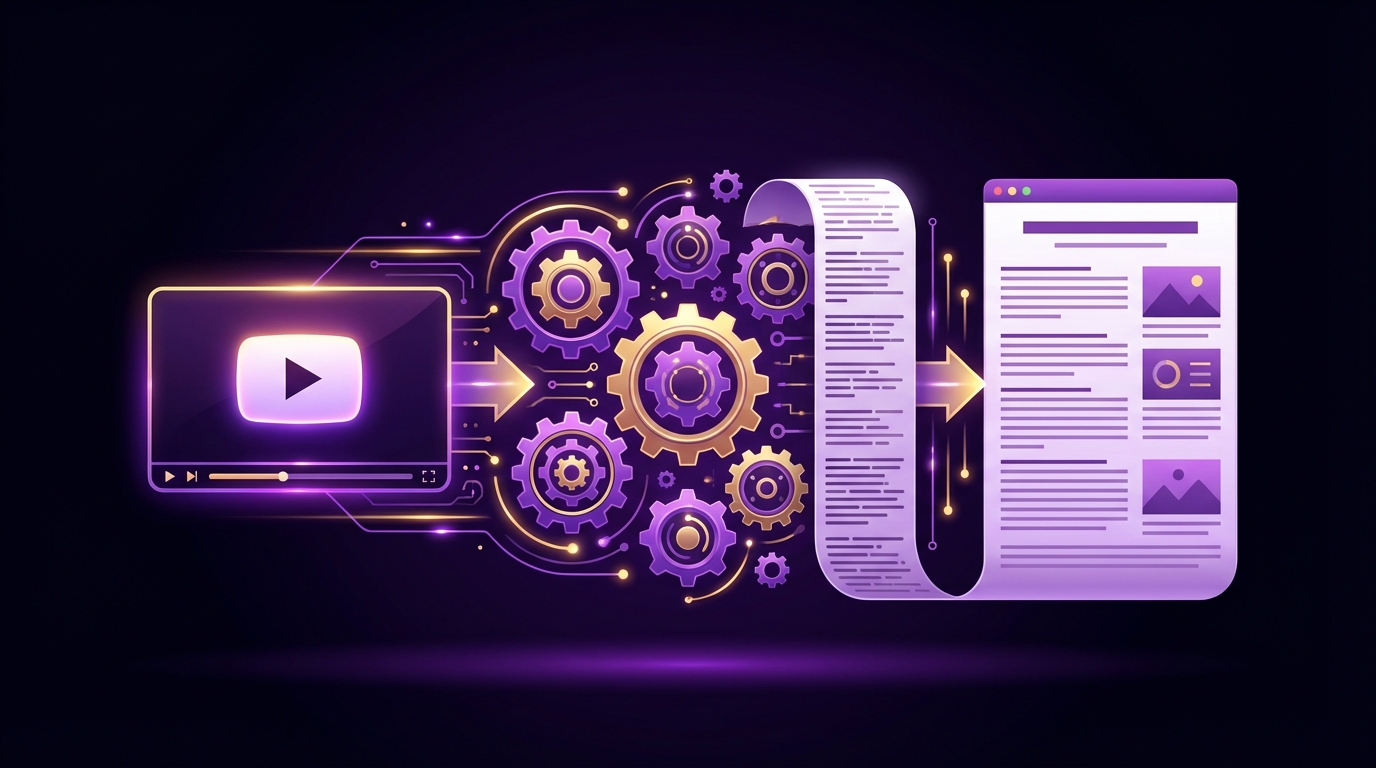
Automated video-to-blog repurposing turns every YouTube video into an SEO-optimized blog post. The effort per post drops from hours to minutes.
The pipeline is straightforward:
Extract with TranscriptAPI
Clean with an LLM
Convert to blog format
Optimize for SEO
Publish
Start repurposing your video library with 100 free TranscriptAPI credits at transcriptapi.com. Check out our use cases guide and summarizer tutorial for more ideas on what to build.
How many videos do you have that could become blog posts this week?
Frequently Asked Questions
- Why should I repurpose YouTube videos as blog posts?
- Blog posts rank in Google while videos rank on YouTube — two different audiences. Written content captures long-tail keywords a video title can't, and each post adds a new indexed page. The economics are good too: one 20-minute video can become a 1,500-word blog post, a tweet thread, a newsletter recap, and podcast show notes — four pieces of content from a single recording session.
- What are the three steps in a transcript-to-blog pipeline?
- First, extract the raw transcript with TranscriptAPI — one API call returning text segments with timestamps. Second, run an LLM cleanup pass to strip spoken-language artifacts such as filler words, false starts, repetitions, and tangents. Third, use a second LLM prompt tuned for SEO to rewrite and structure the text into proper headings, paragraphs, an intro, and a conclusion.
- How do I keep timestamp data when converting a transcript into a blog post?
- TranscriptAPI returns each segment with a start time and duration, so preserve those timestamps through the cleanup step. They let you add time-linked references in the blog post, such as "as discussed at 7:23 in the video," which improves the written content's SEO while linking back to the original video — helping both your text and video rankings.