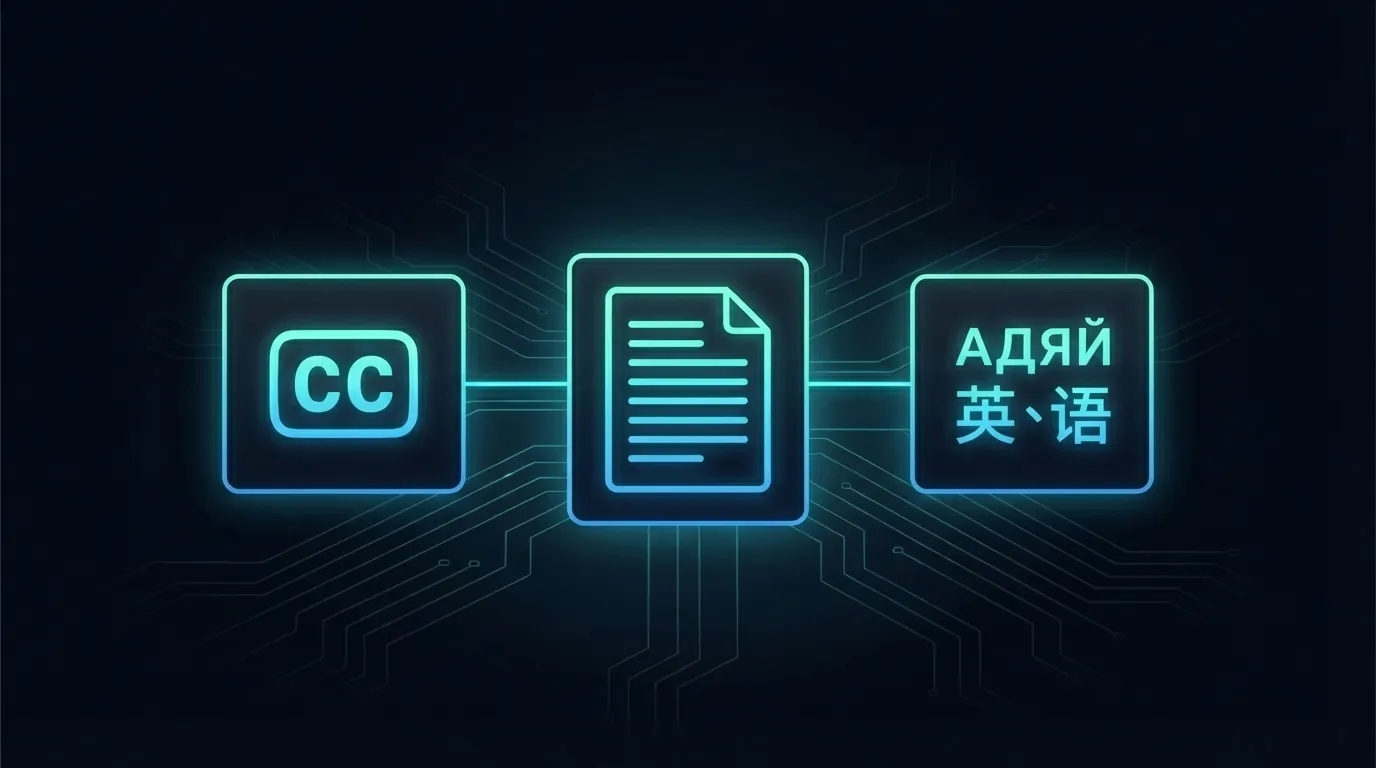
YouTube captions vs transcripts vs subtitles: what is the difference?
YouTube captions vs transcripts vs subtitles: what is the difference?
Most people use "captions," "transcripts," and "subtitles" like they mean the same thing.
They don't.
The difference matters if you're building software, optimizing for accessibility, or extracting text from video at scale. Use the wrong one and you'll waste hours solving a problem that doesn't exist.
Here's what each one actually is, how they work on YouTube, and when you should care about the distinction.

Quick answer: captions, transcripts, and subtitles are three different things
| | Captions | Transcripts | Subtitles | |---|---|---|---| | Format | Text overlay on video | Full text document | Text overlay on video | | When visible | During playback | Anytime (standalone) | During playback | | Synced to video | Yes, time-coded | Yes, has timestamps | Yes, time-coded | | Language | Same as spoken audio | Same as spoken audio | Translated to another language | | Primary use | Accessibility for deaf/HoH viewers | Reading, search, repurposing | Reaching foreign-language audiences | | Includes non-speech | Yes (sound effects, music cues) | Sometimes | Rarely |
That table covers 90% of what most people need. But the details below will save you from common mistakes.
What are YouTube captions?
Captions are text that appears on screen while a video plays. They represent what's being said and, in many cases, what's being heard.
Closed captions (CC) include non-speech audio like "[music playing]" or "[door slams]." They exist primarily for deaf and hard-of-hearing viewers.
YouTube offers two types of captions.
Auto-generated captions
YouTube generates captions automatically for most videos using speech recognition. Google claims support for over 70 languages. These show up as "auto-generated" in the caption menu.
Accuracy has improved dramatically. In 2019, auto-captions had word error rates around 15-20%. By 2024, Google's speech models pushed that number below 8% for clear English speech. That's roughly 1 wrong word in every 12.
Still not perfect. But good enough for most reading purposes.
Manually uploaded captions
Creators can upload their own caption files (SRT, VTT, or SBV format). These are almost always more accurate than auto-generated ones. Professional YouTube channels, online courses, and media companies tend to upload manual captions.
The difference matters when precision counts. If you're quoting someone, pulling data for legal review, or feeding text into an LLM where errors compound, manually uploaded captions are what you want.
How do you know which type a video has? The YouTube caption menu labels auto-generated ones. Through the TranscriptAPI, the response includes metadata that tells you whether captions were auto-generated or manually uploaded.

What are YouTube transcripts?
A transcript is the full text of a video, pulled out and presented as a standalone document. Think of it as a readable version of everything that was said.
On YouTube, transcripts are derived from captions. Same underlying data, different presentation.
How transcripts differ from captions
Captions are designed for watching. They appear in short segments timed to the audio.
Transcripts are designed for reading. You get the complete text at once, usually with timestamps attached to each segment.
YouTube lets you view a video's transcript by clicking the three-dot menu below a video and selecting "Show transcript." You'll see timestamped text blocks in a scrollable panel.
Why developers care about transcripts
Transcripts are text. Text is the universal input.
You can feed a transcript into an LLM for summarization. You can index it for search. You can run sentiment analysis, extract keywords, or convert a 45-minute video into a 500-word blog post.
According to data from TranscriptAPI, roughly 94% of YouTube videos have extractable transcript data. That's across 800 million+ videos. The largest free text dataset most developers have never touched.
Want the full walkthrough on pulling YouTube transcripts? The complete YouTube transcript guide covers every method in detail.
What are subtitles?
Subtitles are captions translated into a different language.
That's the core distinction. Captions match the spoken language. Subtitles don't.
Subtitles on YouTube
YouTube handles subtitles in two ways:
Creator-uploaded translations. A creator can upload caption files in multiple languages. These show up in the caption settings menu as language options.
Auto-translated subtitles. YouTube can machine-translate auto-generated captions into other languages. The accuracy here drops significantly because you're stacking two layers of machine processing: speech recognition plus translation.
A 2023 study from the University of Rochester found that auto-translated YouTube subtitles had comprehension-affecting errors in 23% of segments for Romance languages, and over 40% for languages with significantly different syntax like Japanese and Korean.
If your use case involves multi-language content, the multi-language transcript guide explains how to request transcripts in specific languages through the API.
When subtitles matter for developers
If you're building a tool that serves a global audience, you need to think about language from the start. A transcript in English is worthless to a Portuguese-speaking user.
TranscriptAPI supports multi-language transcript extraction. You pass a language code, and the API returns the transcript in that language if it's available. No separate subtitle-handling logic needed.
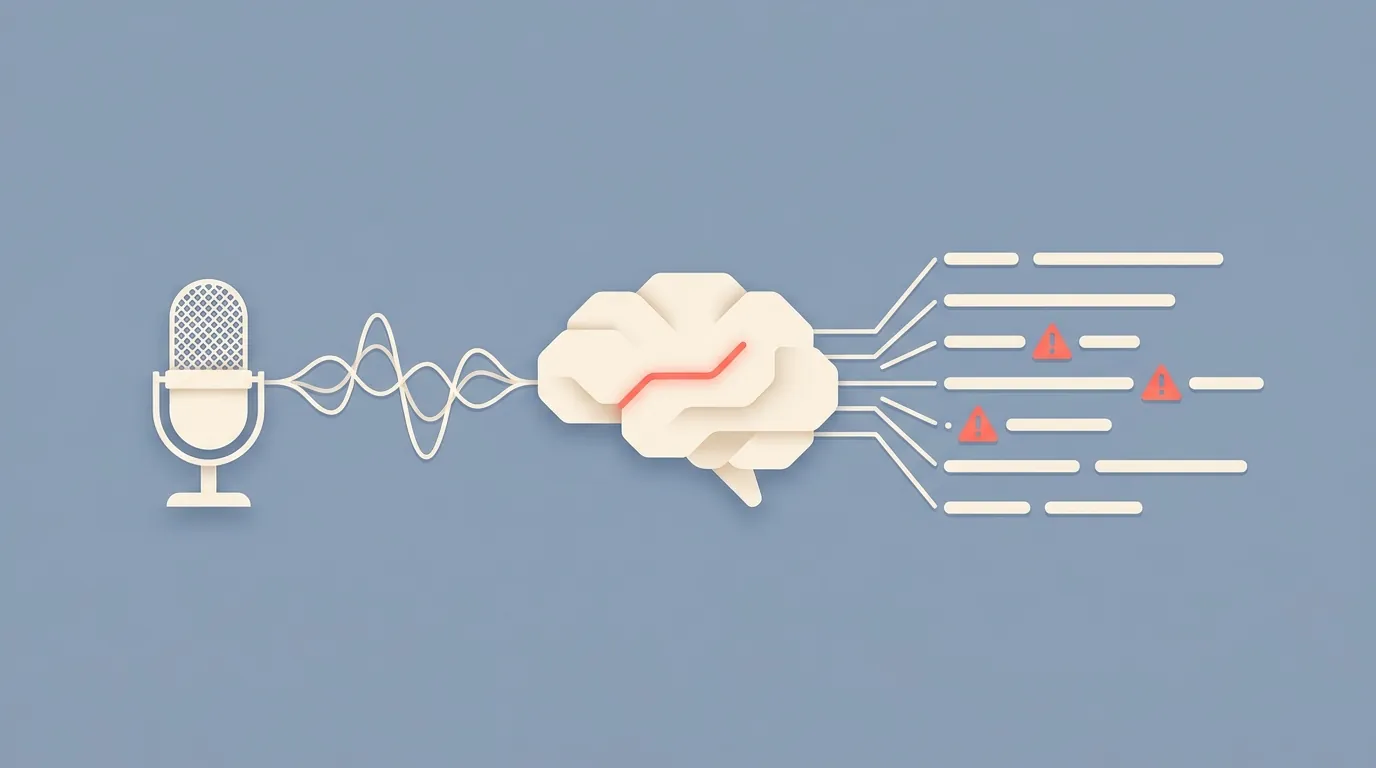
How auto-generated captions work (and when they fail)
YouTube uses automatic speech recognition (ASR) powered by Google's machine learning models. The same technology behind Google Voice Search and Google Meet's live captions.
Here's the simplified pipeline:
Audio is extracted from the video
The ASR model converts speech to text
Text is segmented and time-aligned
Output is stored as the video's auto-generated caption track
The whole process runs within minutes of a video being uploaded.
Where auto-captions still struggle
Despite improvements, certain conditions break auto-captions consistently:
Heavy accents. Non-native English speakers see noticeably higher error rates. A 2022 Stanford study showed ASR error rates nearly doubled for speakers with strong regional accents.
Technical jargon. Medical terms, programming language names, and niche vocabulary get mangled. "Kubernetes" becomes "Cooper Netties." "Supabase" becomes "super base."
Multiple speakers talking over each other. The model can't reliably separate overlapping speech.
Background noise. Music, crowd noise, and poor microphone quality all degrade accuracy.
Whispered or mumbled speech. Low-energy speech patterns confuse the model.
Have you ever turned on YouTube captions for a podcast and seen something completely wrong? That's usually a combination of casual speech, crosstalk, and the host mumbling into a low-quality mic.
For developers building on top of transcript data: these failure modes matter. If you're using transcripts for search, a misspelled technical term means your search index misses the match. If you're feeding transcripts to an LLM, garbage in means garbage out.
One honest observation
I've seen developers dismiss auto-captions entirely based on experiences from 2018 or 2019. That's outdated. The quality jump between 2020 and 2024 was significant. For clear, single-speaker English content, auto-captions are often good enough to use directly.
But "good enough" depends on your tolerance. For a semantic search index, 92% accuracy works. For medical transcription, it doesn't.
Know your threshold before you build.
How to access each one programmatically
Manually clicking "Show transcript" on YouTube works for one video. It doesn't work for 10,000.
If you need transcripts at scale, you need an API.
The YouTube Data API problem
YouTube's official Data API (v3) does not provide transcript or caption text directly. You can list available caption tracks for a video, but downloading the actual text requires OAuth authentication as the video owner.
Read that again. You can only download caption text for videos you own.
This means the official API is useless for most transcript extraction use cases. That's why third-party solutions exist.
Using TranscriptAPI
TranscriptAPI extracts transcript data from any public YouTube video. One endpoint, one credit per request, 49ms median response time.
Here's a basic example:
curl "https://transcriptapi.com/api/v2/youtube/transcript?video_url=dQw4w9WgXcQ" \
  -H "Authorization: Bearer YOUR_API_KEY"
The response includes:
Full transcript text
Timestamps for each segment
Language metadata
Caption type (auto-generated or manual)
For Python developers:
import requests

response = requests.get(
    "https://transcriptapi.com/api/v2/youtube/transcript",
    params={"video_url": "dQw4w9WgXcQ"},
    headers={"Authorization": "Bearer YOUR_API_KEY"}
)

transcript = response.json()
for segment in transcript["transcript"]:
    print(f"[{segment['start']}] {segment['text']}")
That's it. No browser automation, no proxy rotation, no CAPTCHA solving.
TranscriptAPI processes over 15 million transcripts per month. You get 100 free credits to start, no credit card required. Paid plans start at $5/month for 1,000 credits.
What about captions and subtitles?
Through TranscriptAPI, you're getting the transcript data that underlies both captions and subtitles. If a video has multiple language tracks, you can specify which one you want. The data is the same source that powers on-screen captions.
So in practice, "getting the transcript" and "getting the caption text" produce identical results. The difference only matters in how you display or use the output.
Frequently asked questions
Are closed captions the same as subtitles?
No. Closed captions are in the same language as the audio and include non-speech sounds. Subtitles are translated text for viewers who speak a different language. YouTube blurs this distinction in its interface, which causes most of the confusion.
Can I download YouTube captions as a text file?
Not easily through YouTube itself. YouTube shows transcripts in-browser but doesn't offer a direct download button. You can copy-paste manually, or use an API like TranscriptAPI to pull the text programmatically.
How accurate are YouTube auto-generated captions?
For clear English speech with a single speaker, accuracy is typically 90-95%. Accuracy drops with accents, jargon, background noise, and multiple speakers. The quality has improved significantly since 2022.
Do all YouTube videos have captions?
Most do. About 94% of YouTube videos have some form of caption track, either auto-generated or manually uploaded. Videos with no spoken audio (music visualizers, silent clips) may not have captions.
What format are YouTube transcripts in?
YouTube stores captions in a timed-text XML format internally. When you access them through TranscriptAPI, you get clean JSON with text segments and timestamps. If you need SRT or VTT files, you can convert from the JSON response.
Can I get transcripts in languages other than English?
Yes. If the video has captions in other languages (uploaded by the creator or auto-translated by YouTube), you can request specific language tracks. TranscriptAPI supports multi-language extraction with a language parameter.
The bottom line
Captions overlay on video for accessibility. Subtitles translate for foreign audiences. Transcripts give you the raw text as a document.
For developers, transcripts are where the value lives. They're the input for search, summarization, analytics, and every LLM workflow that touches video content.
Access any transcript via API at transcriptapi.com. 100 free credits, no card required.
What's the first thing you'd build with access to 800 million video transcripts?
Frequently Asked Questions
- What's the difference between captions and subtitles on YouTube?
- Both are on-screen text overlays during playback, but they serve different purposes. Captions are in the same language as the audio and aimed primarily at deaf and hard-of-hearing viewers; closed captions also include non-speech cues like "[music playing]" or "[door slams]." Subtitles are translations for foreign-language audiences and rarely include non-speech elements. They differ across format, when they're visible, sync, language, primary use, and whether non-speech audio is included.
- How accurate are YouTube's auto-generated captions, and when do manual captions matter?
- For clear English speech, auto-generated captions run below an 8% word error rate as of 2024 — roughly one wrong word in twelve or thirteen — down from 15-20% in 2019. That's accurate enough for most reading, search, and LLM processing. Manually uploaded captions (in SRT, VTT, or SBV format) are usually more accurate and matter when precision counts: quoting someone, legal review, or feeding text to an LLM where small errors can compound.
- What's the difference between a transcript and captions in terms of data format?
- Captions are time-coded text overlays meant to be displayed in sync with the video. A transcript is a full-text, standalone document you can read anytime, independent of the player. Both can carry timestamps, but the transcript is the format you'd use for reading, search, repurposing, or feeding to an AI model. When you pull a transcript through TranscriptAPI, the response metadata also tells you whether the captions were auto-generated or manually uploaded.